
How to Solve Crashing Errors in Space Marine 2
Discover how to solve crashing errors in Space Marine 2 with our guide. Fix general and cinematic crashes and ensure your PC is up to date.
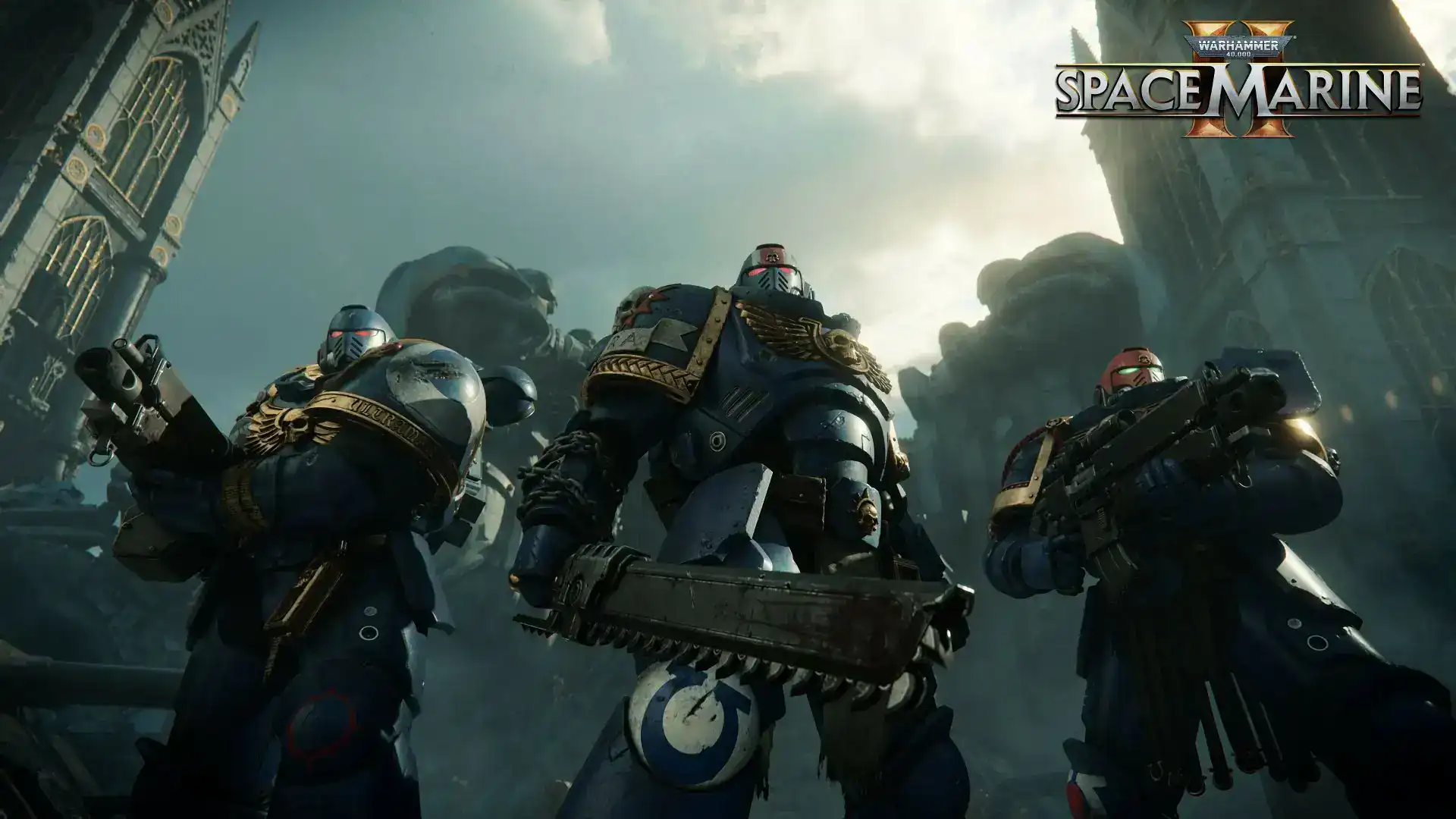
Image: Focus EntertainmentThe release of Warhammer 40K: Space Marine 2 has been highly anticipated, but players are now facing a frustrating issue: crashing errors. Whether you're diving into the co-op campaign or battling in PvP modes, persistent crashes can ruin the experience. If you're among those struggling with this problem, you're not alone. Luckily, there are several steps you can take to troubleshoot and fix these issues. In this guide, we'll walk you through effective solutions to how to solve crashing errors in Space Marine 2, helping you get back to enjoying the game without interruptions.
How to Solve Crashing Errors in Space Marine 2
How to solve crashing errors in Space Marine 2 is a pressing question for many players. Since the release of Warhammer 40K: Space Marine 2, some players have faced persistent crashes on PC. Here’s how you can address these issues.
General Crashes
How to solve crashing errors in Space Marine 2 often involves several steps. For general crashes, follow these solutions:
- Deactivate Overlay Software: Disable any overlay software such as Riva Tuner or Nvidia Overlay. These can interfere with game performance.
- Update Windows 10: Ensure you have Windows 10 version 1507 or higher. Older versions may cause compatibility issues.
- Check GPU Usage: Make sure the game is running on the correct GPU:
- Open Task Manager.
- Go to the Performance tab.
- Select GPU from the left menu to check GPU usage for running processes.
- Update GPU Drivers: Install the latest drivers for your GPU. Check the manufacturer’s website for the most recent updates.

Cinematic Crashes
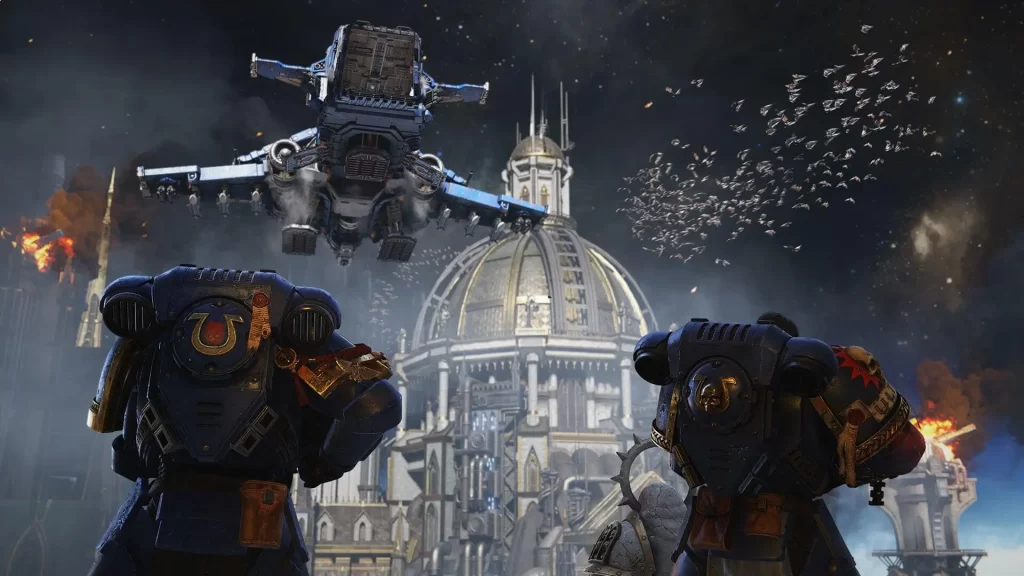
Crashes occurring during the first cinematic are another common issue. The solutions are similar to those for general crashes:
- Deactivate Overlay Software: Again, disable any overlay software that might be causing interference.
- Update Windows 10: Confirm you have an updated version of Windows 10.
- Verify GPU Settings: Ensure the game is using the correct GPU by checking Task Manager and adjusting settings if necessary.
- Update GPU Drivers: Make sure your GPU drivers are up to date to prevent crashes.
Additional Steps
If these tips for crashing errors in Space Marine 2 haven’t resolved the issue, check if your PC meets the game’s requirements. Upgrading your hardware may be necessary if you’re only meeting the minimum specs.
By following these steps, you can improve your gaming experience and minimize crashes in Space Marine 2.
Recent Articles

David Ware is the Founder and Managing Editor of iGame Magazine. Since 2024 he has built igamemag.com into a trusted online destination for gamers and tech enthusiasts, covering the latest gaming news, in-depth game reviews, hardware and tech breakdowns, and practical guides.
How we write: every article is researched from official sources, such as developer posts, store pages and press releases, then fact-checked and edited by David Ware before it's published. We use AI tools to help with research and drafting.
Related on iGame
 More GuidesDayZ Motorbikes Guide: Jana Moped vs Enduro, Top Speeds, Repairs and Where to Find ThemNov 2, 2026
  More GuidesACE COMBAT 8 Crashing on PC? Bandai Namco’s Official Fixes: Turn Off Async Compute and Raise Virtual MemoryNov 2, 2026
  More GuidesGray Zone Warfare Twitch Drops: Every Rogue Ops Reward, Stage Dates and How to Claim ThemOct 28, 2026
  More GuidesAbiotic Factor Mods Are Here: How to Install Them, Join Modded Servers and Make Your OwnOct 27, 2026
  More GuidesThe Best Survival Games of 2026 So Far, Ranked by Players and CriticsOct 27, 2026
  More GuidesThe Best Games of 2026 So Far, Ranked by CriticsOct 26, 2026