


How to Change Your Name in VALORANT: Riot ID Rules and the 90-Day Cooldown
How to change your name in VALORANT: edit your Riot ID on your Riot Account page. It's free every 90 days and applies to every Riot game. Name rules inside.
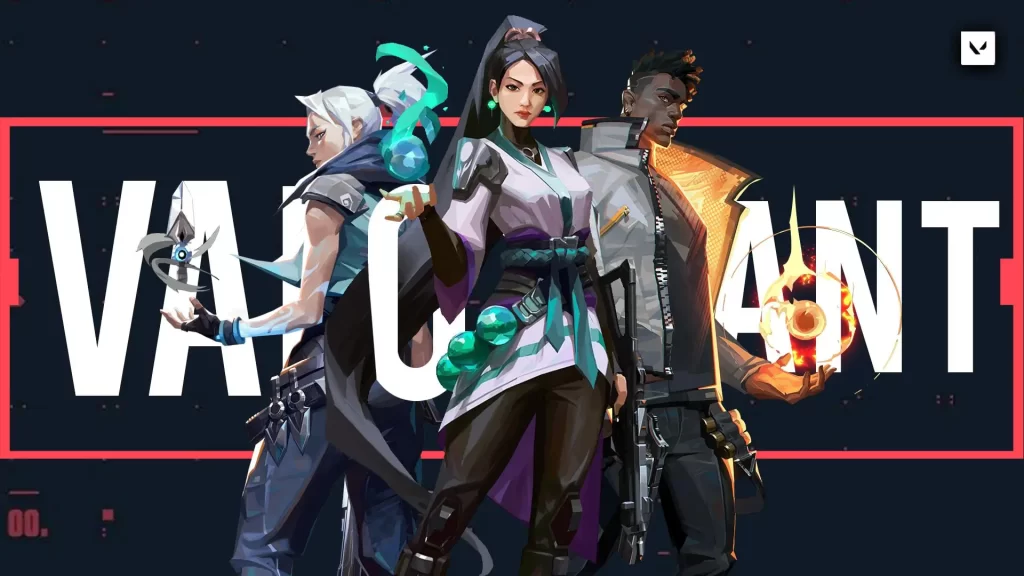
Image: Riot GamesTo change your name in VALORANT, you change your Riot ID on your Riot Account page (account.riotgames.com). It's free, but you can only do it once every 90 days, and the new name shows in every Riot game, not just VALORANT. Here's how, plus the rules your new name has to follow.
VALORANT name change at a glance
| What you change | Your Riot ID (Game Name + #tagline) |
| Where | account.riotgames.com |
| Cost | Free |
| How often | Once every 90 days |
| Game Name | 3–16 letters and numbers |
| Tagline | 3–5 letters and numbers |
| Applies to | All Riot games |
How do you change your VALORANT name?
- Close VALORANT.
- Go to your Riot Account page and sign in.
- Open the Riot ID section.
- Type your new Game Name and tagline.
- Click Save Changes.
Your new name appears in VALORANT the next time you log in.
What is a Riot ID?
Your Riot ID is your name across every Riot game, in two parts. In "EarlGreyTeemo#sip", the Game Name is "EarlGreyTeemo" and the tagline is "#sip". Your Riot ID isn't your login username, so changing it doesn't affect how you sign in.
What are the rules for a VALORANT name?
- Game Names must be 3–16 letters and numbers.
- Taglines must be 3–5 letters and numbers.
- Neither can be offensive or inappropriate.
- Your Game Name doesn't have to be unique, as long as the full Riot ID (name + tagline) isn't taken.
- Once you change your tagline from the default region code, you can't go back to a region code like NA1, EUW or OCE.
How often can you change your name in VALORANT?
Once every 90 days, for free. Riot doesn't offer a paid way to change it sooner, so pick carefully.
Why does it say my Riot ID is already in use?
Someone already has that exact name and tagline, or you've tried a reserved region code as your tagline. Change the tagline and try again.

Does changing my Riot ID affect League of Legends?
Yes. Your Riot ID is shared across all Riot games, including League of Legends and Teamfight Tactics. If you have more than one account, make sure you're signed in to the right one first. League and TFT players on PC can also start the change from the in-game Shop's Riot ID Change offer.

More on iGame Magazine
- VALORANT players react to Patch 9.08 map pool changes
- How to fix high ping – a guide for online games
Change your name in VALORANT FAQ

David Ware is the Founder and Managing Editor of iGame Magazine. Since 2024 he has built igamemag.com into a trusted online destination for gamers and tech enthusiasts, covering the latest gaming news, in-depth game reviews, hardware and tech breakdowns, and practical guides.
How we write: every article is researched from official sources, such as developer posts, store pages and press releases, then fact-checked and edited by David Ware before it's published. We use AI tools to help with research and drafting.
Related on iGame
 VALORANT newsVALORANT Players React to Patch 9.08 Map Pool ChangesJul 31, 2024
  Fixing lag in online gamesHow to Fix High Ping in RobloxJul 9, 2024
  More GuidesDayZ Motorbikes Guide: Jana Moped vs Enduro, Top Speeds, Repairs and Where to Find ThemNov 2, 2026
  More GuidesACE COMBAT 8 Crashing on PC? Bandai Namco’s Official Fixes: Turn Off Async Compute and Raise Virtual MemoryNov 2, 2026
  More GuidesGray Zone Warfare Twitch Drops: Every Rogue Ops Reward, Stage Dates and How to Claim ThemOct 28, 2026
  More GuidesAbiotic Factor Mods Are Here: How to Install Them, Join Modded Servers and Make Your OwnOct 27, 2026