
How to Fix High Ping in Roblox
Learn how to fix high ping in Roblox with simple steps to improve Roblox connection speed and reduce lag. Follow this guide for the solution.
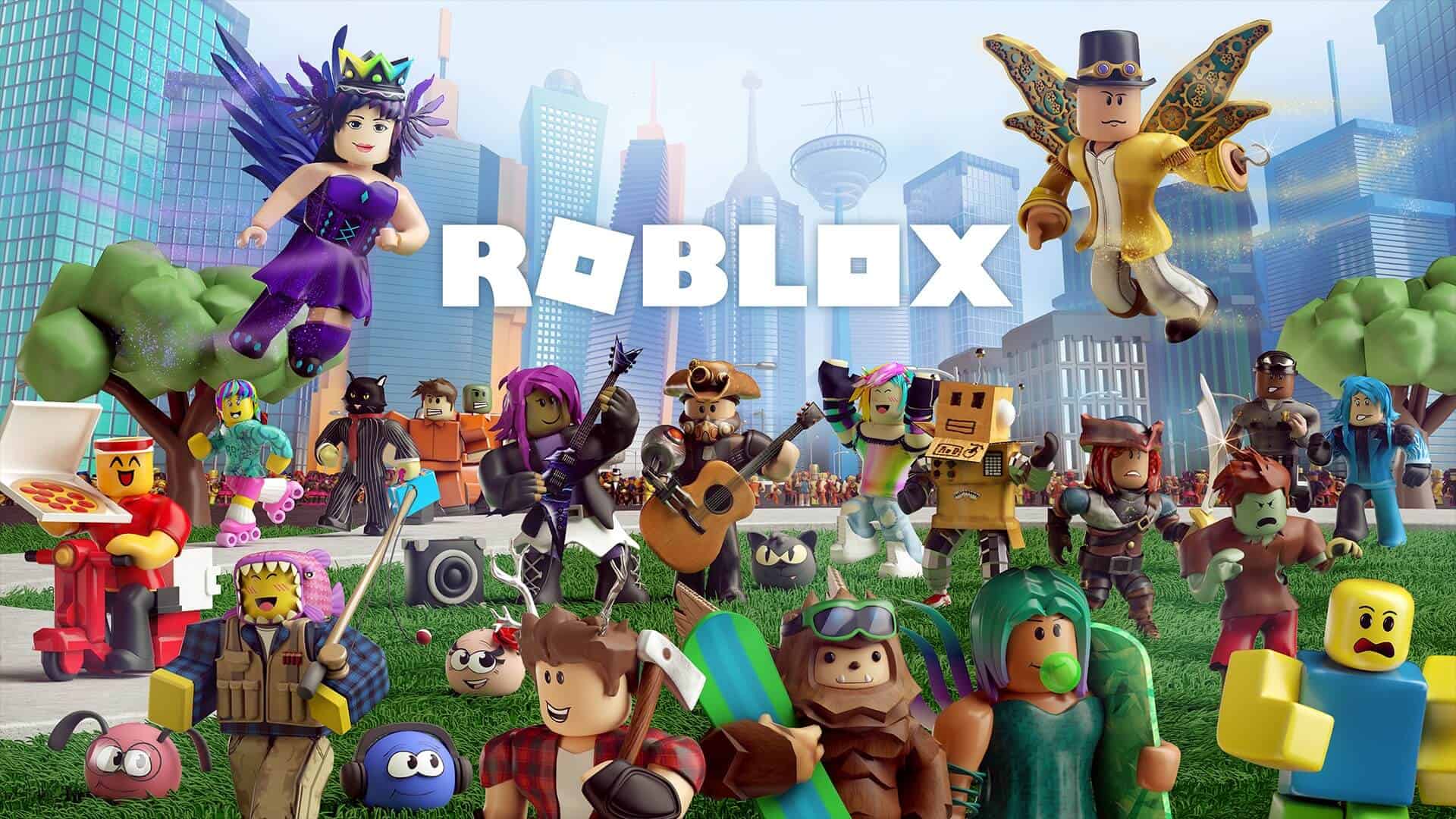
Image: RobloxHigh ping doesn't go well with Roblox. It can lead to lag, rubber banding, and random disconnects, frustrating your gaming sessions. This guide will help you understand how to fix high ping in Roblox and enhance your gaming experience.
Why Is My Ping High in Roblox?
High ping in Roblox can result from various factors, even when your internet connection seems good. These factors include server issues, bandwidth usage, and local network problems. Here’s how to fix high ping in Roblox with some practical steps.
Restart Your Modem and Router
The easiest fix is to reset your modem and router. Unplug them from the power source, wait 30 seconds, and then plug them back in.
Check for Roblox Server Outages
Ensure Roblox servers are operational. If there's an outage, your high ping might be temporary and will resolve once servers are back online.
Close Bandwidth-Hogging Applications
Shut down programs consuming significant bandwidth, like video streaming services or file-sharing applications. This frees up your connection for Roblox.
Turn Off Antivirus Software
Temporarily disable your antivirus program to see if it's interfering with your Roblox connection. Remember to turn it back on afterward.
Disable VPN
If you're using a Virtual Private Network, try turning it off as it can sometimes increase ping.

Check Household Bandwidth Usage
Ensure no one else in your house is using too much bandwidth. Activities like streaming 4K videos can affect your ping.
Change DNS Settings
Switch to a faster DNS server, such as Google’s Public DNS or Cloudflare’s DNS. Alternatively, revert to your default DNS if you're already using these options.
Use a Wired Connection
Connect your device directly to the router using an Ethernet cable instead of relying on Wi-Fi.
Try a Different Connection Type
Use mobile data via a hotspot temporarily to see if it provides a better connection to Roblox servers.
Contact Your ISP
If the above steps don't work, contact your Internet Service Provider. They can check for network congestion or technical problems in your area.
Conclusion
High ping in Roblox is often due to local network issues or bandwidth consumption. By following these steps on how to fix high ping in Roblox, you can enjoy smoother gameplay and fewer interruptions. Keep these tips in mind for a better gaming experience. If you decide you cannot rectify the ping issue and want to cancel your Roblox Premium, we have a handy guide for this as well.

David Ware is the Founder and Managing Editor of iGame Magazine. Since 2024 he has built igamemag.com into a trusted online destination for gamers and tech enthusiasts, covering the latest gaming news, in-depth game reviews, hardware and tech breakdowns, and practical guides.
How we write: every article is researched from official sources, such as developer posts, store pages and press releases, then fact-checked and edited by David Ware before it's published. We use AI tools to help with research and drafting.
Related on iGame
 More GuidesGray Zone Warfare Twitch Drops: Every Rogue Ops Reward, Stage Dates and How to Claim ThemOct 28, 2026
  More GuidesAbiotic Factor Mods Are Here: How to Install Them, Join Modded Servers and Make Your OwnOct 27, 2026
  More GuidesThe Best Survival Games of 2026 So Far, Ranked by Players and CriticsOct 27, 2026
  More GuidesThe Best Games of 2026 So Far, Ranked by CriticsOct 26, 2026
  More GuidesXbox Game Pass: Final Fantasy VII Remake, Mouthwashing and Every Game Coming and Leaving This WeekOct 26, 2026
  More GuidesHalloween Events 2026 in Survival and Shooter Games: Every Date, Free Item and RewardOct 25, 2026