

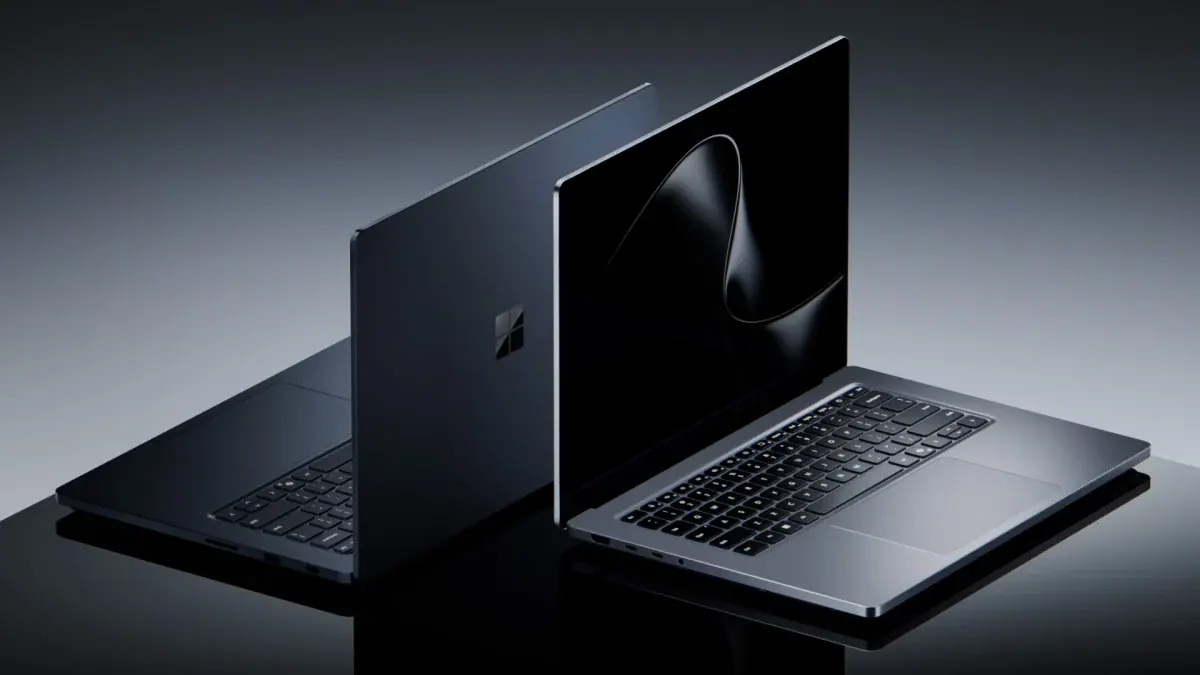
Surface Laptop Ultra Review Roundup: Beautiful and Powerful, but Not Built for Gamers
Surface Laptop Ultra reviews are in: critics love the design and AI power of NVIDIA's RTX Spark, but battery, the Mini-LED screen and gaming divide them.
Image: Microsoft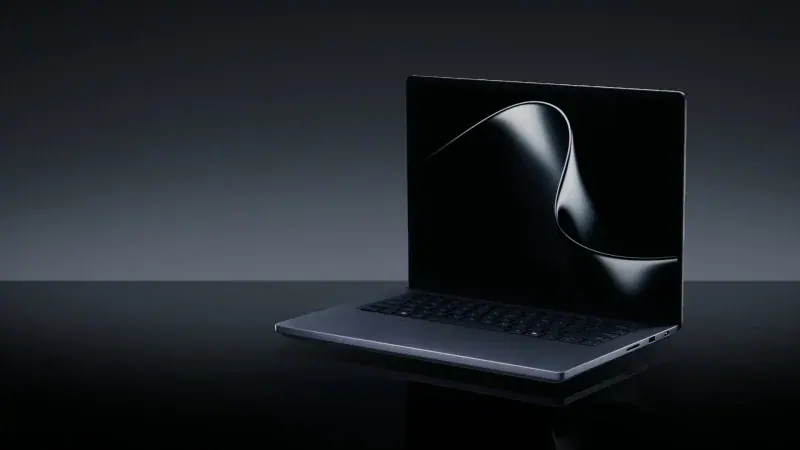
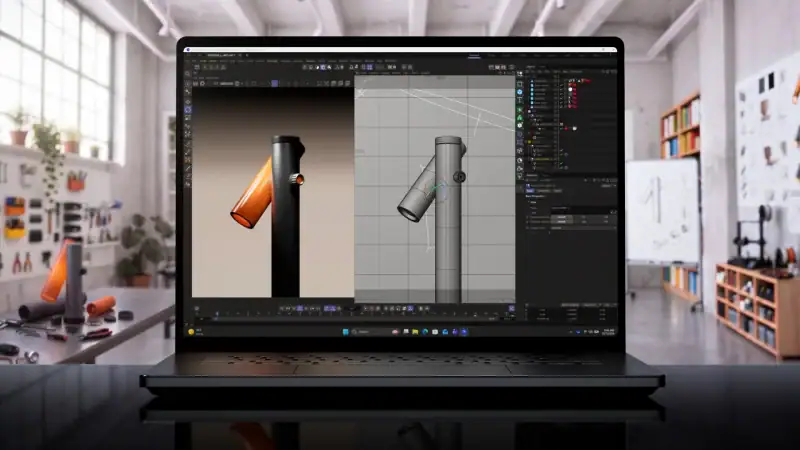
The first Surface Laptop Ultra review scores are in, and they're good but not unanimous. Microsoft's most powerful laptop, and the first big RTX Spark machine, averages around 7.9 out of 10 across the major reviews. Critics love its design, its brilliant screen brightness and its AI performance, but they're split on battery life, the Mini-LED panel and gaming.
This is a roundup of what the critics say, not our own review: we haven't tested it ourselves.
Surface Laptop Ultra review roundup at a glance
| Available | October 16, 2026 |
| Price | From $2,599.99 / £2,599 (24GB / 512GB); $3,699.99 for 32GB / 1TB |
| Chip | NVIDIA RTX Spark (up to 20-core Grace CPU + Blackwell RTX GPU) |
| Memory / storage | 24GB to 128GB unified memory; 512GB to 2TB SSD |
| Display | 15-inch PixelSense Ultra Mini-LED touchscreen, 120Hz, up to 2,000 nits HDR |
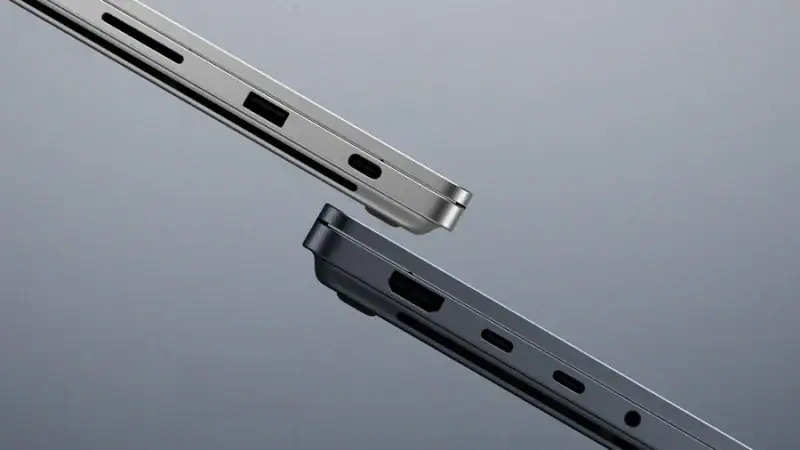
| Ports | 3x USB-C (USB4), USB-A, HDMI, SD card reader, headphone jack |
| Microsoft's battery claim | Up to 15 hours video, up to 12 hours web browsing |
| Critics' average | About 7.9/10 (4 scored reviews) |
Surface Laptop Ultra review scores
- Notebookcheck: 87%
- Tom's Guide: 4/5
- Gizmodo: 4/5
- Tom's Hardware: 3.5/5
What the critics loved
- The design. Tom's Hardware calls it "the most beautiful laptop Microsoft has ever made," and Tom's Guide praises its "badass" utilitarian look and "stellar ergonomics."
- The magnetic USB-C port. Microsoft's new magnetic charging port, which also works with standard USB-C chargers, is a favorite of both Tom's Hardware and Tom's Guide.
- Local AI performance. With up to 128GB of shared memory, reviewers found it runs large AI models faster than rival laptops, including Apple's MacBook Pro in some tests.
- Ports and repairability. Three USB4 ports, USB-A, HDMI and an SD card reader mean fewer dongles, and Tom's Hardware praises how clearly it's labelled for repair.
- Brightness. The Mini-LED screen reaches over 2,000 nits for HDR, which Microsoft says is the brightest peak HDR of any laptop.
What the critics didn't like
- The screen's weaknesses. Notebookcheck's headline says "The 2000-nits Mini-LED panel is a problem": it found slow response times with visible ghosting, PWM flickering and no local dimming, which hurts black levels. Tom's Guide also found it not as vivid as OLED rivals.
- Battery life. Tom's Hardware measured 10 hours 43 minutes, and Notebookcheck about 10.5 hours at 150 nits, but only 4.5 hours at full SDR brightness. That's well short of Microsoft's 15-hour claim and behind Apple.
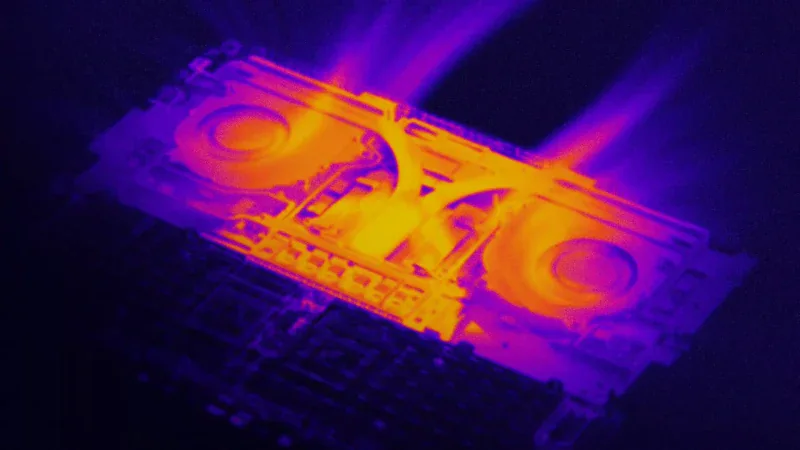
- Heat, noise and weight. Tom's Hardware lists "lots of fan noise" and calls it heavy, and Tom's Guide says it "can get hot fast."
- Software. It runs Windows on Arm, and Tom's Hardware says Windows "doesn't take advantage of what RTX Spark offers" for anyone not running AI models.
- The price. Tom's Hardware sums it up as "extremely expensive."
Is the Surface Laptop Ultra good for gaming?
It can game, but it isn't a gaming laptop. Tom's Guide calls its RTX performance "almost desktop-class" in some tests, while Tom's Hardware got 41–47 FPS in God of War: Ragnarök at 1440p on Ultra with DLSS, and 51–79 FPS at 1080p. But because it runs Windows on Arm, many games run through Microsoft's Prism emulator: Tom's Hardware couldn't get Red Dead Redemption 2 to run at all, and Gizmodo found emulated games load more slowly than on a normal laptop. Read our RTX Spark laptops explainer for more on what that means.
Should you buy the Surface Laptop Ultra?
Critics broadly agree: it's a superb machine if you run AI models, edit video or do 3D work and want it in a beautiful, portable Windows laptop. Tom's Guide calls it "a completely different species of laptop" to the MacBook Pro. But if you mainly game, or just want a premium everyday laptop, it's hard to justify the price, and a traditional RTX gaming laptop or a regular Surface Laptop will suit you better.
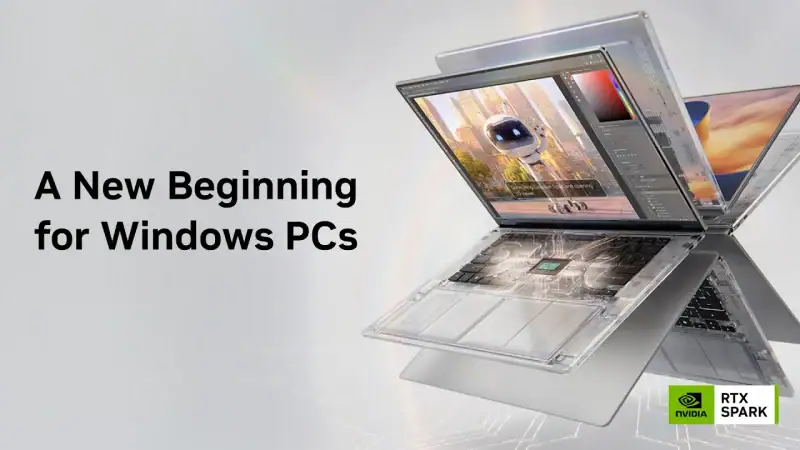
Critics agree it's Microsoft's most beautiful and powerful laptop, with brilliant AI performance. Battery life, a flawed Mini-LED screen, fan noise and its price keep it from greatness, and it isn't a gaming laptop.
What critics liked
- Gorgeous design and build
- Brilliant magnetic USB-C charging
- Class-leading local AI performance
- Plenty of ports, easy to repair
What critics didn’t
- Battery life trails Apple
- Mini-LED ghosting and flicker
- Loud fans and runs hot
- Very expensive, and some games won't run
More tech reviews on iGame Magazine
- RTX Spark laptops – every model, price and what they mean for gaming
- MSI Claw 8 EX AI+ review roundup – another high-end portable gaming PC
- Steam Frame review roundup – what critics said about Valve's headset
Surface Laptop Ultra review FAQ

David Ware is the Founder and Managing Editor of iGame Magazine. Since 2024 he has built igamemag.com into a trusted online destination for gamers and tech enthusiasts, covering the latest gaming news, in-depth game reviews, hardware and tech breakdowns, and practical guides.
How we write: every article is researched from official sources, such as developer posts, store pages and press releases, then fact-checked and edited by David Ware before it's published. We use AI tools to help with research and drafting.
Related on iGame
 Why the RTX 5090 has vanishedIs the RTX 5090 Discontinued? NVIDIA Says No, but It’s Vanished From Shelves and Prices Have Hit $8,500Oct 20, 2026
  Another high-end portable PC roundupMSI Claw 8 EX AI+ Review Roundup: Is the Fastest Handheld Worth $1,799?Oct 9, 2026
  Another tech review roundupSteam Frame Review Roundup: Is Valve’s VR Headset Worth It?Oct 8, 2026
  NVIDIA's high-end graphics comparedRTX 5080 vs RTX 4090 VRAM: 16GB GDDR7 vs 24GB GDDR6X ExplainedOct 10, 2024
  More Tech ReviewsColo GCS: The 7.1.2 Surround Speaker That Straps to Your Gaming ChairOct 21, 2024
  More Tech ReviewsRedragon GS560 Soundbar Review: Is It Worth Buying in 2026?Oct 21, 2024