
Arma Reforger Beginner’s Guide: 12 Tips From 450 Hours to Survive Your First Conflict Match
New to Arma Reforger? 12 beginner tips from 450 hours: which mode to start with, how Conflict works, squads, comms, supplies, driving and the 1.9 changes.

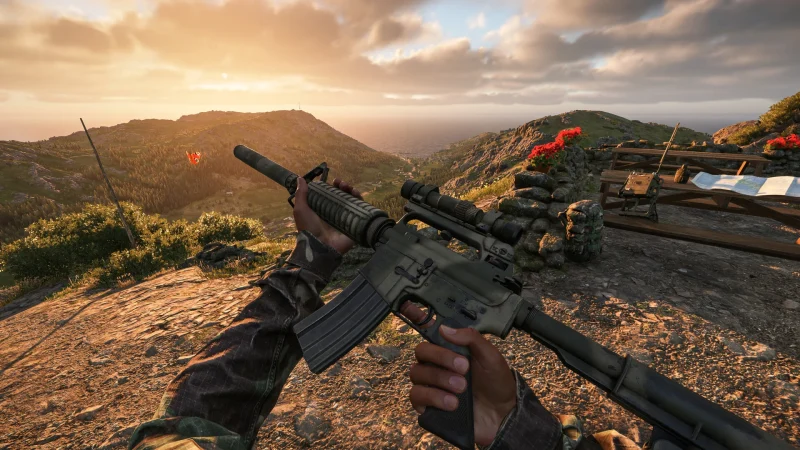
This Arma Reforger beginner's guide is for anyone about to deploy for the first time. We've put 450 hours into Bohemia Interactive's Cold War military sandbox, and the biggest lesson is simple: Arma Reforger rewards patience, teamwork and talking far more than fast reflexes. Here's which mode to start with, how Conflict works, and the 12 things we wish we'd known on day one.
Arma Reforger for beginners at a glance
| Best first mode | Operation Omega (solo) or Combat Ops (co-op), then Conflict |
| Main multiplayer mode | Conflict: capture strategic positions and run logistics |
| Match length | From an hour to several days in Conflict |
| Islands | Everon, Arland and Kolguyev |
| Platforms | PC, Xbox Series X|S, PS5, with cross-play |
| Latest update | 1.9, November 5, 2026 |
| Price | $39.99 / £32.99 / €39.99 on Steam |
Which Arma Reforger mode should beginners play first?
Bohemia offers several ways in, and the order matters if you're new:
- Operation Omega: the single-player campaign, five replayable missions behind enemy lines on Kolguyev. The best place to learn the controls without pressure.
- Combat Ops: co-op missions focused on small-team tactics, against AI.
- Elimination and Air Support: extra single-player scenarios.
- Game Master: one player builds and runs a live scenario for others. Great for practice with friends.
- Capture & Hold: faster, tactical PvP.
- Conflict: the big one. Bohemia calls it the game's principal multiplayer mode.
How does Conflict work in Arma Reforger?
Two sides fight across a whole island. In Bohemia's words, you "work with others to capture strategic positions, run logistics, and ultimately dominate the battlefield". Matches can last anywhere from an hour to days. Your military rank only lasts for that session, so everyone starts each match on an equal footing, and better gear and vehicles open up as you rank up by helping your team.
12 Arma Reforger tips for beginners
1. Talk to your team
This is the most important tip. Arma Reforger is a team game first, and communication is what wins. Use voice chat and the radio, call out what you see and say where you're going. The matches we've enjoyed most were the ones where everyone was talking.
2. Join a squad straight away
Don't run off alone. A squad gives you a leader, a plan and people watching your back. Lone players tend to die a long way from anyone who can help.
3. Learn the map and compass
There's no minimap pointing at enemies. Bohemia built Reforger so you navigate with a map and compass, so learn to read grid squares and give directions your squad can follow.

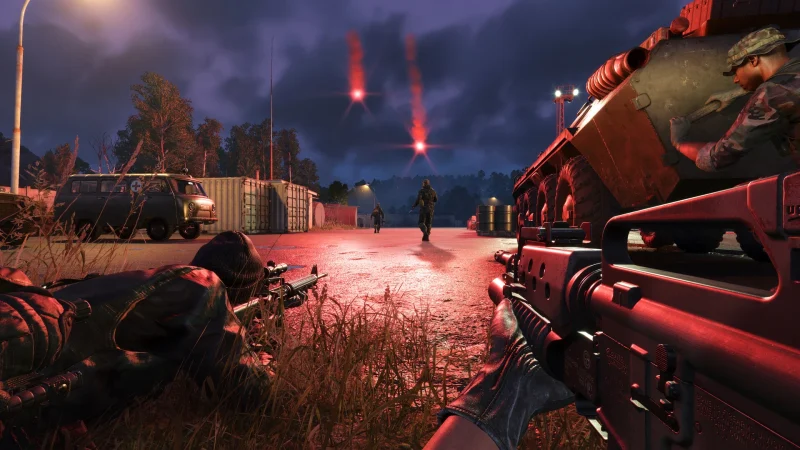
4. Move slowly and use cover
Ballistics are realistic and a couple of hits can put you down. Stop at tree lines and hedges, look before you cross open fields, and never sprint down the middle of a road.
5. Logistics win Conflict
Supplies keep your side running: they're spent on gear, vehicles and building. Driving a supply truck to a base you've just taken isn't glamorous, but it can matter more than any firefight.
6. Don't take more than you need
Gear isn't free for your team. Pick a loadout for your job and leave the rest for others.
7. Pick a role and stick to it
Rifleman, medic, machine gunner or driver: your squad works better when everyone knows their job. If you're new, a rifleman who follows orders is worth more than a sniper on a hill.
8. Drive carefully after 1.9
Update 1.9 rebuilt vehicle physics. Vehicles respond more realistically to the road, manual driving needs clutch care, and there's now mouse steering and racing wheel support. Take a few practice drives before your squad trusts you with a truck.

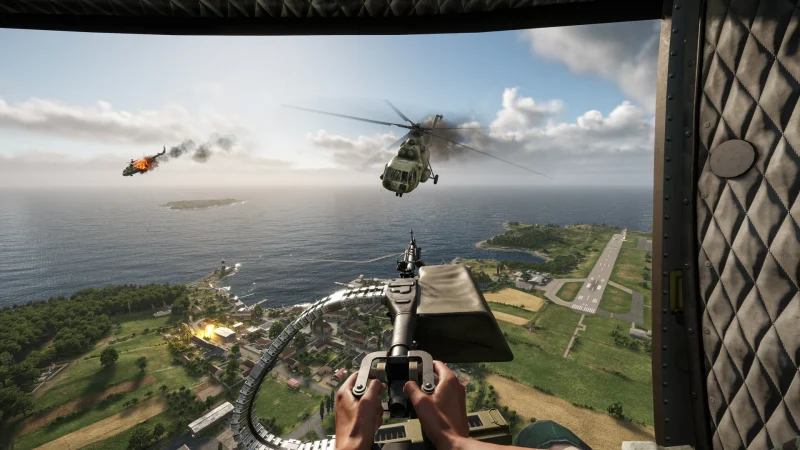
9. Repack your magazines
Also new in 1.9: combine leftover rounds from half-empty magazines into full ones. It's an easy way to get more out of your ammo on a long push.
10. Carry a canteen
Canteens arrived in 1.9. Drinking supports your stamina and steadier aim, which helps on long walks and long-range shots.
11. Use a shovel to clear cover
1.9 lets you clear bushes and low foliage with a shovel, and building bases now clears obstructing plants automatically. Handy for firing positions and defences.
12. Practise before you jump into Conflict
Play a few Operation Omega missions or a Game Master session with friends first. Learning the controls in a quiet scenario is far less painful than learning them under fire.
Can you play Arma Reforger with mods?
Yes, on every platform. The in-game Workshop lets you download thousands of community mods, including on Xbox and PS5. See our best Arma Reforger console mods for a good starting list.
What PC do you need for Arma Reforger?
At minimum: Windows 10 64-bit, an Intel Core i5-4460 or AMD FX-4300, 8 GB of RAM, an NVIDIA GTX 1650 Super or AMD RX 5300, DirectX 12 and 20 GB of storage.
Is Arma Reforger worth it for beginners?
Yes, if you like teamwork and a slower, more tactical shooter. We scored it 8/10 in our Arma Reforger review, mostly for its brilliant team play. Give it a few sessions with a good squad before you decide.
Watch Arma Reforger
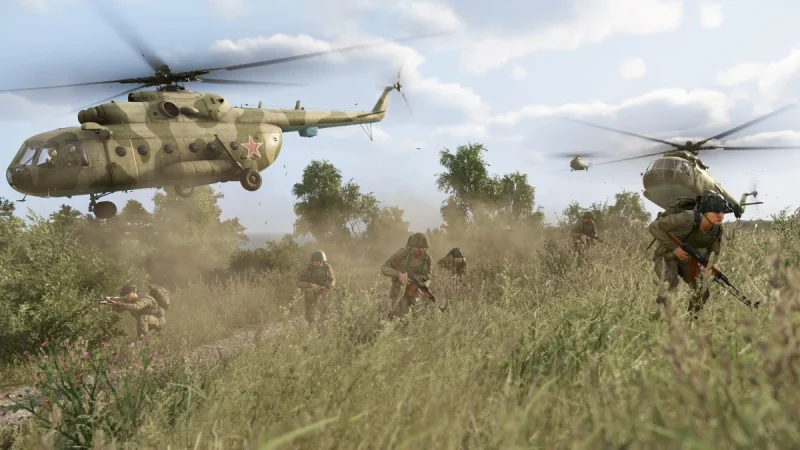
Official trailers and update videos play on the Arma Reforger Steam page.
More Arma Reforger on iGame Magazine
- Arma Reforger Review After 450 Hours: The Best Team Shooter for Players Who Like to Talk: our Arma Reforger review
- Arma Reforger 1.9 Update: Rebuilt Vehicle Physics, Racing Wheel Support and Manual Clutch, Plus the Rally DLC: everything in Update 1.9
- Best Arma Reforger Console Mods (2026): Top Workshop Mods for Xbox & PS5: the best console mods
- New Kolguyev Map in Arma Reforger Redefines Tactical Warfare: the Kolguyev map
FAQ

David Ware is the Founder and Managing Editor of iGame Magazine. Since 2024 he has built igamemag.com into a trusted online destination for gamers and tech enthusiasts, covering the latest gaming news, in-depth game reviews, hardware and tech breakdowns, and practical guides.
How we write: every article is researched from official sources, such as developer posts, store pages and press releases, then fact-checked and edited by David Ware before it's published. We use AI tools to help with research and drafting.
Related on iGame
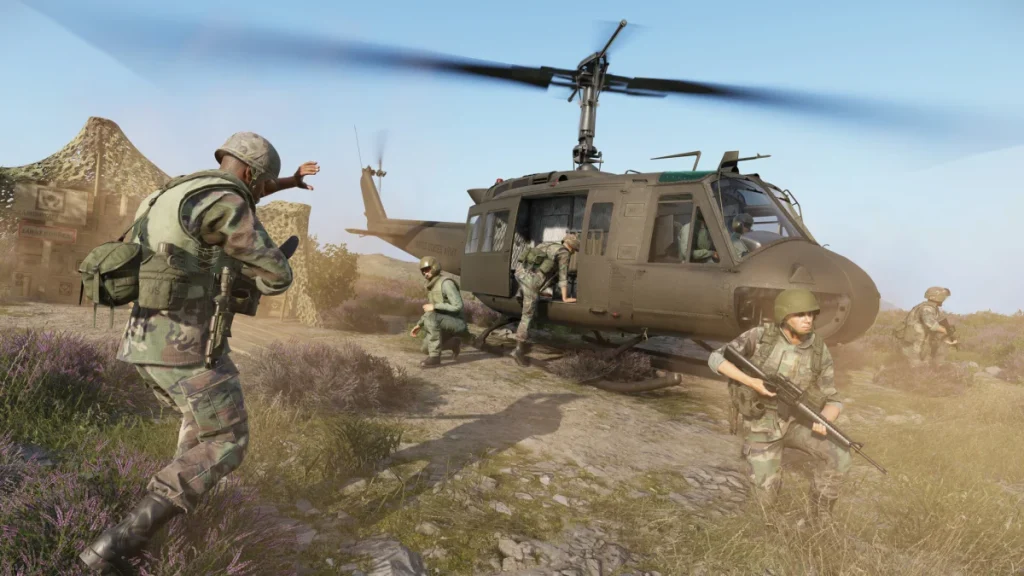 Our Arma Reforger reviewArma Reforger Review After 450 Hours: The Best Team Shooter for Players Who Like to TalkNov 8, 2026
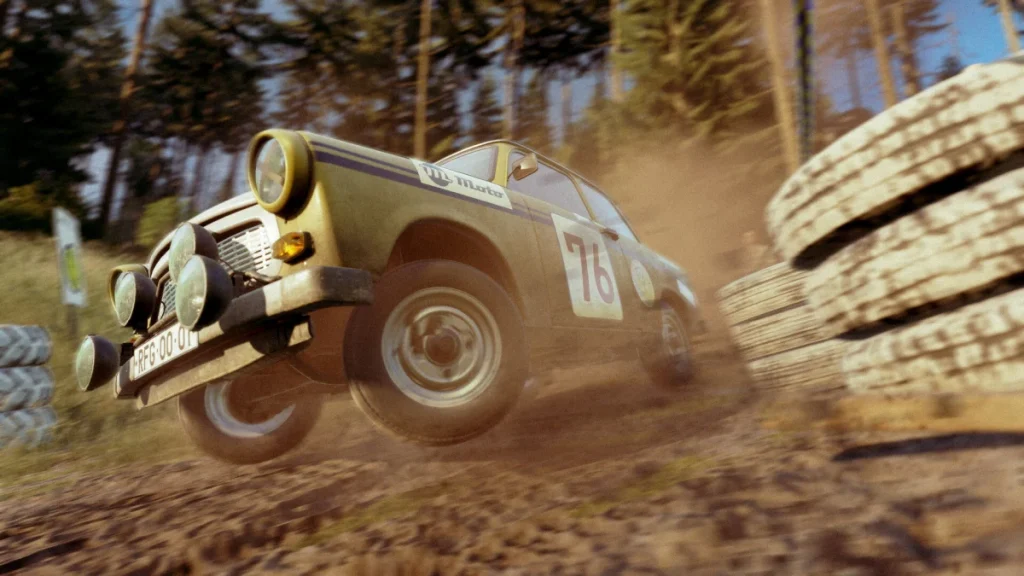 Everything in Update 1.9Arma Reforger 1.9 Update: Rebuilt Vehicle Physics, Racing Wheel Support and Manual Clutch, Plus the Rally DLCNov 2, 2026
 The best console modsBest Arma Reforger Console Mods (2026): Top Workshop Mods for Xbox & PS5May 21, 2025
 The Kolguyev mapNew Kolguyev Map in Arma Reforger Redefines Tactical WarfareOct 30, 2025
 More Guides7 Days to Die Beginner’s Guide: 12 Tips to Survive Your First Blood Moon in 2026Nov 9, 2026
 More GuidesForza Horizon 6 City Life: How to Get the Master Chief Outfit, Halo Horn and Every Reward CarNov 7, 2026