

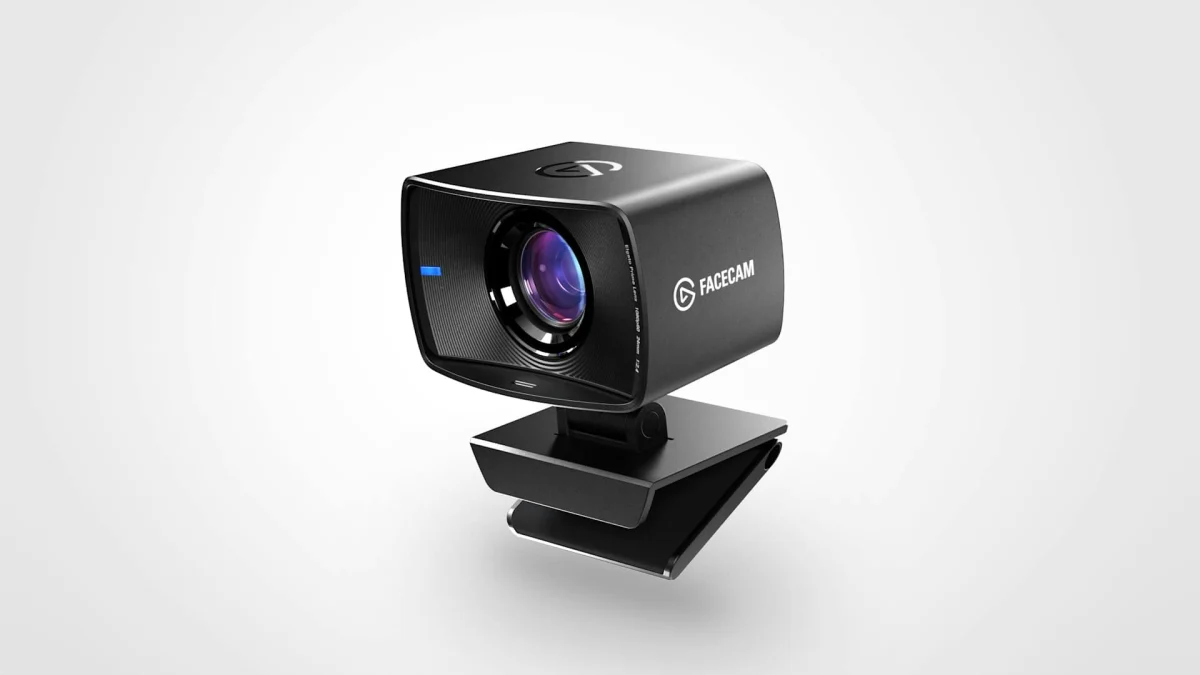
Elgato Facecam Review: A Brilliant Webcam Let Down by Software That Keeps Resetting
Our Elgato Facecam review from daily use: superb 1080p60 picture quality, but Elgato's camera app kept resetting our settings. Is it still worth buying?
Image: Elgato
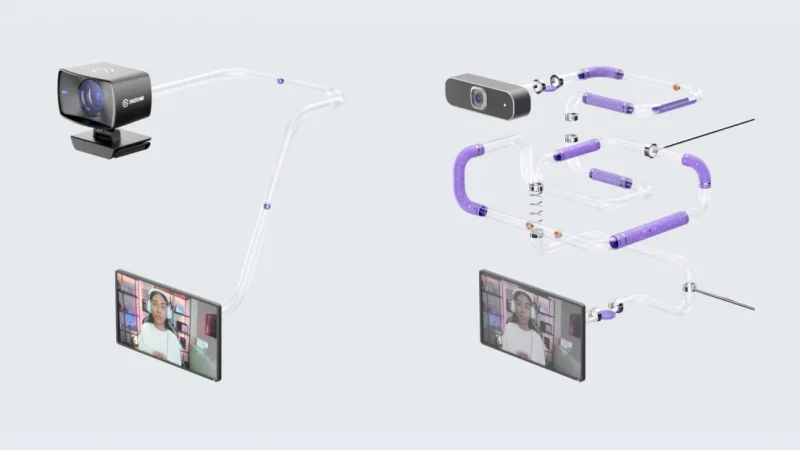
Our Elgato Facecam review is a bit different: this is the webcam we use every single day. The camera itself is excellent, with a picture that still makes most webcams look poor. The software is another story. Elgato's camera app has been the most frustrating part of owning it, because our settings kept resetting. We score it 7.5 out of 10: a great camera held back by its app.
Elgato Facecam review at a glance
| Score | 7.5/10 |
| How we used it | Our everyday webcam |
| Video | 1080p at 60 fps, uncompressed over USB 3.0 |
| Sensor and lens | Sony STARVIS CMOS sensor; eight-element glass lens, f/2.4, 24 mm full-frame equivalent |
| Field of view | 82 degrees, fixed focus |
| Microphone | None (Elgato leaves audio to your mic) |
| Software | Camera Hub, now replaced by Elgato Studio 2.0 |
| Still on sale? | Elgato lists the original Facecam as discontinued; Facecam MK.2 is $119.99 at Elgato US |
Is the Elgato Facecam good?
The camera is. Elgato built it like a small camera rather than a cheap webcam: an eight-element all-glass lens, a Sony STARVIS sensor made for indoor light, a heat sink for running all day, and uncompressed 1080p60 over USB 3.0. In daily use that shows. The image is sharp and smooth, colors look natural, and it's clearly a step up from the camera built into a laptop or a budget webcam.
What's wrong with the Elgato Facecam?
The software. To change exposure, white balance, zoom or picture settings, you use Elgato's camera app, and in our experience it was awful to live with: settings we'd dialled in kept resetting, so we were fixing the picture again instead of just turning the camera on. That's especially frustrating because Elgato sells Facecam on its Flash Memory, which is meant to save your settings on the camera itself so they follow it to any computer.
When the hardware is this good, an app that won't remember your settings is the one thing that can spoil it, and it's why this isn't an 8 or a 9.
Does Elgato Studio 2.0 fix it?
Maybe. On November 3, 2026, Elgato released Elgato Studio 2.0, which fully replaces Camera Hub. Elgato says new features and fixes now go only to Studio, Camera Hub no longer gets updates, and existing settings carry over automatically. The original Facecam is on Studio's supported list. We'll update this review once we've lived with Studio for a while. Our Elgato Studio 2.0 guide explains what changed.
Elgato Facecam specs
- Resolution: 1080p at 60 fps, uncompressed.
- Lens: Elgato Prime Lens, eight glass elements, f/2.4, 24 mm full-frame equivalent, 82-degree field of view, fixed focus.
- Sensor: Sony STARVIS CMOS.
- Connection: USB-C on the camera, USB 3.0 needed.
- Mounting: monitor clamp, plus a standard 1/4-inch thread.
- Memory: onboard Flash Memory for settings.
- No built-in microphone.
Should you buy the Elgato Facecam?
Elgato now lists the original Facecam as discontinued, so you'll mostly find it second-hand or as remaining stock. The current model, Facecam MK.2, keeps 1080p60 and adds HDR, and costs $119.99 at Elgato US. If you want the best picture for streaming or calls and don't mind some software fiddling, a Facecam is still a great choice. If you want a camera you never have to think about, wait to see whether Studio 2.0 sorts out the settings problem.
Watch the Elgato Facecam
Elgato's own sample footage and videos are on the Facecam page. We couldn't find a current official trailer for the original model.
A superb webcam with a picture that still beats most rivals, let down by camera software that wouldn't keep our settings.
What we liked
- Sharp, smooth uncompressed 1080p60
- Proper glass lens and Sony sensor
- Natural colours, great indoors
- Sturdy clamp and 1/4-inch thread
What we didn’t
- Camera app kept resetting our settings
- No built-in microphone
- Fixed focus
- Original model now discontinued
More streaming gear on iGame Magazine
- SteelSeries Arctis 9 Review: Still Worth Buying in 2026?: our SteelSeries Arctis 9 headset review
FAQ

David Ware is the Founder and Managing Editor of iGame Magazine. Since 2024 he has built igamemag.com into a trusted online destination for gamers and tech enthusiasts, covering the latest gaming news, in-depth game reviews, hardware and tech breakdowns, and practical guides.
How we write: every article is researched from official sources, such as developer posts, store pages and press releases, then fact-checked and edited by David Ware before it's published. We use AI tools to help with research and drafting.
Related on iGame
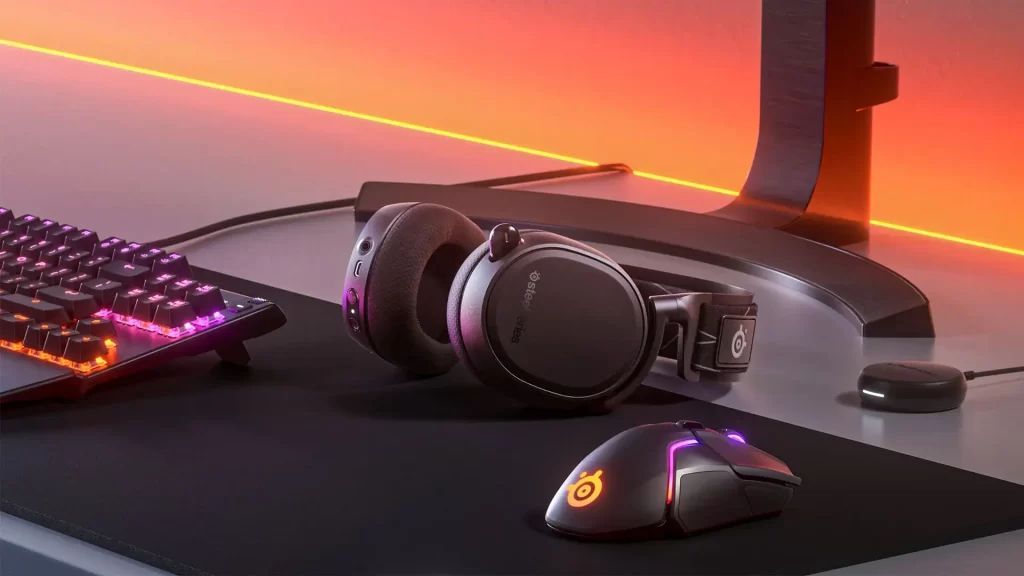 Our SteelSeries Arctis 9 headset reviewSteelSeries Arctis 9 Review: Still Worth Buying in 2026?Apr 23, 2024
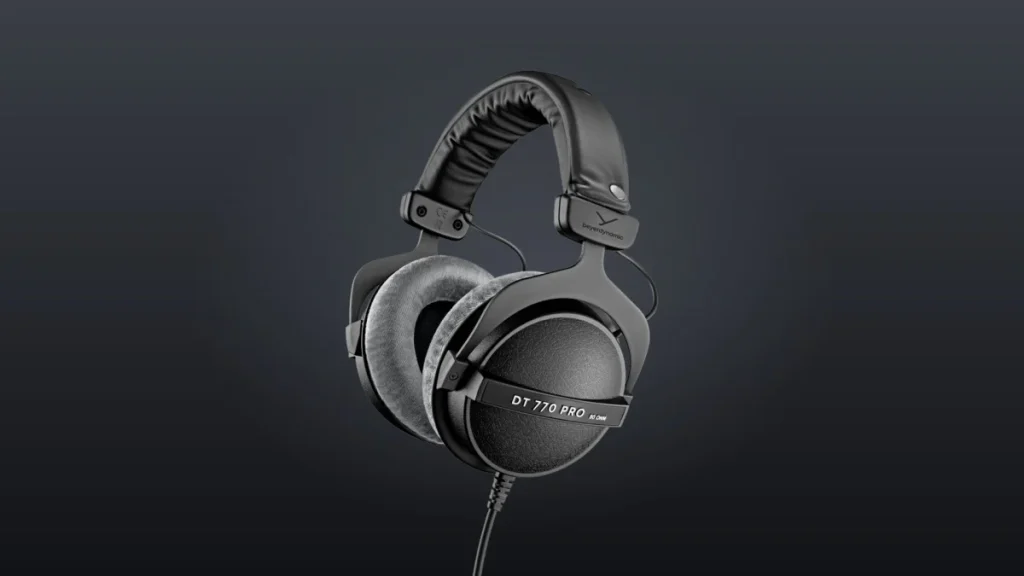 More Tech Reviewsbeyerdynamic DT 770 PRO 80 Ohm Review: Wired, Beautiful and So Comfortable You Forget They’re OnNov 8, 2026
 More Tech ReviewsAcer Predator Atlas 8 Review Roundup: Seriously Fast, but Watch the Screen, Controls and Sleep ModeNov 2, 2026
 More Tech ReviewsLogitech G Yeti 2 Review Roundup: Critics Love the Smart Mic, but Don’t Expect XLROct 27, 2026
 More Tech ReviewsSurface Laptop Ultra Review Roundup: Beautiful and Powerful, but Not Built for GamersOct 20, 2026
 More Tech ReviewsMSI Claw 8 EX AI+ Review Roundup: Is the Fastest Handheld Worth $1,799?Oct 9, 2026