

Razer Viper Ultimate Review: Is This Wireless Mouse Still Worth It?
Our Razer Viper Ultimate review covers its 74g ambidextrous design, Focus+ sensor, battery life, charging dock and whether it's still worth buying in 2026.
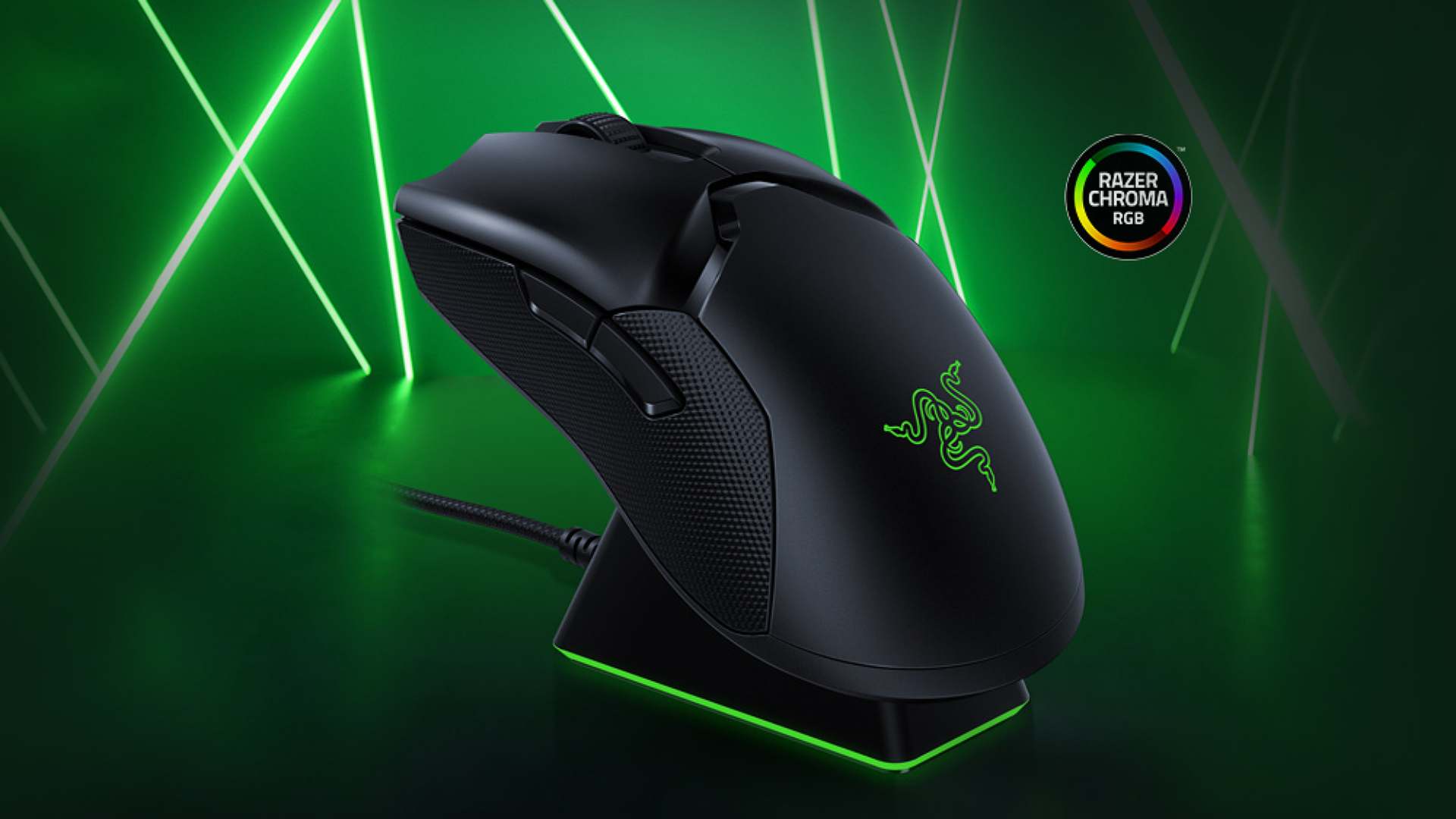
Image: RazerOur Razer Viper Ultimate review in short: this is a light, ambidextrous wireless gaming mouse with a superb sensor, fast optical switches and a handy RGB charging dock. It feels as quick as a wired mouse, works for left- and right-handed players, and is often much cheaper than when it launched. Newer, lighter mice have arrived since, but it's still a fantastic all-rounder.
Below we look at the Viper Ultimate's design, performance, battery and dock, and whether it's still worth buying in 2026.
Razer Viper Ultimate at a glance
| Connection | Razer HyperSpeed wireless (2.4GHz) or wired |
| Sensor | Razer Focus+ optical, up to 20,000 DPI |
| Polling rate | Up to 1,000Hz |
| Switches | Razer optical mouse switches, rated for 70 million clicks |
| Buttons | 8 programmable, with side buttons on both sides |
| Shape | Ambidextrous |
| Weight | 74g |
| Battery life | Up to 70 hours (lighting off) |
| Charging | Chroma RGB charging dock or Speedflex cable |
| Launch price | $149.99 with dock |
What is the Razer Viper Ultimate?
The Viper Ultimate is the wireless version of Razer's esports-focused Viper mouse. It takes the Viper's light, low-profile ambidextrous shape and adds Razer's HyperSpeed wireless, which is designed to feel just as responsive as a cable. It comes with a charging dock that also acts as the wireless receiver.
Design and comfort
At 74g, the Viper Ultimate is light enough for fast flicks without feeling flimsy, and it does it without a honeycomb shell full of holes. The shape is low and symmetrical, which suits a fingertip or claw grip, especially for small to medium hands. Players with large hands who like to palm their mouse may find it a little low.
Because it's ambidextrous, there are two side buttons on both the left and right. That makes it one of the best options for left-handed gamers, and you can disable the buttons on whichever side you don't use in Razer Synapse so you don't click them by accident. PTFE feet help it glide smoothly across your mouse mat.
Performance: sensor and switches
The Focus+ optical sensor tracks accurately up to 20,000 DPI, far more than anyone actually needs, and it handles fast flicks and small, precise adjustments without any problems. Over HyperSpeed wireless, the mouse feels just as quick as a wired one in shooters.
Razer's optical mouse switches register clicks with a beam of light rather than a metal contact. That makes clicks crisp and fast, and it avoids the unwanted double-clicking that can affect worn mechanical switches over time.
Battery life and the charging dock
Razer quotes up to 70 hours of battery life with the lighting off. With RGB on and a high polling rate you'll get less, so expect to charge it every few days of heavy use rather than once a fortnight.
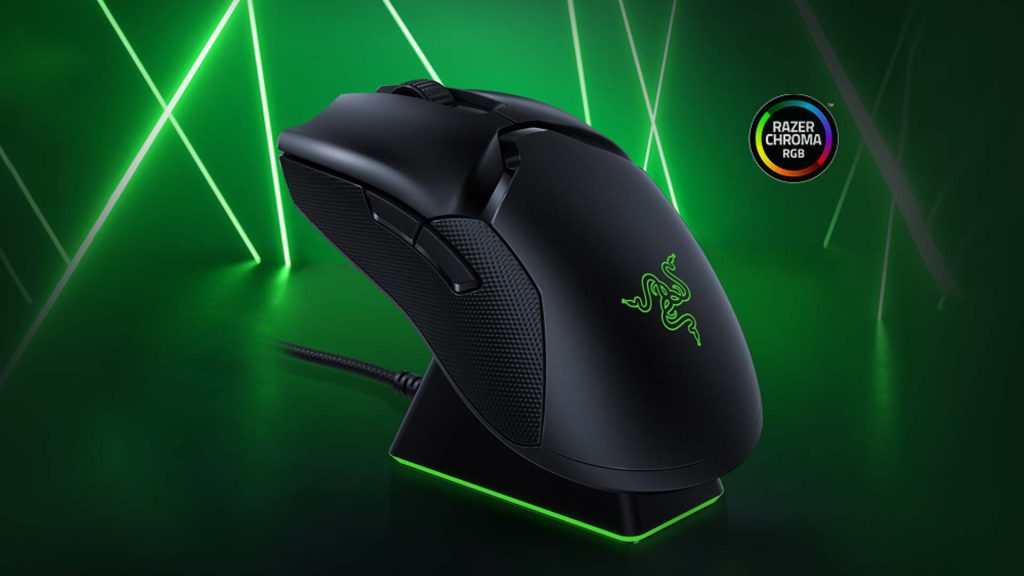
Charging is easy thanks to the included Chroma RGB dock. Drop the mouse onto it at the end of a session and it charges, with the dock's lighting showing the battery level. The dock also holds the wireless receiver, bringing it closer to your mouse for a stronger connection. You can also plug the Speedflex cable straight in and keep playing while it charges.
Is the Razer Viper Ultimate still worth buying in 2026?
Yes, if you find it at a good price. It launched at $149.99, but it's often discounted well below that now, and at that price it's a superb wireless mouse with a dock included.
Newer mice have moved on in a couple of areas. Razer's own Viper V3 Pro is much lighter and supports far higher polling rates, and modern mice generally offer longer battery life. If you're a top-level competitive player chasing every gram and millisecond, those are worth a look. For everyone else, the Viper Ultimate's shape, sensor and dock still make it a great buy.
Who should buy the Razer Viper Ultimate?
- Left-handed gamers who struggle to find good wireless mice.
- Fingertip and claw grip players with small to medium hands.
- Anyone wanting wireless without giving up the speed of a wired mouse, and who likes the convenience of a charging dock.
Final verdict
The Razer Viper Ultimate is a fast, light and versatile wireless gaming mouse that still holds up today. Its ambidextrous shape, accurate sensor, optical switches and charging dock make it an excellent all-rounder, and big discounts make it even better value. Newer flagships are lighter and quicker on paper, but this is still one of the best wireless mice for the money.
A light, ambidextrous wireless mouse with a top-tier sensor and barely noticeable latency.
What we liked
- Excellent Focus+ sensor with minimal click latency
- Ambidextrous shape with side buttons on both sides
- Solid, durable build at 74g
- Charging dock that also boosts wireless range
What we didn’t
- Best suited to small and medium hands
Razer Viper Ultimate FAQ
Is the Razer Viper Ultimate good for left-handed players?
Yes. It's fully ambidextrous with side buttons on both sides, making it one of the best wireless mice for left-handed gamers.
How long does the Razer Viper Ultimate battery last?
Razer quotes up to 70 hours with the lighting off. Expect less with RGB on and higher polling rates.
Does the Razer Viper Ultimate come with a charging dock?
The standard bundle includes the Chroma RGB charging dock, which also holds the wireless receiver.
How heavy is the Razer Viper Ultimate?
It weighs 74g.

David Ware is the Founder and Managing Editor of iGame Magazine. Since 2024 he has built igamemag.com into a trusted online destination for gamers and tech enthusiasts, covering the latest gaming news, in-depth game reviews, hardware and tech breakdowns, and practical guides.
How we write: every article is researched from official sources, such as developer posts, store pages and press releases, then fact-checked and edited by David Ware before it's published. We use AI tools to help with research and drafting.
Related on iGame
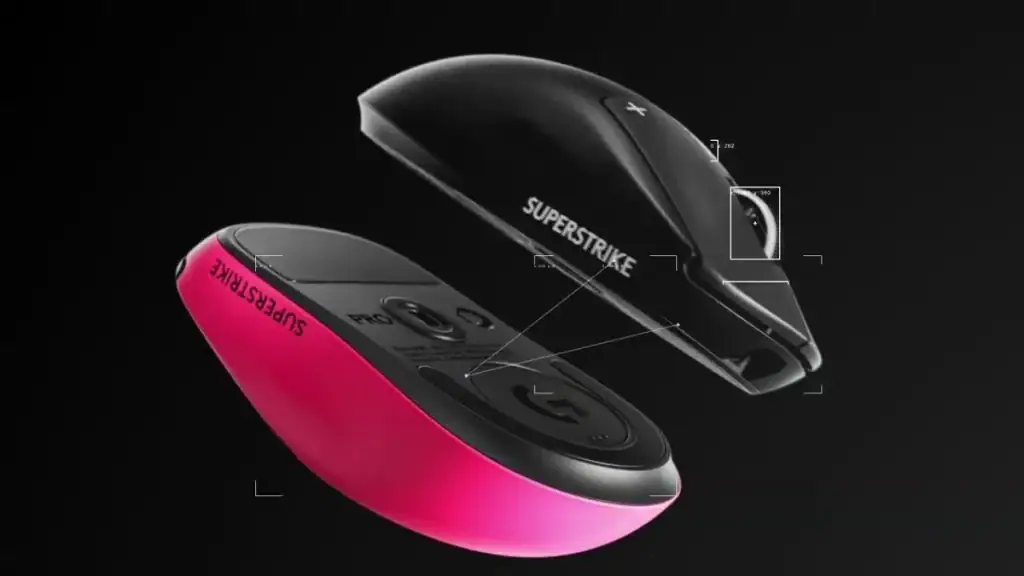 Logitech's newest PRO miceLogitech G PRO X3 SUPERSTRIKE: Price, Specs and the New PRO RangeOct 9, 2026
 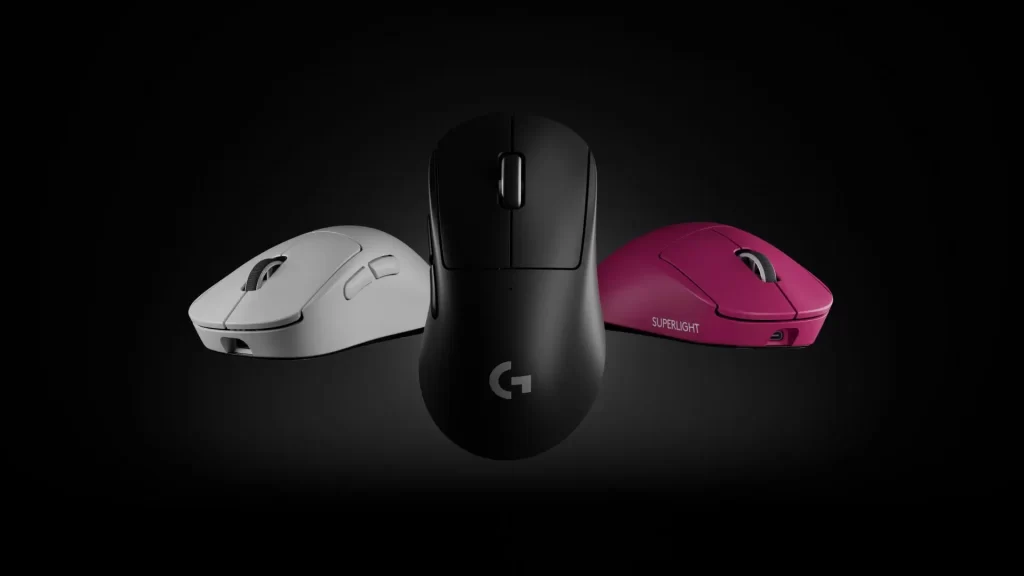 A premium ergonomic alternativeLogitech G Pro X Superlight 2 Dex Review: Specs, Shape and VerdictSep 19, 2024
  The matching Razer esports keyboardRazer Huntsman Tournament Edition Review: Still a Top Esports Keyboard?Apr 11, 2024
  Our top-rated wireless headsetSteelSeries Arctis 9 Review: Still Worth Buying in 2026?Apr 23, 2024
  More Tech ReviewsLogitech G Yeti 2 Review Roundup: Critics Love the Smart Mic, but Don’t Expect XLROct 27, 2026
  More Tech ReviewsSurface Laptop Ultra Review Roundup: Beautiful and Powerful, but Not Built for GamersOct 20, 2026