
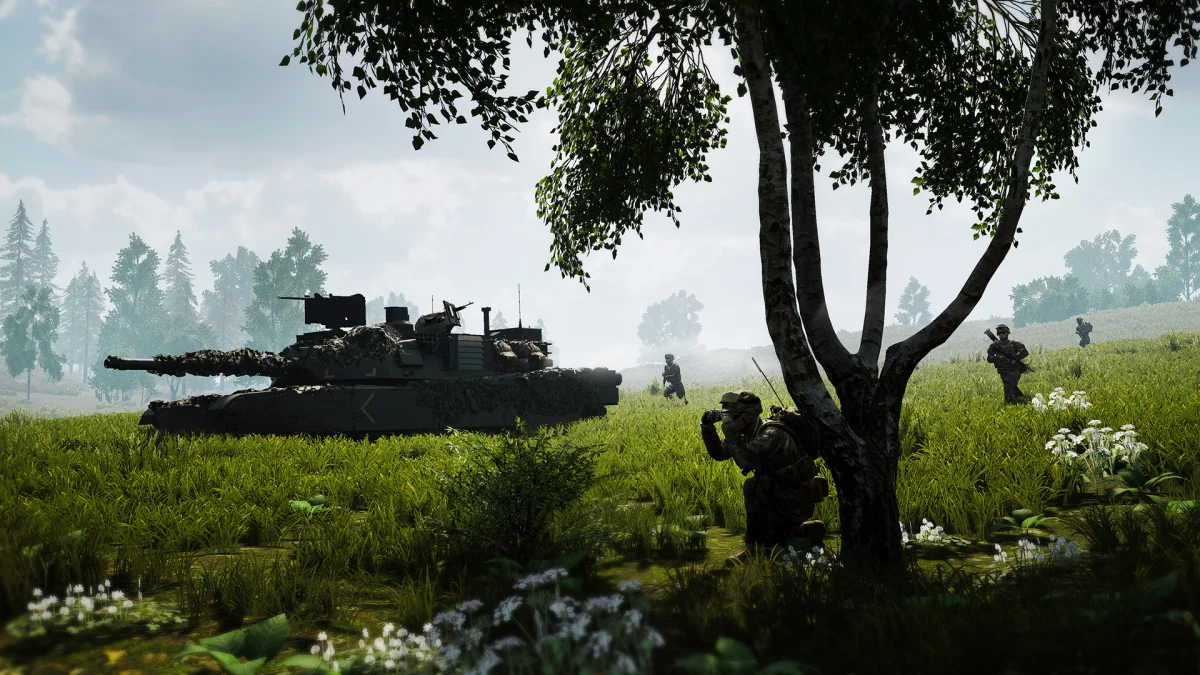
Squad Beginner’s Guide: 13 Tips for Your First 50 vs 50 Battle, From Picking a Squad to Rallies, FOBs and Not Being a Liability
New to Squad? Our beginner's guide covers joining a squad, comms, roles, rally points, FOBs, suppression, medics and the free Fireteam PvE mode.
This Squad beginner's guide is for anyone about to jump into their first 50 vs 50 battle. Offworld's military shooter is one of the most rewarding team games on PC, but it doesn't explain much: you'll spawn, run for ages, and get shot by someone you never saw. The good news is that Squad is built around teamwork, and new players who listen, talk and stick with their squad are welcome on most servers. These 13 tips cover what nobody tells you on day one, from choosing a squad and using the right voice channel to rally points, FOBs and staying alive long enough to matter.
Squad at a glance
| Developer and publisher | Offworld Industries |
| Players | Up to 100: 50 vs 50, in squads of up to 9 |
| Content | 13 factions, 24 maps (Steam store) |
| Co-op | Fireteam: up to 5-player PvE missions, 4 free for all owners |
| Platforms | PC (Steam); PS5 and Xbox Series X|S announced, no date yet |
| Price | $39.99 / £29.75 / €33.99 on Steam |
| Hardest part for beginners | Communication and staying with your squad |
1. Join a squad, never play alone
Every player should be in a squad: the game is designed around it. Open the squad screen and join an unlocked infantry squad with space. Avoid squads named "armor", "heli" or "logi" until you know the game, since those need vehicle skills and the squad leader will expect them. Many servers kick or warn players who sit outside a squad, and you'll miss everything your squad leader says.
2. Get a working microphone and learn the voice channels
Squad's in-game voice chat has several channels: local (players near you, including enemies), squad (your squad only), and for leaders, a channel between squad leaders and the commander. Check your keybinds before your first match. Talk in squad chat for callouts, and use local voice when you're right next to someone, for example to ask a medic for help. You don't need to talk constantly, but answering your squad leader and calling out enemies makes you useful immediately.
3. Tell your squad leader you're new
Say it at the start of the match. Most squad leaders will give you a simple job, stick you with an experienced player, or explain what's going on. It also stops them expecting you to know callout formats or vehicle controls you haven't learned yet.
4. Start as a Rifleman
Squad has roles (kits) with limits per squad, such as medic, automatic rifleman, grenadier, marksman and anti-tank. As a beginner, pick Rifleman: it carries extra ammo bags you can drop for your squad, which is a genuinely useful job while you learn the maps. Leave limited roles like marksman or heavy anti-tank to players who know when to use them.
5. Learn to read the map
Open the map often. It shows your squad leader's markers, the objectives, where your squad and team are, and where enemies have been spotted. Callouts in Squad use grid references and compass bearings, such as "enemy infantry, bearing 270, about 100 meters". Learning to give and understand those is one of the biggest steps up for a new player.
6. Understand rally points and HABs
You can't spawn anywhere. Your team spawns at the main base, at rally points placed by squad leaders (for their own squad), and at HABs, hub bunkers built at forward operating bases (FOBs) that the whole team can use. Spawning at the right place cuts minutes of running. If your squad leader asks for players nearby to place a rally, go to them: they usually need squad members close to set one up.
7. Help build FOBs: the shovel matters
Squad's building and logistics system wins games. A FOB radio placed with supplies lets your team build a HAB, ammo crates and defenses like sandbags, razor wire, HMGs and anti-tank guns. Building only happens when players hit the structure with a shovel, so when you see a half-built HAB or emplacement, dig. It's one of the most valuable things a new player can do.
8. Suppression is real: use it and respect it
Squad's suppression system blurs and shakes your screen when bullets land close, making it hard to shoot back. That's why firing at an enemy position helps even if you don't hit anyone: it pins them down so your squad can move. When you're being suppressed, get into cover first, then return fire.
9. Slow down and use cover
Running in the open gets you killed from distances you won't believe. Move between cover, stay off ridgelines, and don't stand still on the skyline. Squad's Picture-in-Picture scopes mean the world keeps moving around your scope, so take your time aiming. Most fights are won by whoever spotted the other first.
10. Don't give up when you go down
When you're badly wounded you go down rather than dying straight away, and a medic can revive you. Call for a medic in squad or local voice and give your position. If you choose to respawn too early, your squad loses you and the team may lose tickets. Only give up when your squad leader says nobody can reach you.
11. Learn the game modes
Most servers play AAS and RAAS (Advance and Secure, with fixed or random flag orders: capture flags in sequence) and Invasion (one team attacks, the other defends). Each team has tickets, lost when players die and vehicles are destroyed. Run out of tickets or lose all your flags and you lose. Knowing which flag is next tells you where the fight will be.
12. Leave vehicles to crews until you've practised
Squad's tanks, IFVs and helicopters need a crew that knows what they're doing, and losing one costs your team a lot of tickets. Practice on an empty server or in the training modes first. As a rifleman, the most useful thing you can do near vehicles is call out enemy armor and stay out of their way.
13. Try Fireteam, the free PvE mode
If 100-player battles feel overwhelming, Squad's Fireteam mode, added in Update 10.1, is a great way to learn. It's co-op PvE for up to 5 players, with shorter tactical missions that condense Squad's best moments. Offworld says four missions are free for all Squad players; Supporter and Founder packs are optional ways to back its development.

Is Squad good for beginners?
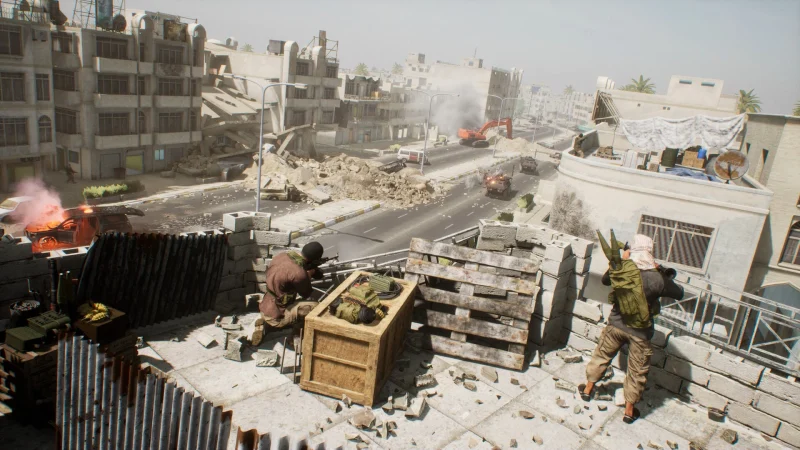
It's tough at first, but it's one of the most beginner-friendly hardcore shooters if you play on servers with active admins and decent squad leaders. Many community servers tag themselves as new-player friendly. Expect your first few matches to be confusing, and focus on teamwork rather than kills: in Squad, a player who builds, resupplies and follows orders is worth more than a lone sniper.
Is Squad coming to PS5 and Xbox?
Yes. Offworld announced Squad for PS5 and Xbox Series X|S in October 2026, with optional crossplay, but there's no release date yet. Our Squad console article explains crossplay and what's in the console version. The latest map news is in our Oskil River playtest article.
Offworld's official Squad Fireteam Edition trailer shows the co-op mode, and the full game is on Steam.
More military shooter guides on iGame Magazine
- Hell Let Loose Beginner’s Guide: 12 Tips for New Players on Roles, Spawns, Squads and Staying Alive: Hell Let Loose beginner's guide
- Arma Reforger Beginner’s Guide: 12 Tips From 450 Hours to Survive Your First Conflict Match: Arma Reforger beginner's guide
- Squad Is Coming to PS5 and Xbox – Free PS5 Alpha Starts Today: Squad on PS5 and Xbox
- Squad’s Oskil River Map Playtest Is Over: What Was Tested, the New Friend-or-Foe System and Update 10.7: the Oskil River playtest and Update 10.7
FAQ

David Ware is the Founder and Editor-in-Chief of iGame Magazine. Since 2024 he has built igamemag.com into a trusted online destination for gamers and tech enthusiasts, covering the latest gaming news, in-depth game reviews, hardware and tech breakdowns, and practical guides.
How we write: every article is researched from official sources, such as developer posts, store pages and press releases, then fact-checked and edited by David Ware before it's published. We use AI tools to help with research and drafting.
Related on iGame
 More Squad newsSoldiers at War Comes to Steam November 20: The 1998 WWII Squad Tactics Classic, Updated for Windows 10 and 11Nov 17, 2026
 More Squad newsArkheron Early Access Starts November 27: $24.99, a Free Opening Weekend and a Friend Pass So Your Squad Plays FreeNov 16, 2026
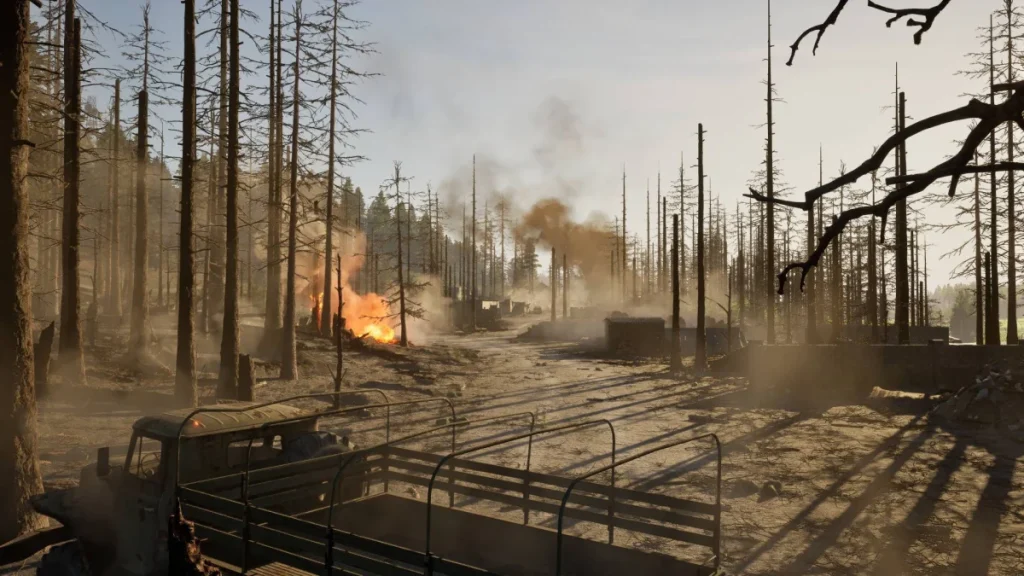 More Squad newsSquad’s Oskil River Map Playtest Is Over: What Was Tested, the New Friend-or-Foe System and Update 10.7Nov 4, 2026
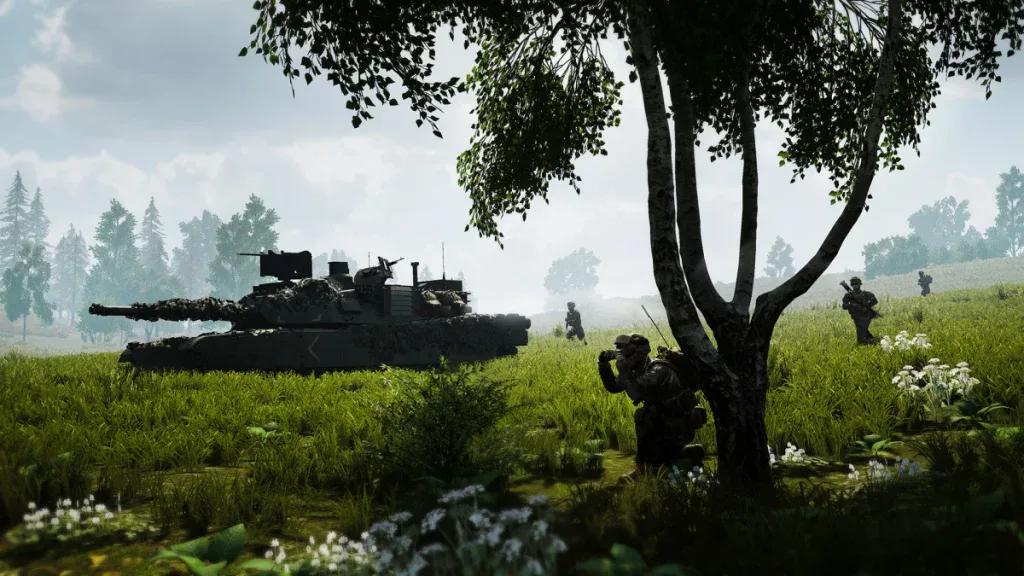 Squad's console versionSquad Is Coming to PS5 and Xbox – Free PS5 Alpha Starts TodayOct 16, 2026
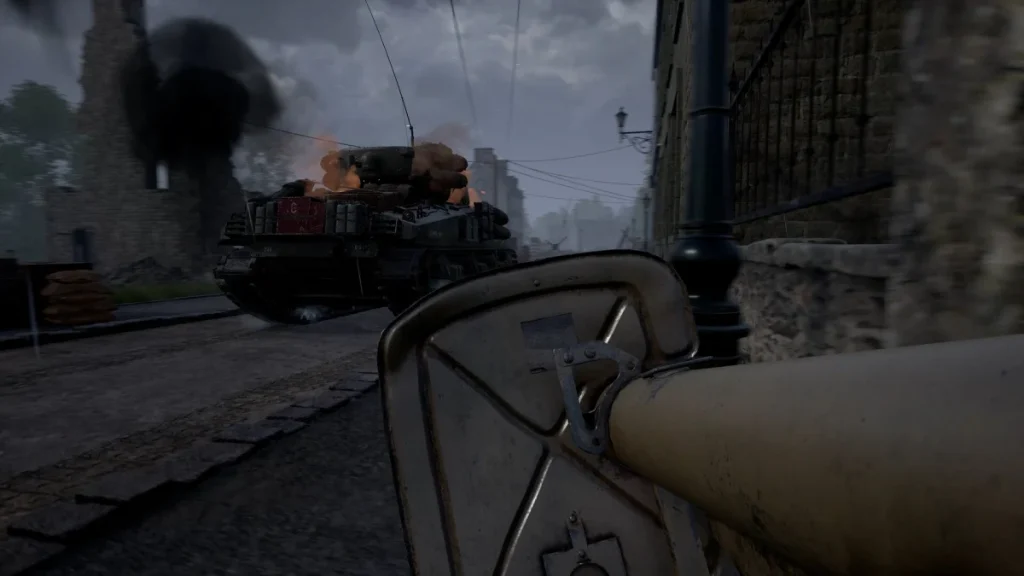 Another military shooter beginner's guide: Hell Let LooseHell Let Loose Beginner’s Guide: 12 Tips for New Players on Roles, Spawns, Squads and Staying AliveNov 13, 2026
 More Squad newsSuicide Squad Season 4 Finale – Ends Content UpdatesDec 9, 2024