
How to Check Spectre Divide Server Status
Learn How to Check Spectre Divide Server Status easily. Stay updated on server issues with tips on official channels and troubleshooting.
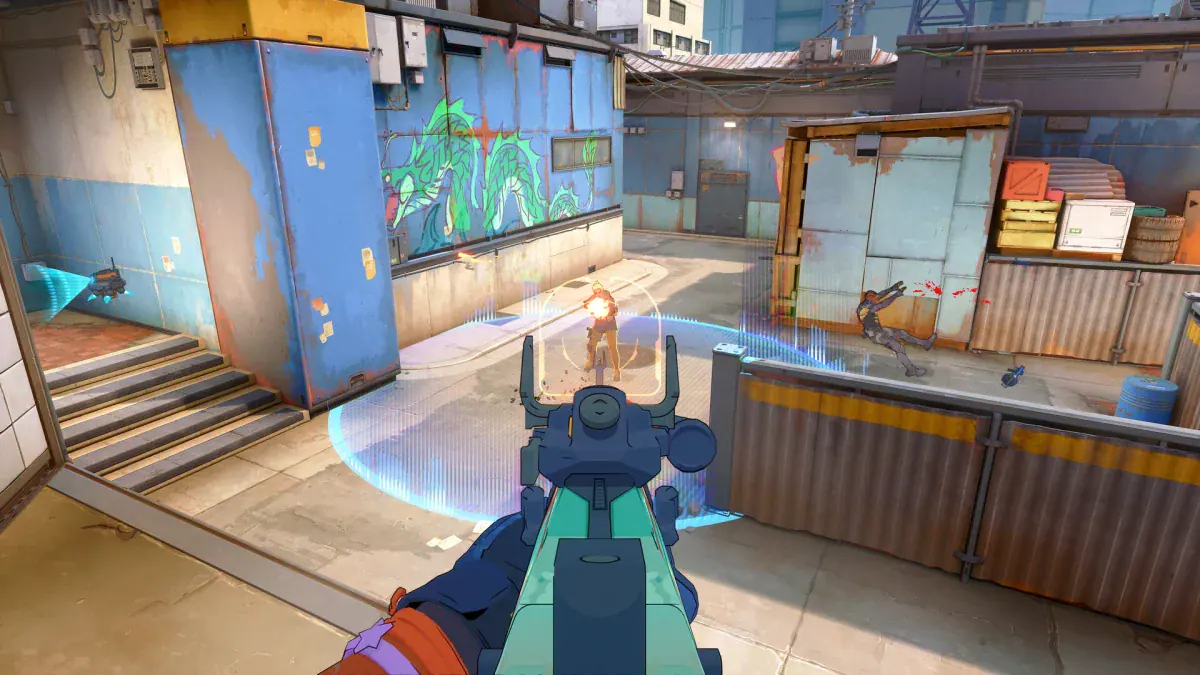
Image: Mountaintop StudiosYou're not alone if you're experiencing issues connecting to Spectre Divide, a popular new first-person shooter. Server problems are common, especially during the initial days after launch. Knowing How to Check Spectre Divide Server Status can save you a lot of frustration.
Checking Official Social Media for Updates
The first step is to check Spectre Divide's official social media accounts. The game's developers frequently post updates on their X (formerly Twitter) account. This is where they’ll announce if the servers are down, undergoing maintenance, or experiencing issues. For example, shortly after the game's launch, developers temporarily took the servers offline to fix matchmaking errors and communicated this through their X account.
Joining the Official Discord Server
Another effective way to monitor the server status is by joining Spectre Divide’s official Discord server. Inside, you'll find a dedicated spectre-news channel where the community staff post the latest updates. This channel often updates quicker than official social media accounts, making it a valuable resource for staying informed about server issues.
Troubleshooting Connection Issues
If Spectre Divide's servers are up but you're still having trouble, the issue might be on your end. Here's what you can do:
- Restart Your Router: This can resolve any connection issues related to your internet.
- Restart the Game and Your PC: Sometimes, a fresh start can fix connectivity problems.
- Contact Your ISP: If the problem persists, there may be an issue with your internet service provider.
Conclusion
Knowing How to Check Spectre Divide Server Status can save you time and help you stay ahead of any disruptions. By following the official social media accounts and joining the game's Discord server, you can stay informed and get back into action as soon as possible.
Recent Articles

David Ware is the Founder and Managing Editor of iGame Magazine. Since 2024 he has built igamemag.com into a trusted online destination for gamers and tech enthusiasts, covering the latest gaming news, in-depth game reviews, hardware and tech breakdowns, and practical guides.
How we write: every article is researched from official sources, such as developer posts, store pages and press releases, then fact-checked and edited by David Ware before it's published. We use AI tools to help with research and drafting.
Related on iGame
 More GuidesRust Livestock Update: How to Farm Cows and Sheep, Sell at the Stables and Use Milk and WoolOct 21, 2026
  More GuidesSteam Next Fest October 2026: 8 Survival and FPS Demos Worth Playing Before It EndsOct 21, 2026
  More GuidesBattlefield 6 x Dead Space Event Guide: Dates, Marker Incursion and Every RewardOct 20, 2026
  More GuidesIs Resonance: A Plague Tale Legacy on Game Pass? Price, Editions and PlatformsOct 19, 2026
  More GuidesResonance: A Plague Tale Legacy PC Requirements, Steam Deck and Performance FixesOct 19, 2026
  More GuidesResonance: A Plague Tale Legacy Story and Timeline Explained: Where It Fits Before RequiemOct 19, 2026