

How to Fix Broken Dynasty Mode in College Football 25
Learn how to fix broken Dynasty mode in College Football 25 with this guide. Bypass server issues and enhance your experience with these tips
Image: Electronic ArtsAre you ready to build your college football dynasty but stuck in a broken mode? Let’s tackle this together and get you back on track with our "How to Fix Broken Dynasty Mode in College Football 25.
Understanding Dynasty Mode Issues
Server Problems and Solutions
Dynasty Mode is a fan-favorite feature in College Football 25, allowing you to build a legacy through strategic team management. Unfortunately, server issues can sometimes spoil the fun. Here's how to fix broken Dynasty mode in College Football 25 and get your game running smoothly.
How to Fix Broken Dynasty Mode in College Football 25
- Launch in Offline Mode: If you're struggling with server connectivity, the best workaround is to play in offline mode.
- Disconnect your console or PC from the internet.
- Start College Football 25.
- Navigate to Dynasty Mode and start your journey.
This method avoids server-related issues and lets you enjoy uninterrupted gameplay. This simple trick can make a big difference, especially during peak times when servers are overloaded.

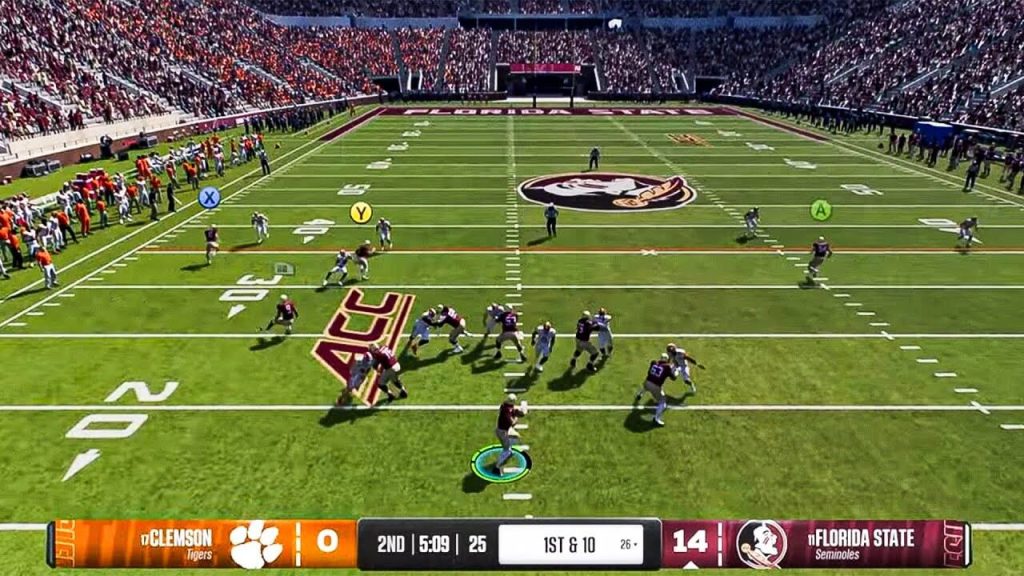
College Football 25 Gameplay ScreenshotImage: Electronic Arts
Troubleshooting Dynasty Mode College Football 25
If offline mode doesn’t do the trick, here are some additional steps to fix Dynasty Mode:
- Clear Cache: Clearing your console or PC’s cache can solve many minor bugs.
- Update Game: Ensure your game has the latest updates and patches from the developers.
- Reinstall Game: If problems persist, try uninstalling and then reinstalling College Football 25.
Enhancing Your Dynasty Mode Experience
Basic Tips for Better Gameplay
Now that you’ve got Dynasty Mode running, here are some tips to enhance your experience:
- Kicking Basics:
- Practice your kicks to improve accuracy and power.
- Use practice mode to get comfortable with kicking mechanics.
- Changing Camera Angles:
- Experiment with different camera angles to find what works best for you.
- Adjust the camera settings to suit your play style.
- Best Pipelines:
- Focus on recruiting from high-talent areas.
- Build strong pipelines to ensure a steady influx of talented players.

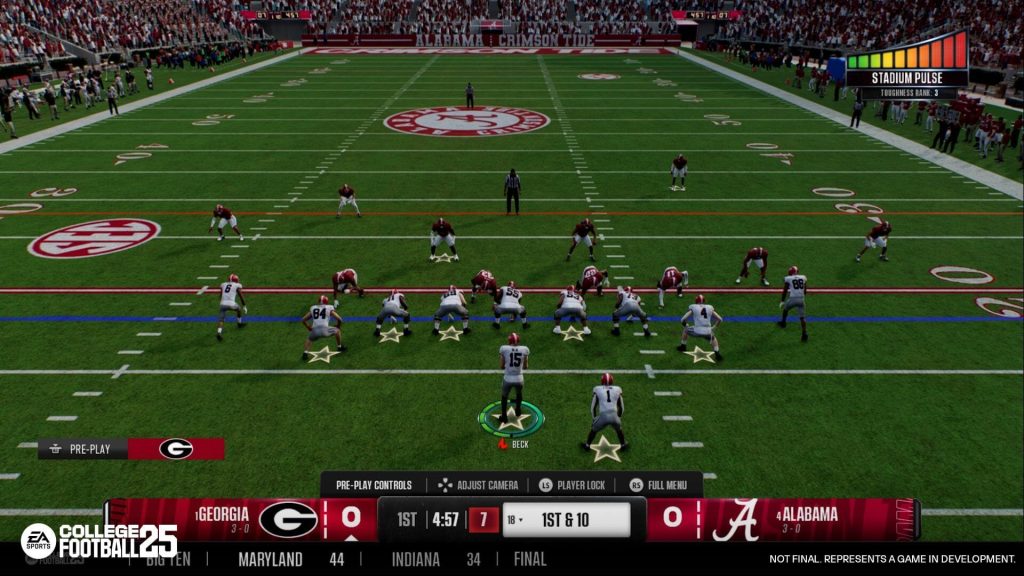
College Football 25 Gameplay ScreenshotImage: Electronic Arts
Additional Tips
- Regular Updates: Keep your game updated to enjoy the latest fixes and improvements.
- Community Forums: Engage in online forums and communities for tips and strategies from other players.
Conclusion
Playing Dynasty Mode in College Football 25 can be incredibly rewarding. By following these steps on how to fix broken Dynasty mode in College Football 25, you can enjoy building your team without interruptions. Launching the game in offline mode is a quick and effective solution to bypass server issues. Once you’re in, focus on mastering the basics and utilizing the best strategies to dominate the game.

David Ware is the Founder and Managing Editor of iGame Magazine. Since 2024 he has built igamemag.com into a trusted online destination for gamers and tech enthusiasts, covering the latest gaming news, in-depth game reviews, hardware and tech breakdowns, and practical guides.
How we write: every article is researched from official sources, such as developer posts, store pages and press releases, then fact-checked and edited by David Ware before it's published. We use AI tools to help with research and drafting.
Related on iGame
 More GuidesDayZ Motorbikes Guide: Jana Moped vs Enduro, Top Speeds, Repairs and Where to Find ThemNov 2, 2026
  More GuidesACE COMBAT 8 Crashing on PC? Bandai Namco’s Official Fixes: Turn Off Async Compute and Raise Virtual MemoryNov 2, 2026
  More GuidesGray Zone Warfare Twitch Drops: Every Rogue Ops Reward, Stage Dates and How to Claim ThemOct 28, 2026
  More GuidesAbiotic Factor Mods Are Here: How to Install Them, Join Modded Servers and Make Your OwnOct 27, 2026
  More GuidesThe Best Survival Games of 2026 So Far, Ranked by Players and CriticsOct 27, 2026
  More GuidesThe Best Games of 2026 So Far, Ranked by CriticsOct 26, 2026