

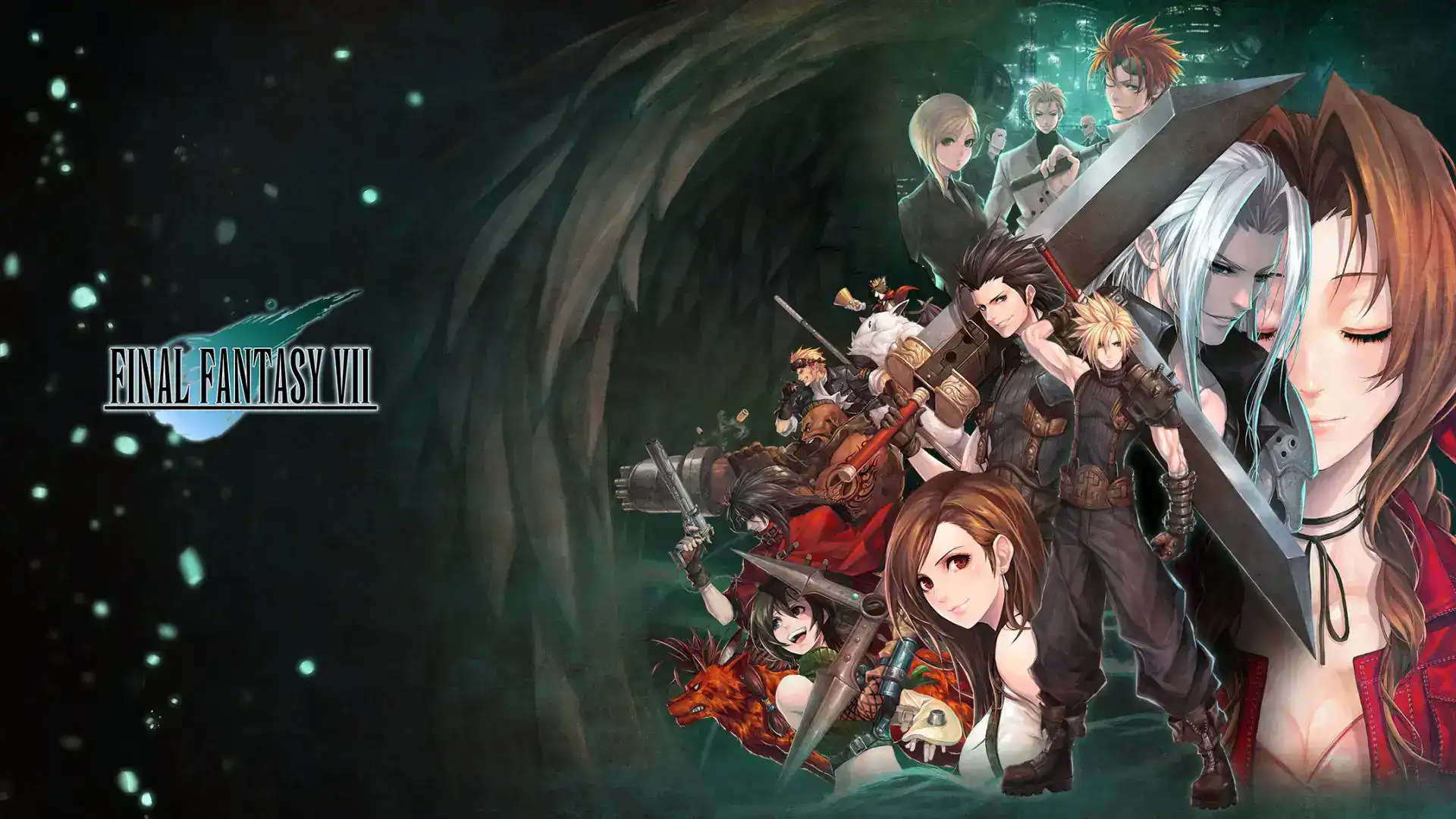
Final Fantasy 7 English Retranslation Mod – Get the True Japanese Feel
The Final Fantasy 7 English retranslation mod by the Shinra Archaeology Team brings the classic RPG's script closer to the original Japanese.
Image: Square EnixAre you a fan of Final Fantasy 7 but felt that the English translation missed the mark? The Final Fantasy 7 English retranslation mod by the Shinra Archaeology Team is here to transform your experience. Dive into the classic RPG with a narrative that closely mirrors the original Japanese version, offering a deeper connection to the story and characters.
Rediscover Final Fantasy 7 with a Fresh Translation
Experience Authentic Storytelling
The Final Fantasy 7 English retranslation mod fixes mistakes in the original translation. It improves tonal accuracy by using idiomatic language that reflects the characters' true personalities. The mod aligns with the localization choices of the Compilation and Remake trilogy, ensuring continuity throughout the Final Fantasy VII series.
"This retranslation aims to give English players a narrative experience and foundation of lore that is as close as possible to that of Japanese-speaking players," says the Shinra Archaeology Team. This means that when you move on to the excellent Final Fantasy 7 Remake, the transition will feel seamless.
Additional Content and Restorations
But wait, there's more! This mod doesn't just improve the translation. It also restores cut content from the original game. You can experience numerous events, maps, animations, and lines of dialogue that were omitted before release. The Final Fantasy 7 English retranslation mod offers different versions of FMV cutscenes and pixel art portraits found in the demo but not in the final game. There's even a red outfit for Yuffie based on her original design and pre-rendered backgrounds seen only in the Japanese version.

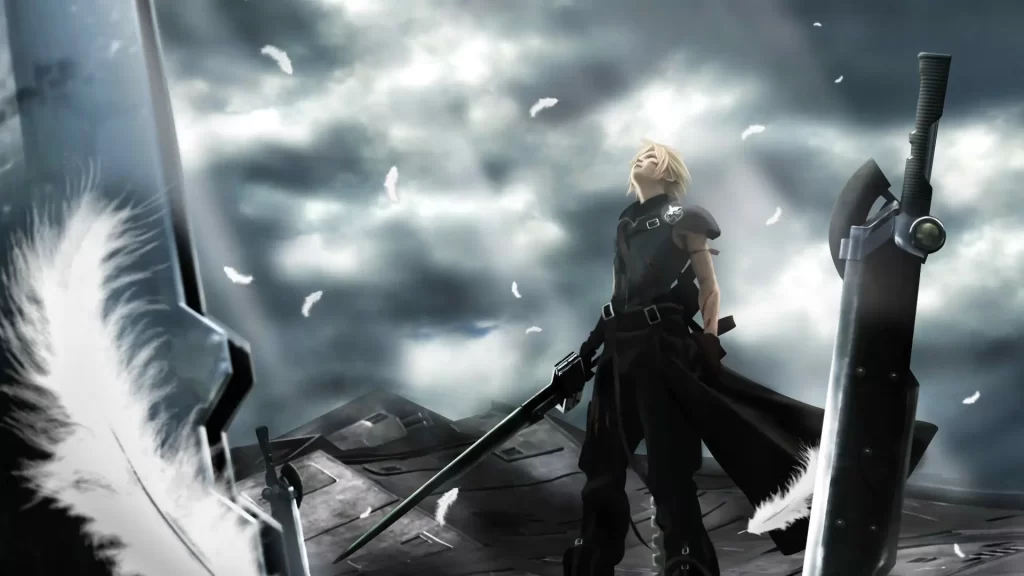
How to Install the Shinra Archaeology Cut
Compatible with All PC Versions
To enjoy the Final Fantasy 7 English retranslation mod, you'll need the 7th Heaven mod manager. It's compatible with any PC version of Final Fantasy 7, including Steam releases. For Steam Deck users, the 7th Deck mod manager allows you to run the mod seamlessly on the go.
Simple Installation Steps
Installing the mod is straightforward:
- Download and Install 7th Heaven: Get the mod manager from its official website.
- Add the Shinra Archaeology Cut Mod: Within 7th Heaven, search for the mod, and add it to your library.
- Apply the Mod: Follow the on-screen instructions to integrate the mod with your game.
- Launch and Enjoy: Start Final Fantasy 7 and experience the game as it was meant to be played.
Why You Should Try This Retranslation Mod
A More Immersive Experience
The Final Fantasy 7 English retranslation mod offers a narrative that's faithful to the original. Addressing the stilted and over-formal dialogue of the initial English release provides a more engaging and authentic experience.
Seamless Transition to Remakes
With localization that aligns with newer titles, moving on to the Final Fantasy 7 Remake feels natural. The continuity enhances your overall enjoyment of the series.
Related Articles

David Ware is the Founder and Managing Editor of iGame Magazine. Since 2024 he has built igamemag.com into a trusted online destination for gamers and tech enthusiasts, covering the latest gaming news, in-depth game reviews, hardware and tech breakdowns, and practical guides.
How we write: every article is researched from official sources, such as developer posts, store pages and press releases, then fact-checked and edited by David Ware before it's published. We use AI tools to help with research and drafting.
Related on iGame
 More Game NewsSquad’s New Oskil River Map Is Playable This Weekend: Open Playtest Dates, How to Join and What’s in Update 10.7Nov 4, 2026
 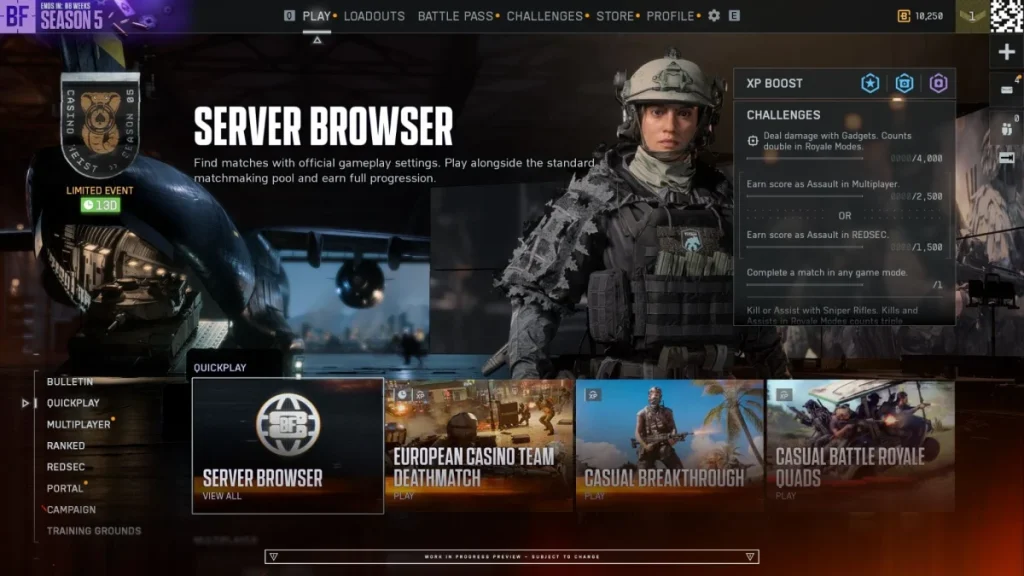 More Game NewsIs Battlefield 6 Getting a Server Browser? Yes, and It’s Coming Early: Rollout, Player-Hosted Servers and How It WorksNov 4, 2026
 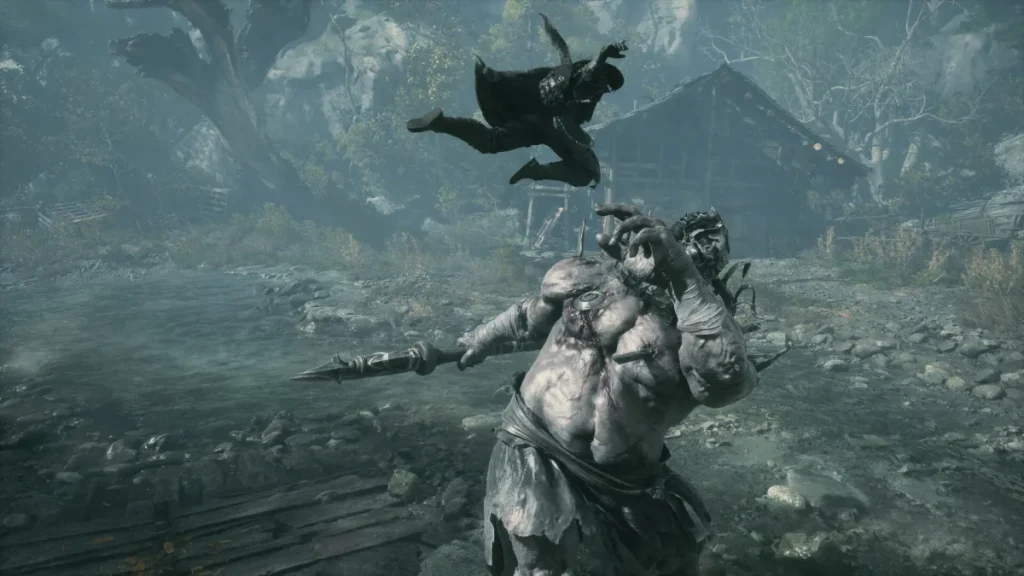 More Game NewsPhantom Blade Zero Patch Notes: Faster PC Startup, an Easier Hua Fight and New Hit Sound OptionsNov 4, 2026
  More Game NewsHelldivers 2 Noxious Strain Guide: The New Poison Bugs, How to Cure Poison and Why Bug Caves Are Everywhere NowNov 4, 2026
  More Game NewsXbox Game Pass November 2026: Every Game Coming, the 13 Leaving on 15 November and Eight Classics for EssentialNov 4, 2026
  More Game NewsPhantom Blade Zero Sells Over 4 Million Copies in 72 Hours: The Launch in NumbersNov 3, 2026