

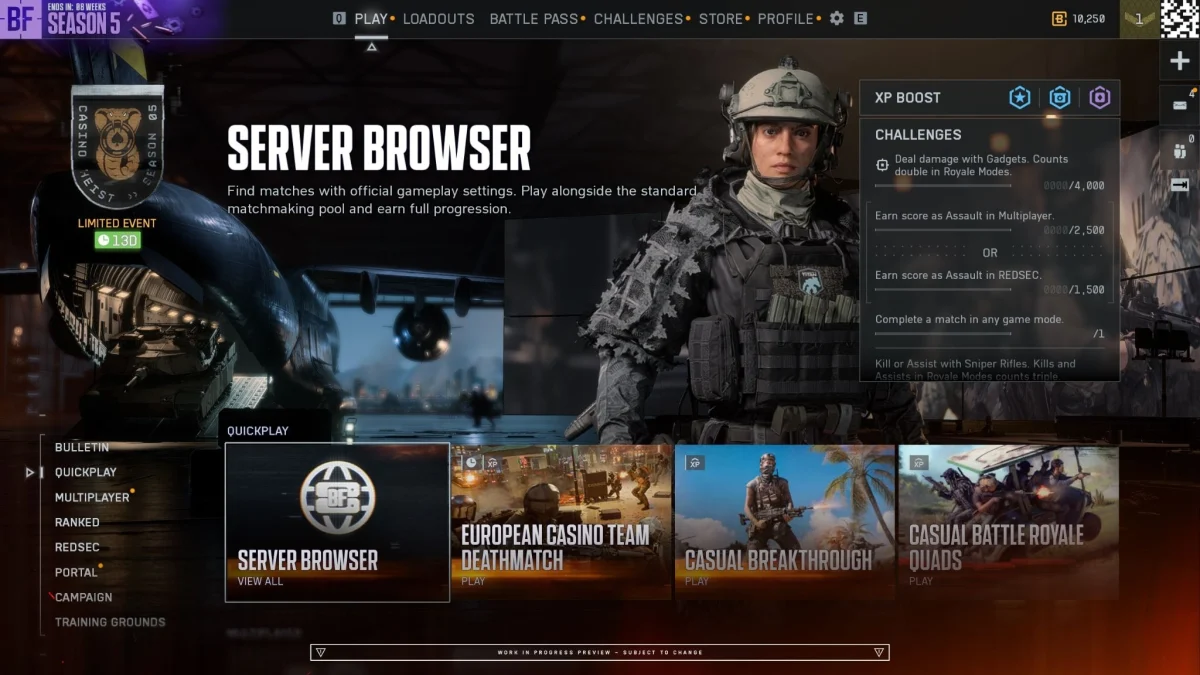
Is Battlefield 6 Getting a Server Browser? Yes, and It’s Coming Early: Rollout, Player-Hosted Servers and How It Works
The Battlefield 6 Server Browser starts rolling out shortly after 10 November, ahead of plan. Official and player-hosted servers, XP rules and how it works.

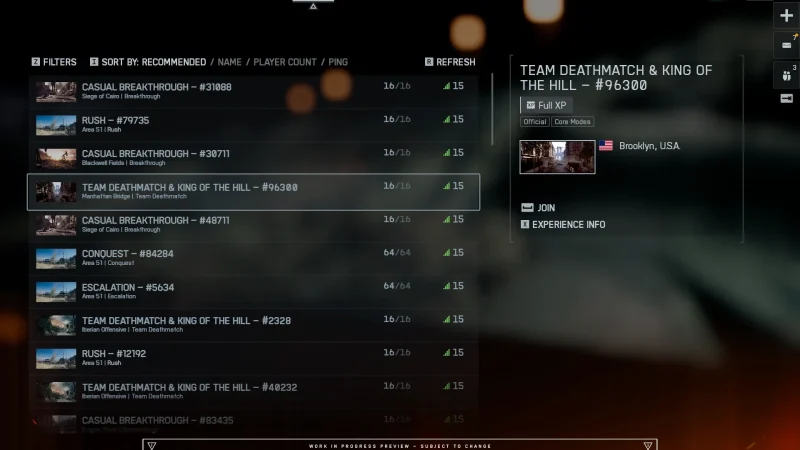
The Battlefield 6 Server Browser is arriving sooner than planned. EA's Battlefield team said in a community update on 3 November that it has pulled the feature forward from Season 5 Phase 3, and a staged rollout will begin shortly after Phase 2 launches on 10 November. It brings back a classic Battlefield feature: pick your own server, stay on it round after round with your squad, and even host a persistent server of your own with full XP.
Battlefield 6 Server Browser at a glance
| Rollout starts | Shortly after Phase 2 on 10 November (no exact date yet) |
| Stage 1 | Limited public scale test for a group of players |
| Stage 2 | Full global launch, aimed for within "a couple weeks" |
| Where to find it | Quickplay row, plus tiles in other menus including Portal |
| Filters | Map or Mode; sort by Ping, Player Count, Server Name or Recommended |
| Full XP servers | Official (Studios) and Official (Player-Hosted) |
| Persistent lobbies | Yes: stay on a server across rounds |
| Empty player servers | Delisted after seven days with no players |
When is the Battlefield 6 Server Browser coming out?
It was planned for Phase 3 of Season 5, but EA is now starting the rollout shortly after Phase 2 launches on 10 November. It comes in two stages, with stability ahead of the holidays as the main focus:
- Limited public scale test: a limited group of players gets it in the live game, so EA can stress-test server loads, queues and matchmaking backfill.
- Full global launch: once performance is verified and fixes are in, it rolls out to everyone.
EA is "aiming to progress through these stages over the course of a couple weeks", but says that depends on test results. Exact timing and a full guide are still to come.
How does the Server Browser work?
You'll find it in the Quickplay row. Selecting it opens the new Official tab straight away, showing active servers. On day one it offers:
- Official servers in one place: Battlefield Studios servers and Official Player-hosted servers together.
- A shared pool: Quickplay, Multiplayer, Custom Search and the browser all feed the same official servers, and matchmaking helps keep browser-listed servers populated.
- Filters: filter by Map or Mode, and sort by Ping, Player Count, Server Name or Recommended.
- Full progression: every server in the Official tab gives full XP, weapon mastery and challenge progress.
- Persistent lobbies: stay on the same server with your squad between rounds instead of going back to the menu.
Do you get XP on Battlefield 6 community servers?
It depends on the tab. EA splits servers like this:
| Browser tab | What it is | Matchmaking backfill | XP |
| Official (Studios) | Hosted by Battlefield Studios | Full | Full XP and mastery |
| Official (Player-Hosted) | Persistent player servers on official templates | Full, when running active rotation modes | Full XP and mastery |
| Verified | Portal experiences on verified presets with custom rules | Player and bot fill, direct join | Full XP |
| Custom | Heavily modified Portal sandboxes | Direct join and invites | Partial XP |
Existing Portal tools, rule modifiers and admin controls in the Verified and Custom tabs don't change.
Can you host your own Battlefield 6 server?
Yes. Official Player-hosted servers run on a dedicated server, so the host doesn't have to stay in the match, and logging off won't interrupt other players. The key rules:
- They stay visible in the browser even when empty, so friends can find them.
- An empty server isn't seen by matchmaking. Once one player joins to seed it, matchmaking can start sending people in.
- A server stays active for up to seven days with no players before it's delisted, and anyone joining resets the timer.
- Permanent modes like Conquest and Breakthrough, and any featured menu mode, get automatic backfill. Off-menu modes rely on your community to fill them, until that mode rotates back onto the menus.
Does how you join a server matter?
- Through the Server Browser: you stay on that server through its rotation for as long as you like, even on 24/7 single-map servers.
- Through Quickplay or Multiplayer: you join the same pool, but on a server repeating one map you're re-queued at the end of the round so you don't get stuck in a loop.
- Through Custom Search: if the next map doesn't match your filters, matchmaking moves you to one that does.
Is Battlefield 6 still worth playing?
Battlefield 6 costs £59.99 / $69.99 / €69.99 on Steam, and is also on PS5 and Xbox Series X|S. Our Battlefield 6 review, one year on covers where it stands. About 17,000 people were playing on Steam when we checked on the morning of 4 November.
Watch the Battlefield 6 trailer

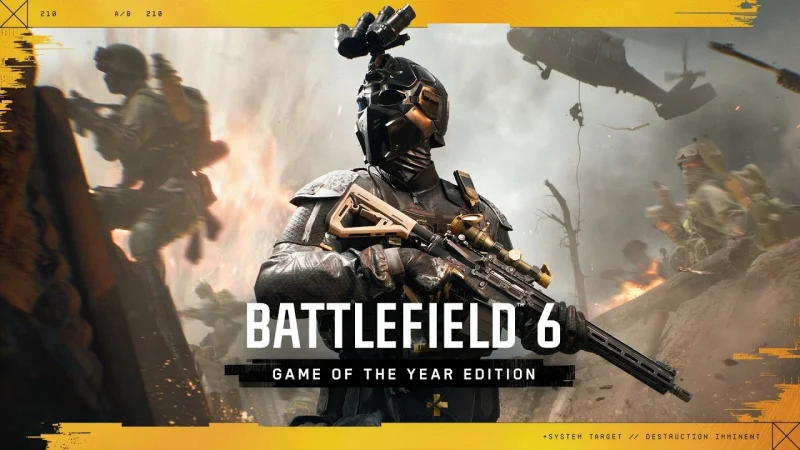
There's no Server Browser video yet. This is the official Game of the Year Edition trailer from EA's Battlefield channel.
More Battlefield 6 on iGame Magazine
- Battlefield 6 Season 5 Phase 2 Lands 10 November: European Casino Map, Casino Heist Event and Weapon Changes: everything else in Season 5 Phase 2
- Battlefield 6 Review: One Year On, Is It Still Worth Playing?: our verdict a year after launch
- Battlefield 6 x Dead Space Event Guide: Dates, Marker Incursion and Every Reward: the Dead Space event
FAQ
David Ware is the Founder and Managing Editor of iGame Magazine. Since 2024 he has built igamemag.com into a trusted online destination for gamers and tech enthusiasts, covering the latest gaming news, in-depth game reviews, hardware and tech breakdowns, and practical guides.
How we write: every article is researched from official sources, such as developer posts, store pages and press releases, then fact-checked and edited by David Ware before it's published. We use AI tools to help with research and drafting.
Related on iGame
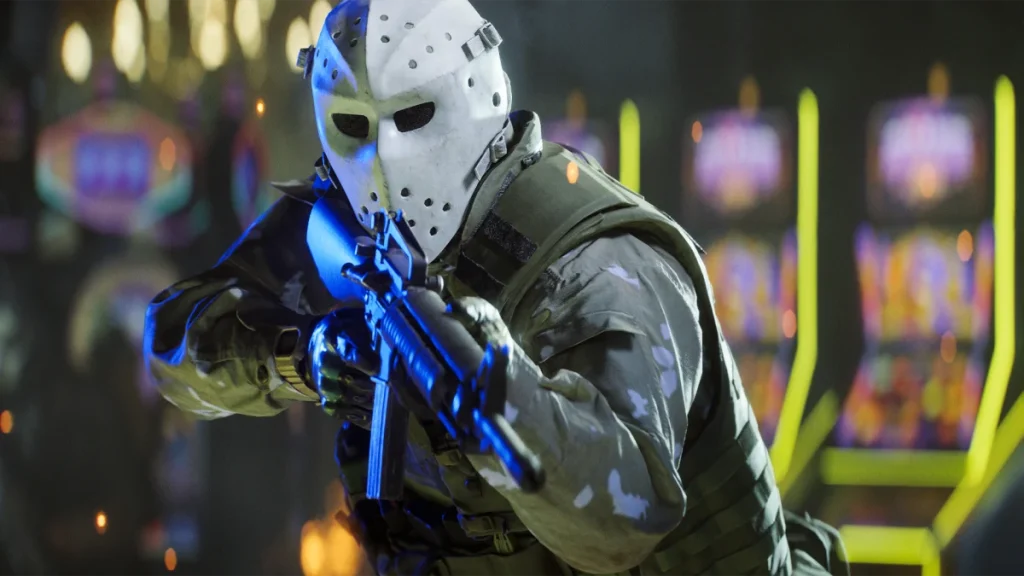 Everything else in Season 5 Phase 2Battlefield 6 Season 5 Phase 2 Lands 10 November: European Casino Map, Casino Heist Event and Weapon ChangesNov 3, 2026
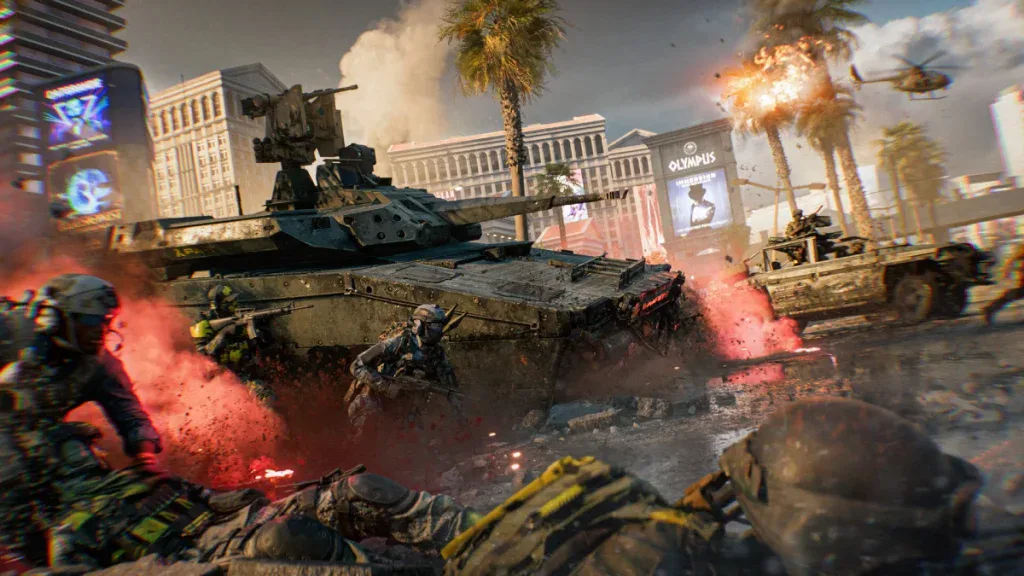 Our Battlefield 6 review a year onBattlefield 6 Review: One Year On, Is It Still Worth Playing?Oct 15, 2026
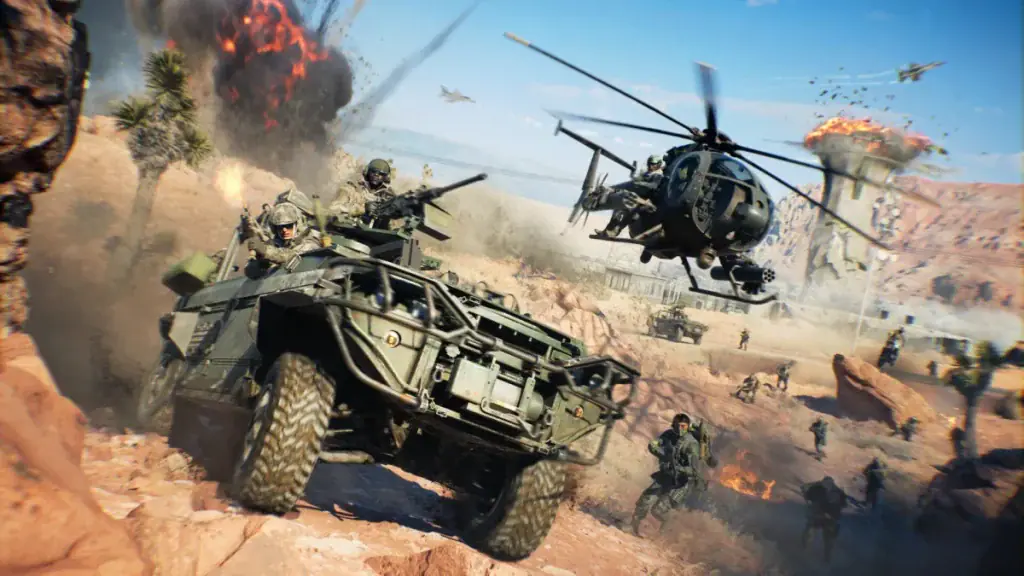 The Dead Space eventBattlefield 6 x Dead Space Event Guide: Dates, Marker Incursion and Every RewardOct 20, 2026
 More Game NewsSquad’s New Oskil River Map Is Playable This Weekend: Open Playtest Dates, How to Join and What’s in Update 10.7Nov 4, 2026
 More Game NewsPhantom Blade Zero Patch Notes: Faster PC Startup, an Easier Hua Fight and New Hit Sound OptionsNov 4, 2026
 More Game NewsHelldivers 2 Noxious Strain Guide: The New Poison Bugs, How to Cure Poison and Why Bug Caves Are Everywhere NowNov 4, 2026