
Phantom Blade Zero Patch 1.0304629: A New Camera Assist Option, Less Memory Use and the War Wagon One-Shot Fixed
Phantom Blade Zero patch 1.0304629: a 7 GB update with a camera assist toggle, lower memory use, less stutter and fixes for Earthshaking Slam and Defy Destiny.

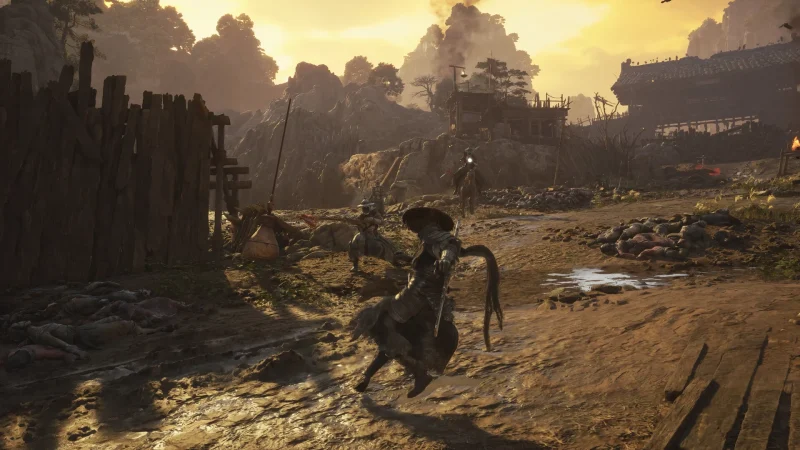
The new Phantom Blade Zero patch, version 1.0304629, is out now as a 7 GB download. S-GAME's November 28 update adds a Combat Assist settings section with a toggle for the strong camera assist, cuts video and system memory use (most of all in cutscenes and snowy areas) and reduces stutter. It also fixes the War Wagon's Earthshaking Slam stacking damage, the Defy Destiny achievement not unlocking and a string of progression blockers.
Phantom Blade Zero patch 1.0304629 at a glance
| Released | November 28, 2026 |
| Download size | 7 GB |
| New options | Combat Assist section, Automatic Strong Camera Assist, mouse lock-on switching sensitivity (PC) |
| Performance | Lower VRAM and RAM use, fewer stutters in some areas and boss fights |
| Weapon change | Soft Snake Sword: hold Execute for Sword Blossom Shield |
| Big fixes | Earthshaking Slam, Dance Fan, Nuo Mask, Fatal Execution, Defy Destiny |
| Mods | Remove third-party mods before updating |
| Players on Steam | 136,231 on the morning of November 28 |
What's new in Phantom Blade Zero patch 1.0304629?
According to S-GAME's patch notes, there are two new options:
- Automatic Strong Camera Assist, in a new Combat Assist section of the settings. Turn it off and the strong camera assist only kicks in while you're attacking an enemy; the rest of the time the camera makes only small adjustments.
- Mouse Lock-On Target Switching Sensitivity (PC): sets how easily the mouse switches targets while locked on. Set it to 0 to turn off mouse-based target switching.
Does the patch improve performance?
Yes. S-GAME says the update reduces video memory and system memory use, "with the most noticeable improvements in cutscenes and snowy areas". It also improves performance in some areas and boss fights and reduces stutter caused by certain visual effects. On PC, it fixes bright square artifacts in volumetric clouds on AMD Radeon RX 9000 Series cards with certain drivers.
What combat changes are in the patch?
- Soft Snake Sword: new controls and effects. Hold Execute to perform Sword Blossom Shield, and sidesteps in Guard Stance have a longer invulnerability window.
- Auto lock-on picks targets better, and movement over small rocks, low steps and gentle slopes no longer hitches as often.
- Earthshaking Slam (War Wagon Phantom Edge) could hit repeatedly and stack damage, "potentially defeating most enemies in one use". It now deals damage once per use.
- Dance Fan accessory: its damage bonus stayed active and applied to every skill. It now applies once per use, to eligible skills that move you a single time.
- Nuo Mask accessory also made Artifice-type Phantom Edges free to use. Its cost reduction now only applies to Summon-type Phantom Edges.
- Fatal Execution with two-handed weapons dealt the wrong stagger damage and staggered enemies every time. That's fixed.
- Fixed bosses that could stop acting, enemies that stayed invisible after a bell reset, Chill resistance not working and blocked consecutive dodges with some weapons.
If you leaned on the War Wagon slam, the Dance Fan or the Nuo Mask, expect your build to hit noticeably less hard after updating.
Which quest and achievement bugs are fixed?
- Defy Destiny now unlocks automatically the next time you launch the game if you've already met the requirements.
- Handing over certain books during the story could stop you from reaching 100% item collection. The missing items are restored when you load your save.
- The Undying Heroic Spirit can now be completed even if you miss the time limit; beating it in time still earns the Memory Flower.
- Fixes for A-Ping and her husband in the Village of Lu (Sha-Chi Amber Shard), a missing Blackstone Shard drop in the Backstreet, the door in Leng Tu's Study at Mirage Estate, a Bloodline Awakening blocker, and New Game+ issues with The Sword and the Way and Honor Among Thieves.
How do I fix crashes after the update?
S-GAME gives two tips for PC:
- Remove mods first. Some third-party mods may not work with this update. If Steam shows a much bigger download than expected, check for leftover mod files.
- Clear the shader cache. In your Steam Library, right-click Phantom Blade Zero, choose Manage → Browse Local Files, open PBZProjectPBZSavedCache and delete the files inside. Shaders rebuild the next time you launch.
You can report problems on S-GAME's support page (pbz.s-game.com/support).
How does this compare with the last patch?
The previous patch, 1.0302256 on November 4 sped up PC startup, made Hua's grab attacks less frequent and added hit sound options. Phantom Blade Zero costs $59.99 / £49.99 / €59.99 on Steam and is still busy: 136,231 people were playing on Steam on the morning of November 28. It sold over 4 million copies in 72 hours at launch.
Is there a trailer?
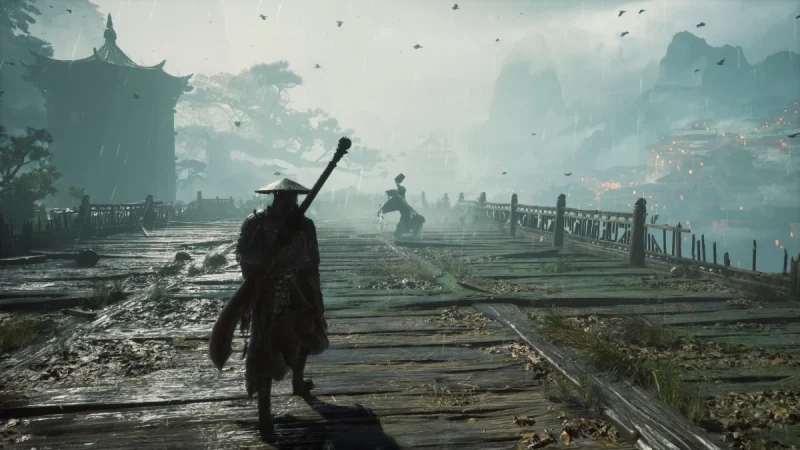
The patch has no video. This is S-GAME's official Phantom Blade Zero launch trailer on YouTube.
FAQ
David Ware is the Founder and Editor-in-Chief of iGame Magazine. Since 2024 he has built igamemag.com into a trusted online destination for gamers and tech enthusiasts, covering the latest gaming news, in-depth game reviews, hardware and tech breakdowns, and practical guides.
How we write: every article is researched from official sources, such as developer posts, store pages and press releases, then fact-checked and edited by David Ware before it's published. We use AI tools to help with research and drafting.
Related on iGame
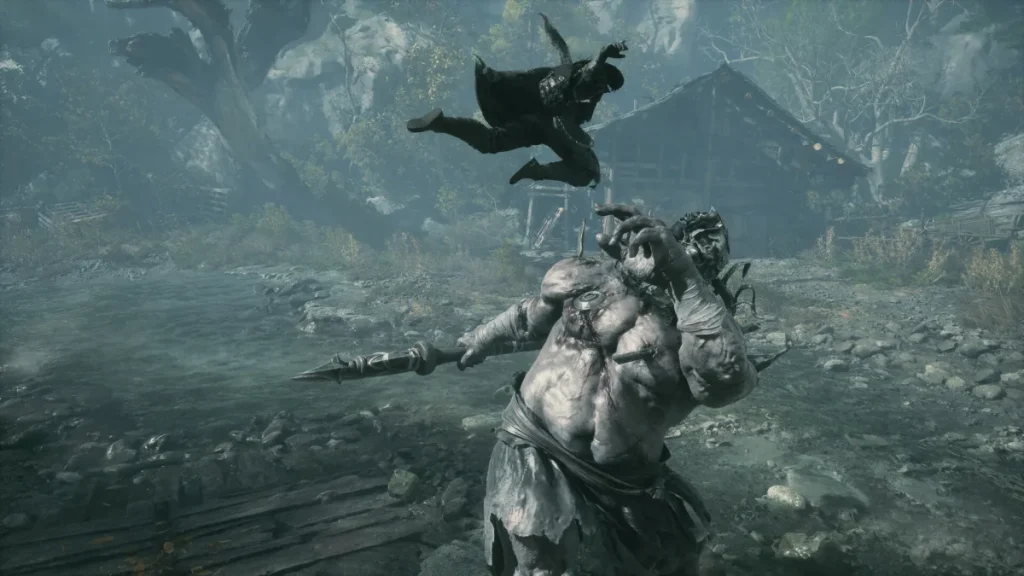 The previous Phantom Blade Zero patchPhantom Blade Zero Patch Notes: Faster PC Startup, an Easier Hua Fight and New Hit Sound OptionsNov 4, 2026
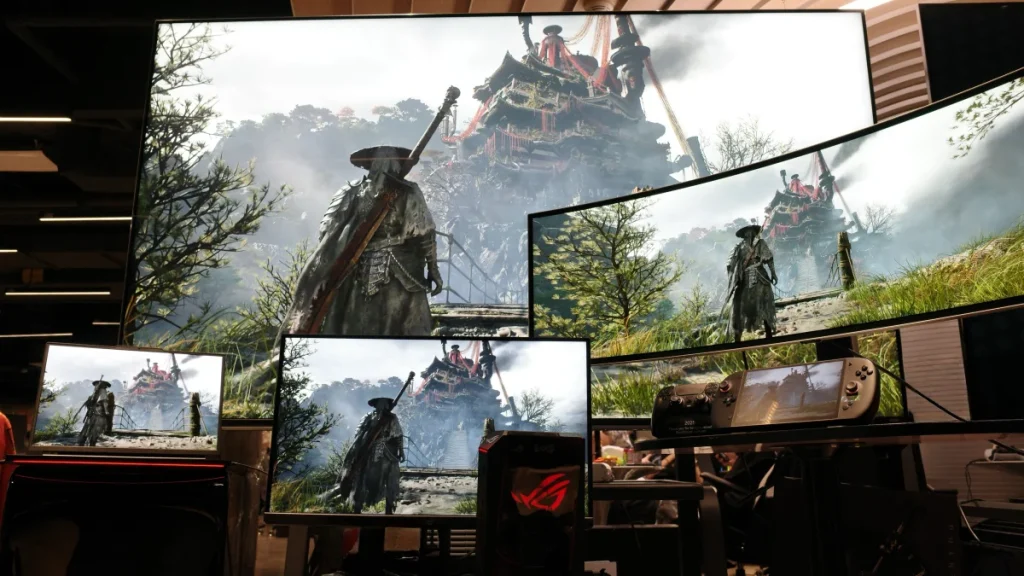 More Phantom Blade Zero newsPhantom Blade Zero Sells Over 4 Million Copies in 72 Hours: The Launch in NumbersNov 3, 2026
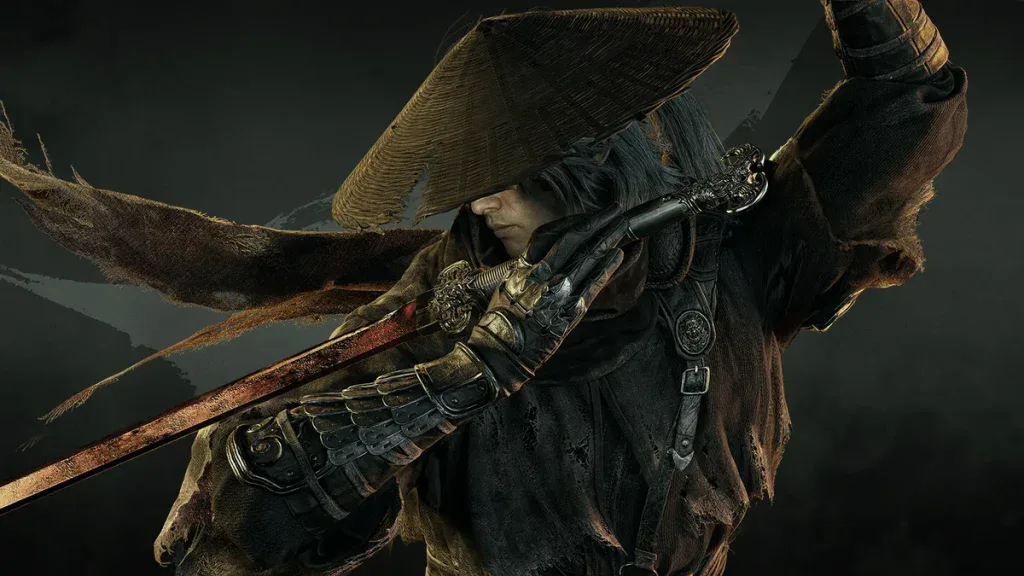 Phantom Blade Zero release, price and PC requirementsPhantom Blade Zero Is Out Now: Release Date, Launch Time, Price and PC RequirementsOct 7, 2026
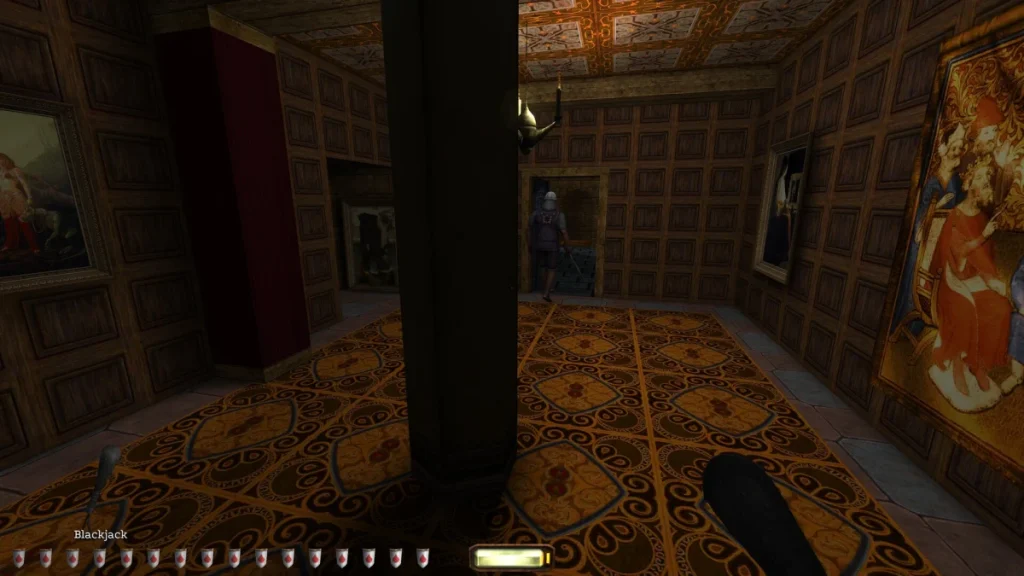 More Game NewsThief: The Dark Project Remastered Release Date Is December 3: Price, Platforms, The Tarnished Mirror Campaign and Every EditionNov 28, 2026
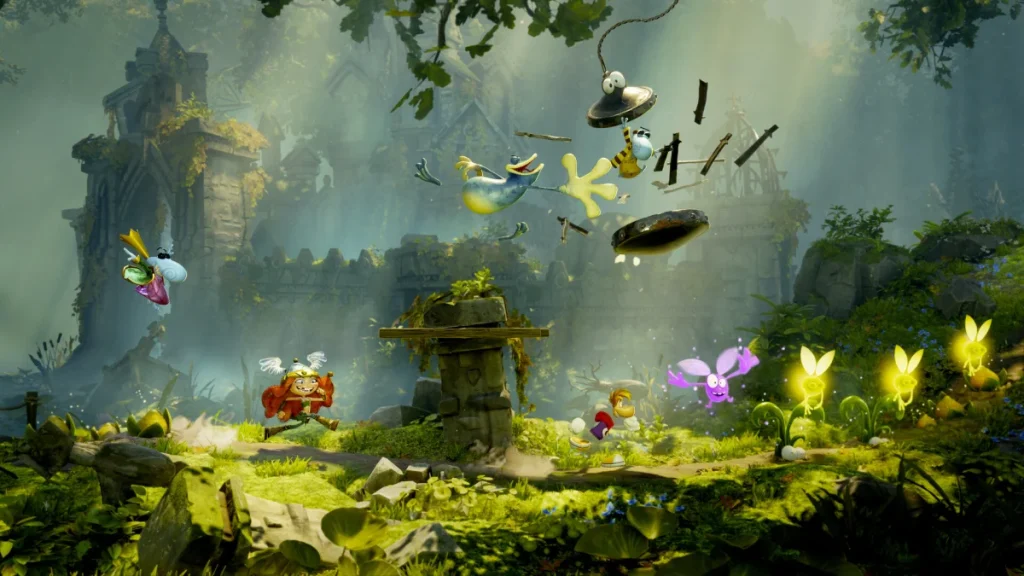 More Game NewsRayman Legends Retold Is Out December 3: Price, Editions, a New Sixth Realm, Rayman Origins Included and PC RequirementsNov 28, 2026
 More Game NewsNew Xbox Games This Week (November 30 to December 4): Thief Remastered, Rayman Legends Retold and 2 Game Pass Day-One LaunchesNov 28, 2026