
Palworld Beginner’s Guide: 12 Tips for Your First Days in Palworld 1.0, From Catching Pals to Your First Base and Tower Boss
Palworld beginner's guide for 1.0: 12 tips on catching Pals, your first base, putting Pals to work, Pal Effigies, fast travel and your first tower boss.
This Palworld beginner's guide is written for Palworld 1.0, the full release that left Early Access on 10 July 2026. Pocketpair's survival game now has 287 Pals, a sky region called Sunreach, a level cap of 80 and reworked catching, combat and bases, so a lot of older advice no longer fits. These 12 tips cover what to do in your first few hours: catching Pals, setting up a base that runs itself, staying fed, getting around faster and preparing for your first tower boss.
Palworld at a glance
| Version | 1.0 (full release 10 July 2026; latest patch v1.0.5) |
| Developer / publisher | Pocketpair |
| Price | £24.99 / $29.99 / €28.99 on Steam |
| Platforms | PC (Steam, Microsoft Store), Mac, Xbox, PS5 |
| Multiplayer | Online co-op for up to 4 players; dedicated servers for up to 32 |
| Pals | 287 (72 added in 1.0) |
| Player level cap | 80 |
| Steam players | 19,975 on 25 November 2026 |
What is Palworld?
Palworld is an open-world survival game about creatures called Pals. Pocketpair's Steam page sums it up: you can "peacefully live alongside" Pals "or risk your life to drive off a ruthless poaching syndicate". Pals fight beside you, carry you across land, sea and sky, and work on your farms and factories. You build bases, craft weapons, breed stronger Pals and explore the Palpagos Islands, alone or with friends.
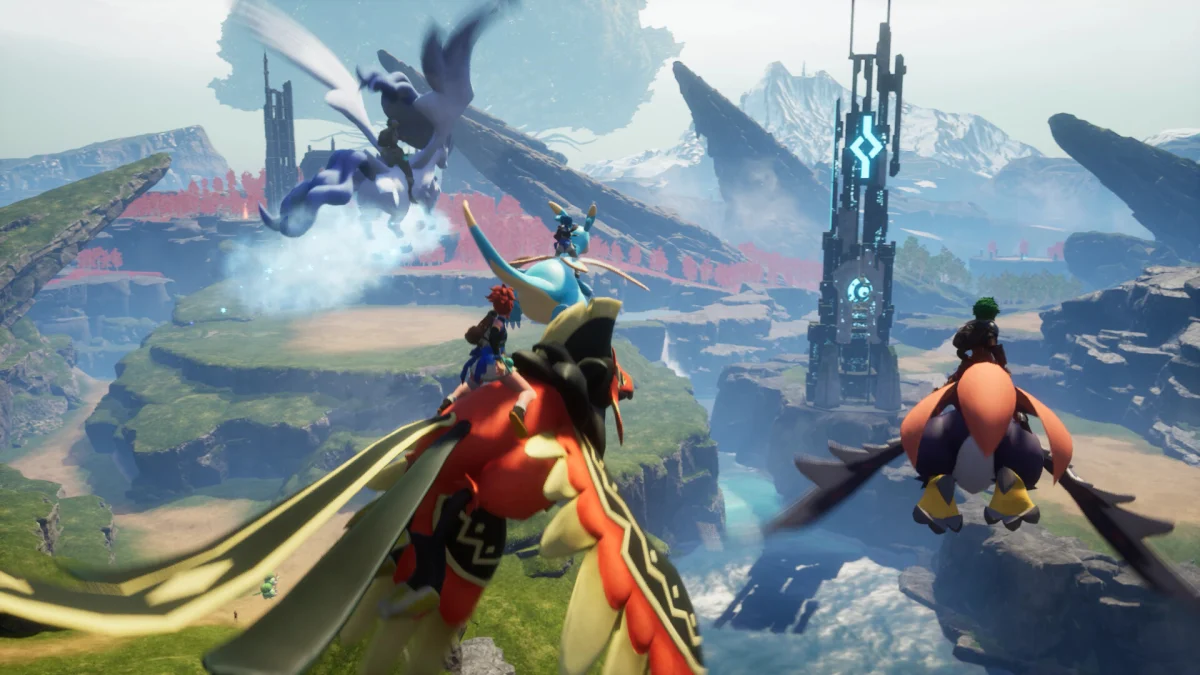
Version 1.0 added Sunreach (islands floating above Palpagos), the World Tree at the heart of the story, 72 new Pals, two new ways to power up Pals (Awakening and Mutation) and a large rework of the main story missions.
Palworld beginner tips
The tips in this Palworld beginner's guide follow roughly the order you'll need them, from your first catch to your first tower boss.
1. Follow the main missions
Pocketpair rebuilt the story for 1.0 so that exploring Palpagos, fighting tower bosses and the road to the World Tree "connect more naturally". The main missions are the best guide to what to do next, and new sub-missions, NPCs and Journals fill in the world as you go. Some missions can now show several destination markers at once.
2. Weaken a Pal before you throw a Pal Sphere
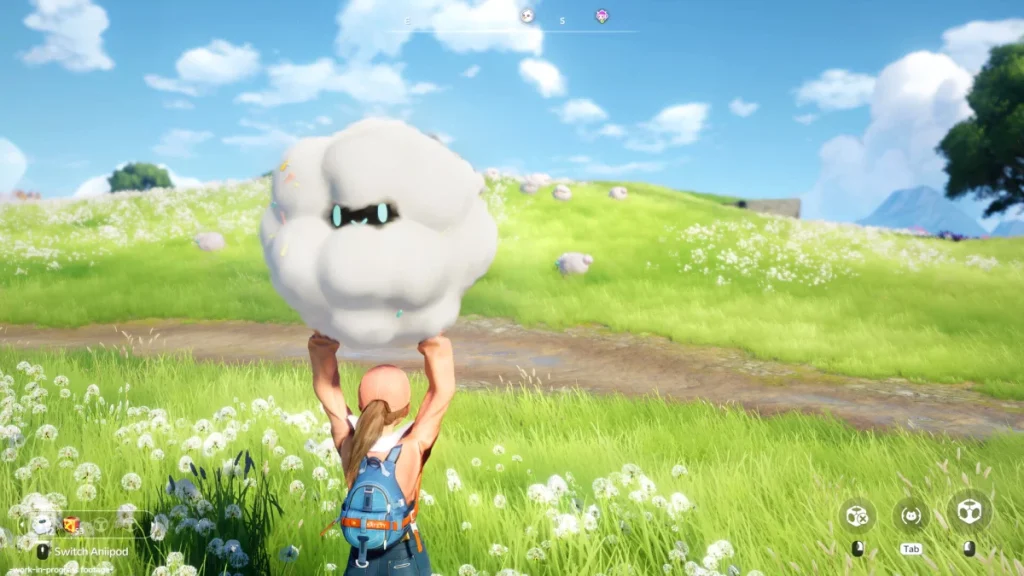
Catching is the heart of the game: fight a wild Pal to lower its health, then throw a Pal Sphere. Pocketpair changed the capture formula in 1.0, "making Pals easier to catch overall", and also made it harder to accidentally knock out a Pal you were trying to catch. The crafting materials for Pal Spheres changed too, and 1.0 added two new, higher-tier spheres for tougher Pals later on.
3. Use your Pal's Partner Skill straight away
Every Pal has a Partner Skill, and in 1.0 you can use it "the moment you catch the Pal". Over 200 Pals had their Partner Skills reworked, and for almost all Pals the effect no longer stacks if you bring several of the same kind, so a mixed team is better than three copies of one favourite. Some Pals now help even without Pal Gear, such as those that boost your glider.
4. Tell your Pal who to attack
New in 1.0: aim at an enemy and press the mouse wheel (or click the right stick on a controller) to order your Pal to "Attack that enemy!". After the 1.0 damage rebalance, Pals in your party can deal as much damage as you or more, so pointing them at the right target matters.
5. Learn the new dodge
Player movement was reworked for 1.0. If you dodge while attacking or aiming, you now dash instead of rolling, which lets you close distance or reposition while keeping your aim. You can attack while dashing, and reloading carries on through a dodge. Dodge when you're not aiming and you still get the classic roll.


6. Build a Palbox and put Pals to work
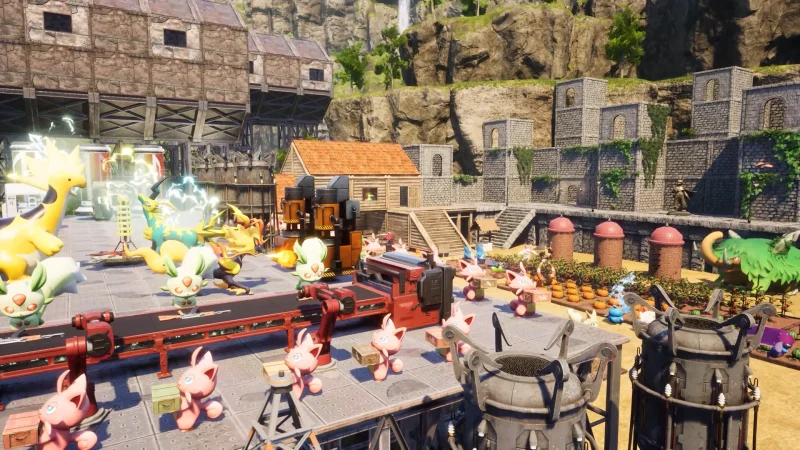
Your base starts with a Palbox. Pals you place at the base pick up jobs based on their Work Suitability: some are good at planting, some at watering or harvesting, others at mining, making fire or generating electricity. In 1.0 base Pals are better at getting back to work, hauling and storing items, and Pals with higher Transport suitability collect dropped items from a wider area at once.
7. Keep your Pals fed
As Pocketpair's Steam page puts it, Pals "keep working as long as they're fed". Keep food in your base and your workers stay productive. Version 1.0 reduced the negative effects of hunger, fractures and other status ailments, but hunger still drains, so a farm should be one of your first projects. Red Berry plants are now easier to spot in the wild, with extra bushes on several islands.
8. Use the Palbox's new tools
The Palbox screen got a lot of quality-of-life changes in 1.0: a search box, sorting by Expedition Power, a Retrieve All button to bring base Pals back, Favourite settings and Partner Skill display. The crafting screen also has name search and category filters, and items you can currently craft are shown first.

9. Unlock watchtowers and fast travel
1.0 added Watchtowers across the map: reach one to reveal the area around it and unlock it as a fast travel point. When you're within your base's range you can fast travel straight from the map, and you no longer need to use the Palbox to travel between bases or to Great Eagle Statues. There's also a new auto-run button for long journeys.
10. Collect Pal Effigies to get stronger
The old Lifmunk Effigies were reworked into Pal Effigies: collect effigies of different Pals to boost your character's stats. Old Lifmunk Effigies carried over. One Pal, Nox, even has a Partner Skill that detects nearby effigies.
11. Know what you lose when you die
In newly created Normal worlds in 1.0, you no longer drop your equipped items when you die, which makes early mistakes less painful. Hard difficulty adjusts the damage you take. If you're playing an older world, these defaults apply only after you reset world settings or start a new game. When you respawn, you can now pick a fast travel point instead of only your base or start location.
12. Treat the tower bosses as checkpoints
Tower bosses guard the main story. In 1.0 each tower was redesigned, some bosses have new moves, and the time limit dropped from 10 minutes to 5, with boss stats adjusted to match. Go in with a levelled team and plenty of ammo. Low-level Pals now gain experience more easily, so a Pal you catch later can catch up quickly. Hard Mode tower bosses unlock after you beat the boss in the Azure Covenant Tower.

Is Palworld multiplayer?
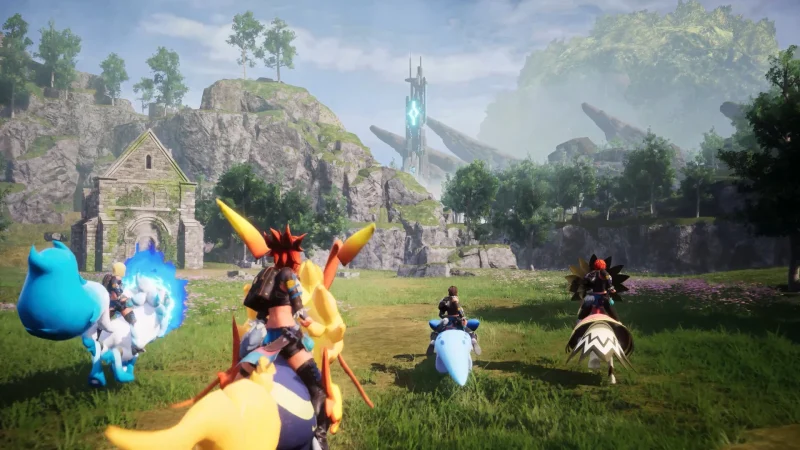
Yes. Up to 4 players can play together in online co-op, and a dedicated server allows up to 32. Steam lists cross-platform multiplayer. In 1.0, dedicated server defaults were set close to single-player Normal difficulty, guilds got roles and permissions, and Steam and Mac players can link Discord to invite friends.
What changed in Palworld 1.0 for new players?
- Easier catching and Partner Skills from the moment of capture.
- More gold: chests give about 2 to 4 times as many gold coins.
- Halved egg incubation in newly created Normal and Hard worlds.
- Accessories are now crafted from schematics found in chests and Ancient Ruins.
- Visiting merchants: up to 18 kinds can turn up depending on your base level.
The full list is in Pocketpair's 1.0 changelog. Pocketpair has also announced its next big update, Side by Side, for winter 2026.
Watch the Palworld 1.0 trailer
Pocketpair's official Palworld 1.0 launch trailer on its YouTube channel.
FAQ

David Ware is the Founder and Editor-in-Chief of iGame Magazine. Since 2024 he has built igamemag.com into a trusted online destination for gamers and tech enthusiasts, covering the latest gaming news, in-depth game reviews, hardware and tech breakdowns, and practical guides.
How we write: every article is researched from official sources, such as developer posts, store pages and press releases, then fact-checked and edited by David Ware before it's published. We use AI tools to help with research and drafting.
Related on iGame
 Palworld's next big update, Side by SidePalworld Side by Side Update Announced for Winter 2026, as the Popularity Poll Crowns SekhmetOct 20, 2026
 More Palworld newsPalworld’s ‘Tides of Terraria’ Update is LiveJun 25, 2025
 More Palworld newsPalworld Feybreak Update Boosts Steam NumbersDec 31, 2024
 Our Palworld guideHow to Get Pure Quartz in Palworld: Where to Find It and How to Mine It AutomaticallyDec 28, 2024
 Another survival beginner's guide: ValheimValheim Beginner’s Guide: 14 Tips for Your First Days in the Tenth World, From Rested Buffs and Food to Eikthyr and PortalsNov 22, 2026
 More Palworld newsPalworld Feybreak Update 0.4.11 – Patch NotesDec 23, 2024
 Game hubSee everything on Palworld21 articles: news and guides in one place Open the Palworld hub Image: iGame Magazine, using Pocketpair artwork