
How to Play GTA 6 With Xbox Cloud Gaming and Remote Play: On Xbox One, Your Phone, PC or a Handheld
How to play GTA 6 with Xbox Cloud Gaming on Xbox One or Series X|S, and with Remote Play on a phone, PC or handheld. Step by step, plus the cloud time limit.
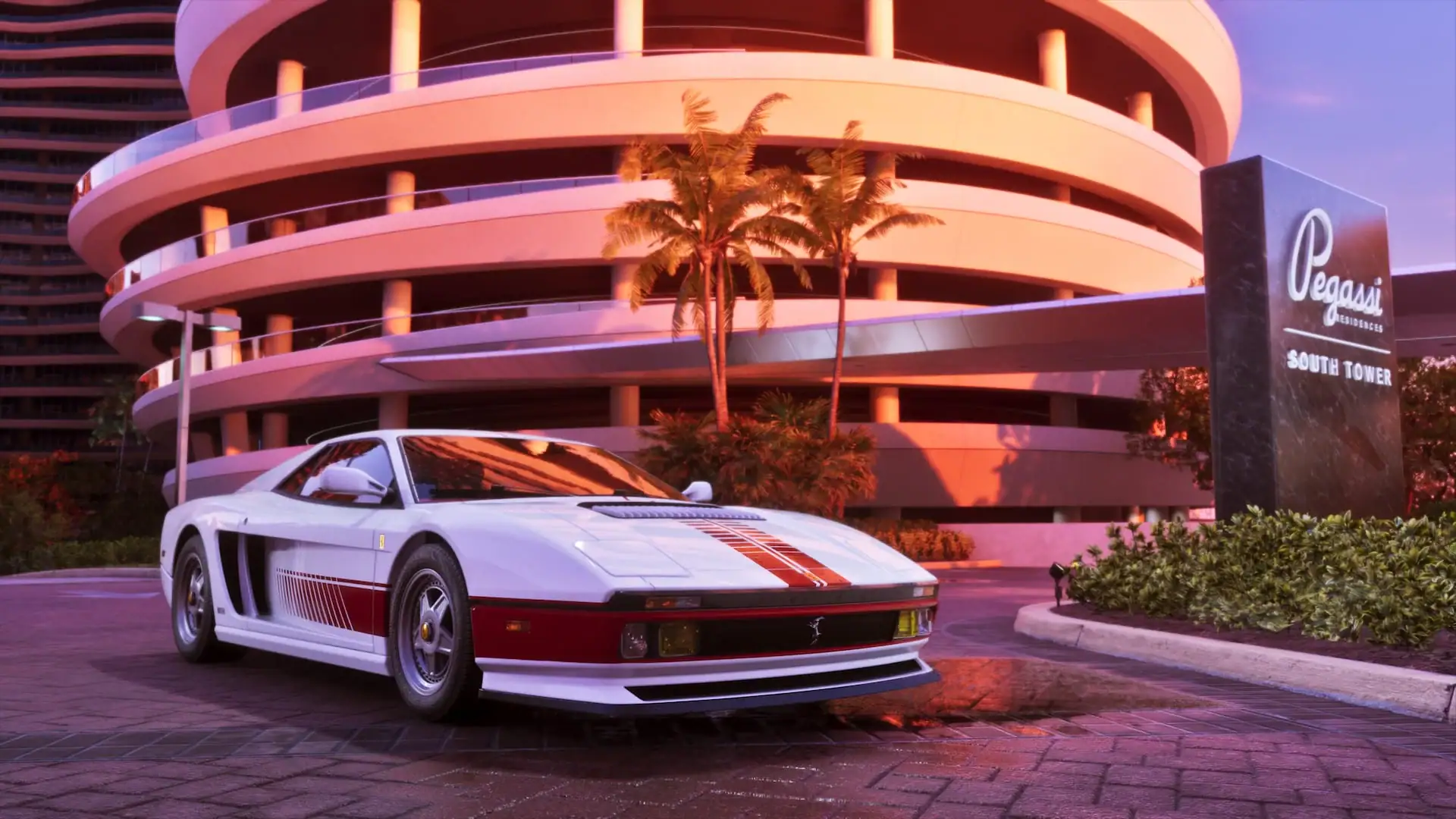
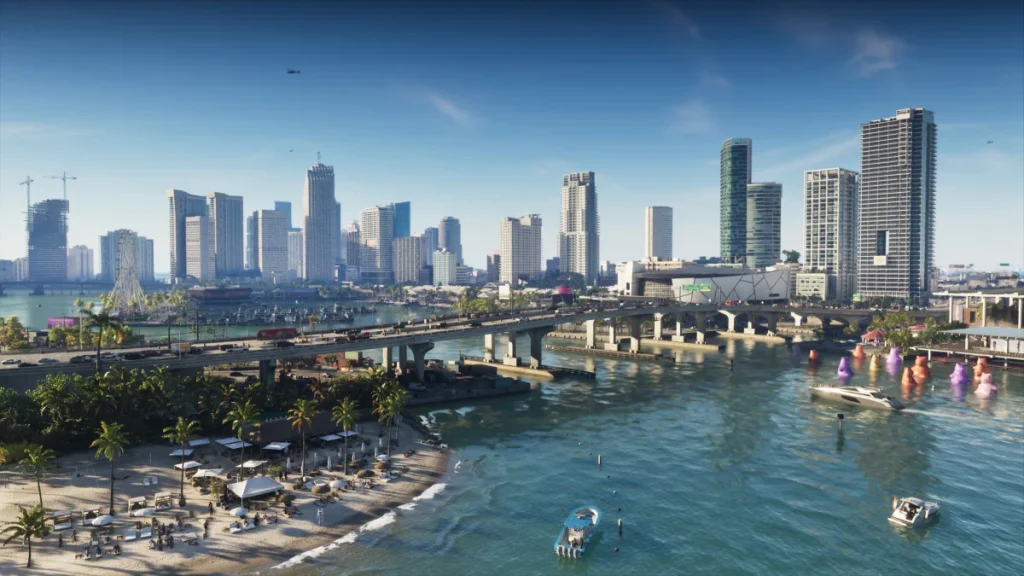
Image: Rockstar GamesGTA 6 Xbox Cloud Gaming support is live, so you can play Rockstar's new Grand Theft Auto on an Xbox One or stream it to an Xbox Series X|S to save storage, and Remote Play lets you stream it from your own Series X|S to a phone, PC or handheld. You need a copy bought from the Xbox Store. Here's how to set up both, step by step, from Microsoft's official guide.
GTA 6 cloud and Remote Play at a glance
| Xbox Cloud Gaming | Stream to Xbox One or Xbox Series X|S |
| Remote Play | From your Xbox Series X|S to phones, PCs and handheld PCs |
| You need | A copy of GTA 6 from the Xbox Store |
| Cloud play time | Up to 15 hours a month on select Game Pass plans; more can be bought |
| Cloud graphics | Xbox Series S settings |
| GTA 6 price (Xbox Store) | $79.99 |
Can you play GTA 6 on Xbox One?
Yes, through the cloud. Microsoft says GTA 6 "supports XBOX Cloud Gaming, making it available to play even without a current-gen console", streaming straight to an Xbox One or to a Series X|S if you'd rather save drive space. Cloud play uses Xbox Series S graphics settings. Our GTA 6 performance article covers the frame rate on each console.
How do you play GTA 6 with Xbox Cloud Gaming?
- Press the Xbox button on your controller to open the guide and search for Grand Theft Auto VI.
- Select Manage, then See in Microsoft Store.
- On the Store page, select Play With Cloud.
Microsoft recommends a wired Ethernet connection where you can: even fast Wi-Fi can dip in picture and sound quality.
How many hours of cloud play do you get?
Microsoft says select Game Pass plans include up to 15 hours of cloud play a month, and you can buy more cloud time if you need it.
How do you set up Remote Play for GTA 6?
Remote Play streams the game from your own Xbox Series X|S. First switch it on:
- On your console, go to Settings > Devices & connections > Remote features.
- Tick Enable remote features.
- Optional: choose Test remote play to see what quality to expect.
Then connect from your device:
- Phone: in your browser go to play.xbox.com/remoteplay, pick your console and select Remote Play on This Device.
- PC or Xbox ROG Ally: open the Xbox app on PC, click your profile icon at the top right, go to Accessories & remote play and choose Remote play on the console you want.
Is GTA 6 multiplayer?
The Xbox Store describes Grand Theft Auto VI as "a single-player experience": Jason and Lucia's story across the state of Leonida. Players have reported bugs and a 30fps cap; our GTA 6 reviews vs reality article rounds that up.
Watch the GTA 6 launch trailer

Rockstar Games' official Grand Theft Auto VI launch trailer on its YouTube channel.
FAQ
David Ware is the Founder and Editor-in-Chief of iGame Magazine. Since 2024 he has built igamemag.com into a trusted online destination for gamers and tech enthusiasts, covering the latest gaming news, in-depth game reviews, hardware and tech breakdowns, and practical guides.
How we write: every article is researched from official sources, such as developer posts, store pages and press releases, then fact-checked and edited by David Ware before it's published. We use AI tools to help with research and drafting.
Related on iGame
 More GTA 6 newsGTA 6 Is Censored in Japan: Jason and Lucia Shower in Swimwear, Less Blood and No Gore Setting, Players SayNov 21, 2026
 More GTA 6 newsGTA 6 Sales: 32.5 Million Copies Before Launch and $3.79 Billion on Day One, the Biggest Entertainment Launch EverNov 20, 2026
 What players think of GTA 6 so farGTA 6 Reviews vs Reality: Critics Gave It 99, but Players Are Hitting Bugs, Glitches and a Choppy 30fpsNov 19, 2026
 Our GTA 6 guideGTA 6 Characters: Every Main Character Rockstar Has Revealed, From Jason and Lucia to Boobie Ike and Raul BautistaNov 18, 2026
 GTA 6 frame rates on every consoleIs GTA 6 60fps? Rockstar Confirms a 30fps Target, PS5 Pro Ray-Traced Shadows and a Way to Play on Xbox OneNov 18, 2026
 More GTA 6 newsGTA 6 New Zealand Trick: Is Sony Really Banning PlayStation Accounts? What’s Confirmed and What PSN’s Rules SayNov 18, 2026
 Game hubSee everything on GTA 613 articles: news, guides and reviews in one place Open the GTA 6 hub Image: Rockstar Games