
How to Cancel Roblox Premium (2026): Web, iPhone and Android, Plus What Changed
How to cancel Roblox Premium on web, iPhone and Android. Note: Premium is no longer sold, so if you cancel you can't resubscribe. Roblox Plus explained.
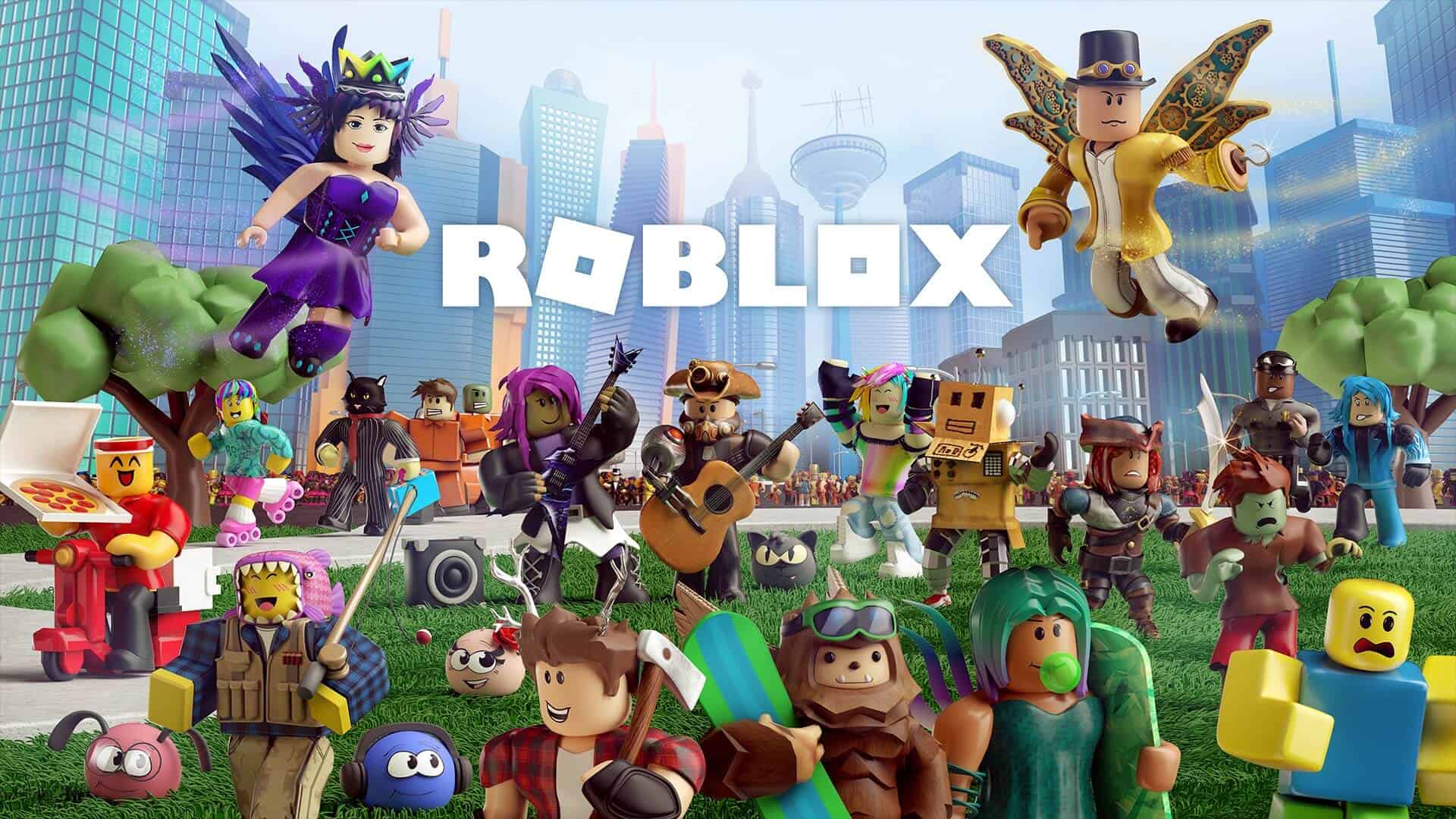
Image: RobloxTo cancel Roblox Premium on the web or desktop app, go to Settings › Subscriptions and click Cancel Renewal. If you subscribed on a phone, cancel it through the Apple or Google Play store instead. But think first: Roblox stopped selling Premium on 30 April 2026, so once you cancel, you can't subscribe to Premium again. Its replacement is Roblox Plus.
Cancelling Roblox Premium at a glance
| Web / desktop | Settings › Subscriptions › Cancel Renewal |
| iPhone / iPad | iOS Settings › your name › Subscriptions |
| Android | Google Play › profile › Payments & Subscriptions |
| Windows / Amazon | Doesn't renew; nothing to cancel |
| Refunds | None; you keep benefits until the paid period ends |
| Can you resubscribe? | No. Premium isn't sold any more (since 30 April 2026) |
How do you cancel Roblox Premium on the website or desktop app?
- Log in to the account that bought the membership.
- Click the gear icon in the top right.
- Open Settings and choose Subscriptions.
- Click Cancel Renewal and follow the prompts to confirm.
How do you cancel Roblox Premium on iPhone or Android?
Memberships bought in the mobile app can't be cancelled inside Roblox. Use your app store:
- Apple (iOS): open your device Settings, tap your name, then Subscriptions. Find Roblox and cancel.
- Google Play (Android): open the Play Store, tap your profile icon, go to Payments & Subscriptions, and cancel Premium.
Why is there no Cancel button?
- Your membership is already cancelled or set to expire.
- It's renewing right now and can't be cancelled until that finishes.
- You bought a one-time membership through the Windows or Amazon store, which doesn't renew.
- You bought it in the mobile app, so you need to cancel through Apple or Google.
What happens when you cancel?
You keep your Premium benefits until the end of the period you've already paid for. Memberships are non-refundable, so cancel before your renewal date to avoid another charge. If you can't log in, contact Roblox Support with the subscribed account's username before the renewal date.
What changed with Roblox Premium in 2026?
From 30 April 2026, Premium is no longer sold. Existing members can keep it, but can't resubscribe after cancelling. On 30 May 2026, the benefits changed: the monthly Robux stipend and trading/reselling stay, but the 10% bonus on Robux purchases and the Premium logo were removed.
What is Roblox Plus?
Roblox Plus replaced Premium. It's a benefits-only subscription with no monthly Robux, unless you choose a Plus 500, Plus 1000 or Plus 2000 bundle. Benefits include a 10% discount on items (20% from your third month in a row), free private servers, free Robux transfers to other users, unlimited trading and reselling Limited items.

More Roblox on iGame Magazine
- Roblox hub – all our Roblox coverage in one place
- How to get voice chat in Roblox
- Roblox Brookhaven music codes
Cancel Roblox Premium FAQ
David Ware is the Founder and Managing Editor of iGame Magazine. Since 2024 he has built igamemag.com into a trusted online destination for gamers and tech enthusiasts, covering the latest gaming news, in-depth game reviews, hardware and tech breakdowns, and practical guides.
How we write: every article is researched from official sources, such as developer posts, store pages and press releases, then fact-checked and edited by David Ware before it's published. We use AI tools to help with research and drafting.
Related on iGame
 Another Roblox settings guideHow to Get Voice Chat in Roblox (2026): Age Check, Requirements and SettingsJun 20, 2024
  Popular Roblox guideRoblox Brookhaven Music Codes: Working Song and Meme IDs (2026)Aug 13, 2024
  More GuidesDoes Subnautica 2 Have Dedicated Servers? Multiplayer, Crossplay and Co-op ExplainedOct 17, 2026
  More GuidesWindrose Guide: 15 Tips Every New Captain Should Know (2026)Oct 15, 2026
  More GuidesGray Zone Warfare Wipe Guide: What You Keep in 0.5, PvE vs PvEvP and How to PrepareOct 13, 2026