
Where Did Camera Hub Go? Elgato Studio 2.0 Replaces It: What Facecam Owners Need to Know
Elgato Studio 2.0 replaces Camera Hub for Facecam and Cam Link. What's new, whether your settings carry over, Virtual Prompter pricing and requirements.
Image: Elgato
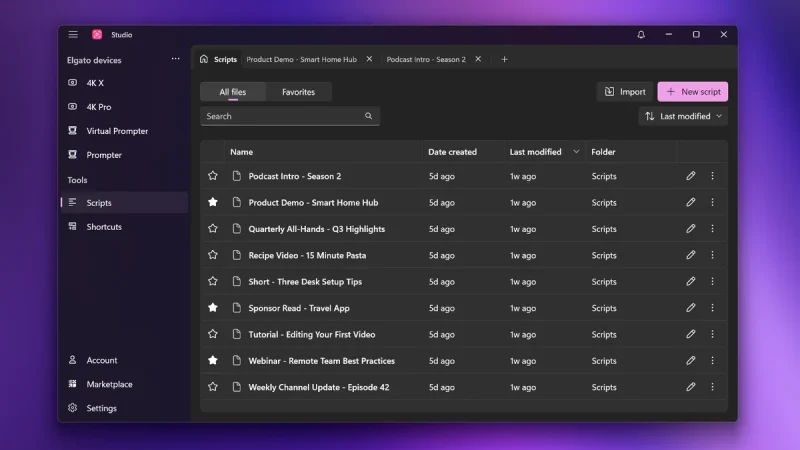
Elgato Studio 2.0 is out, and if you own a Facecam, it changes the app you use every day. Elgato released it on 3 November 2026, and it fully replaces Camera Hub (and the 4K Capture Utility), so Elgato's Prompter, webcams and capture cards now work in one free app on Windows and macOS. Camera Hub is still available to download, but it no longer gets updates.
Elgato Studio 2.0 at a glance
| Released | 3 November 2026 |
| Replaces | Camera Hub and 4K Capture Utility |
| Price | Free (Virtual Prompter Pro is optional) |
| Windows | Windows 11, 64-bit or ARM64 |
| macOS | macOS 15 Sequoia or later (Elgato's download page) |
| Cameras | Facecam, Facecam MK.2, Facecam 4K, Facecam Pro, Facecam Neo, Cam Link, Cam Link 4K, Cam Link Pro |
| Settings | Carry over automatically from Camera Hub |
Where did Camera Hub go?
It's been replaced. Elgato's own explainer says Camera Hub and 4K Capture Utility are still available if you need them, but new features and fixes now come only to Elgato Studio 2.0. You can download Studio from Elgato's downloads page.
Will my Facecam settings carry over?
Yes, according to Elgato. Its press release says existing settings carry over automatically from Camera Hub, so you shouldn't need to set everything up again, and Studio can import your Camera Hub Prompter scripts too.
What can Elgato Studio 2.0 do with a Facecam?
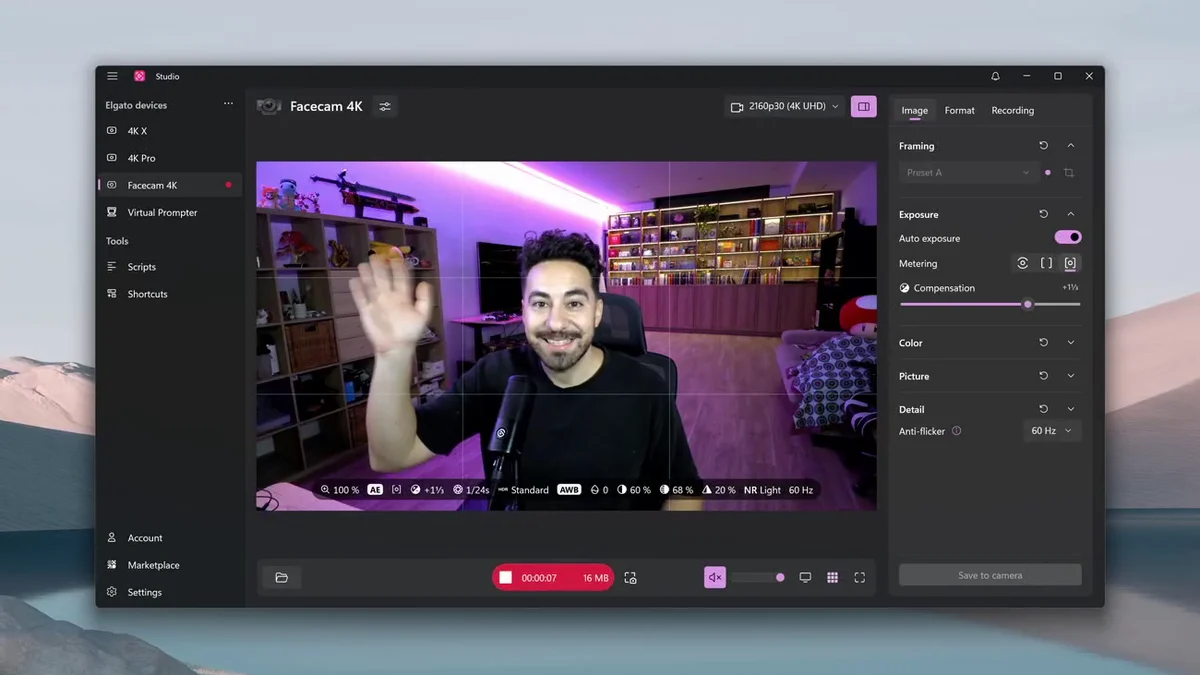
- Camera controls: zoom, exposure, white balance and more, with resolution, frame rate and codec settings built in.
- Record inside Studio: Facecam and Cam Link owners can record without another app, using any microphone or a Wave Link mix for audio.
- HUD: a live readout of your camera settings and a composition grid.
- Stream Deck: a free Studio plugin to adjust framing or start recording from your Stream Deck.
What's new for the Prompter?
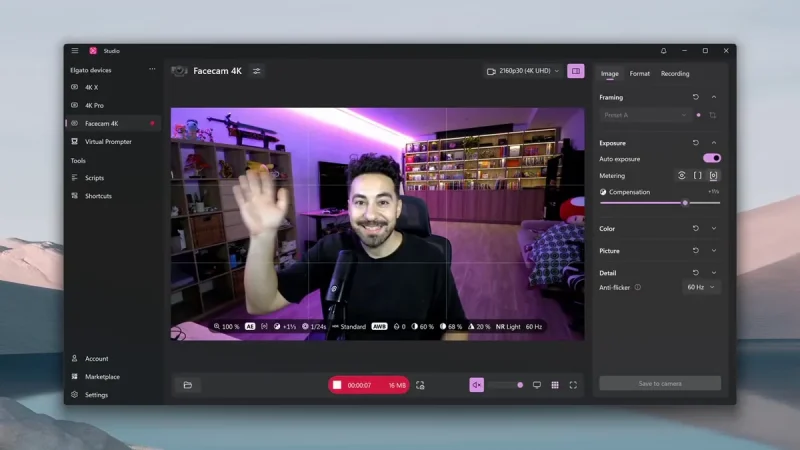
Studio 2.0 rebuilds the teleprompter side: a new script editor with markdown support, a script library with search, favourites and tabs, rebuilt Voice Sync that scrolls as you speak (now on almost any PC, including Intel and AMD), timer and progress widgets, an operator view, and live chat from Twitch, YouTube and Kick in one feed.
Is Elgato Studio free?
Yes. Studio is a free download, and the new Virtual Prompter, which turns a laptop or monitor you already own into a teleprompter, is free in its Docked mode with no time limit. The Floating mode needs a physical Elgato Prompter or Virtual Prompter Pro, which costs $2.99 a month, $29.90 a year or $49.99 for life on Elgato Marketplace.
What are the system requirements?
Windows 11 (64-bit or ARM64), or macOS 15 Sequoia or later on Mac. Note that Elgato's press release says macOS 26 Tahoe, while its download and support pages say macOS 15 Sequoia, so check the download page if you're on an older Mac.
Does Studio 2.0 fix Facecam settings resetting?
Elgato doesn't say so directly, but it does say all new fixes now go into Studio. In our own Elgato Facecam review, Camera Hub resetting our settings was the biggest complaint, so we'll be watching closely.
Watch Elgato Studio 2.0
Elgato's overview and videos are on the official Elgato Studio page.
More streaming gear on iGame Magazine
- SteelSeries Arctis 9 Review: Still Worth Buying in 2026?: our SteelSeries Arctis 9 headset review
FAQ

David Ware is the Founder and Managing Editor of iGame Magazine. Since 2024 he has built igamemag.com into a trusted online destination for gamers and tech enthusiasts, covering the latest gaming news, in-depth game reviews, hardware and tech breakdowns, and practical guides.
How we write: every article is researched from official sources, such as developer posts, store pages and press releases, then fact-checked and edited by David Ware before it's published. We use AI tools to help with research and drafting.
Related on iGame
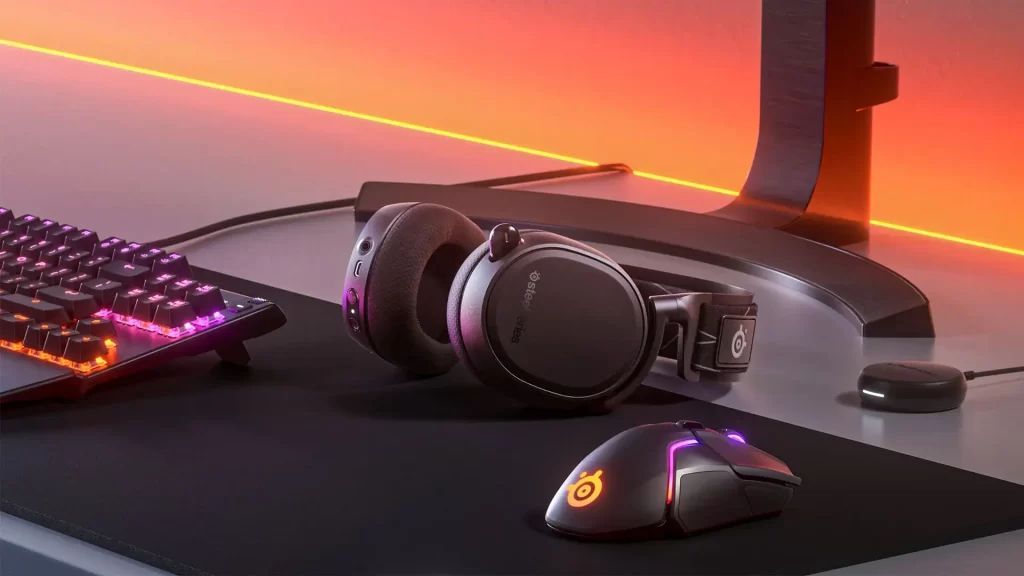 Our SteelSeries Arctis 9 headset reviewSteelSeries Arctis 9 Review: Still Worth Buying in 2026?Apr 23, 2024
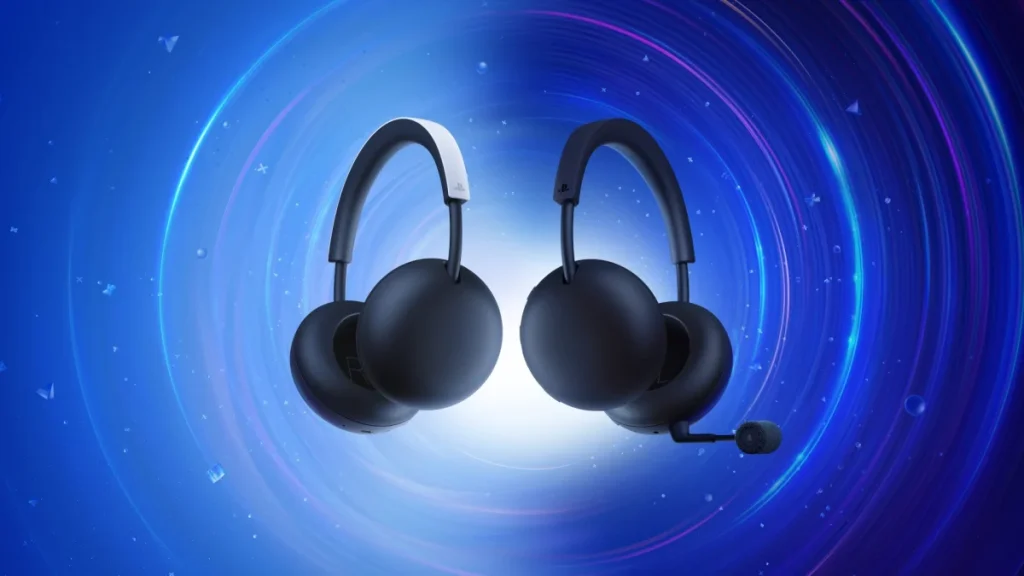 More Tech NewsPlayStation Pulse Headset Is Out 19 November: $99.99 Price, Planar Drivers and How It Differs From Pulse EdgeNov 8, 2026
 More Tech NewsNintendo Switch 2 Sales Reach 26.35 Million: First-Half Sales Fall, but Nintendo Keeps Its 16.5 Million ForecastNov 7, 2026
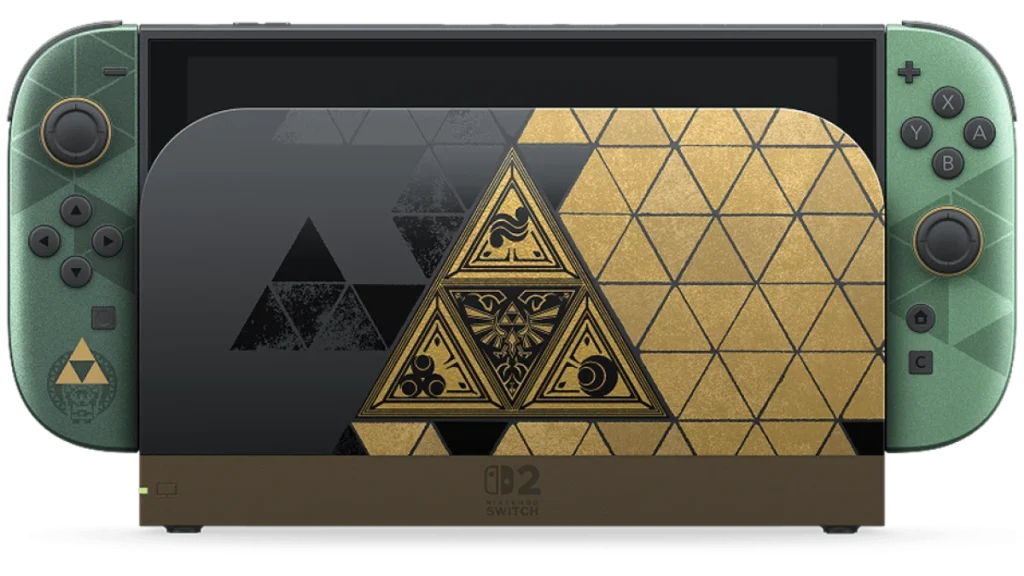 More Tech NewsNintendo Switch 2 Zelda 40th Anniversary Edition: Price, Triforce Design, Matching Pro Controller and StockNov 2, 2026
 More Tech NewsAMD FSR 4.1 Now Works on RX 6000 Cards, and It’s Coming to Xbox Series X|SOct 26, 2026
 More Tech NewsCapcom Data Breach: 11.7 Million CAPCOM ID Accounts Hit, What Was Taken and What to DoOct 26, 2026