

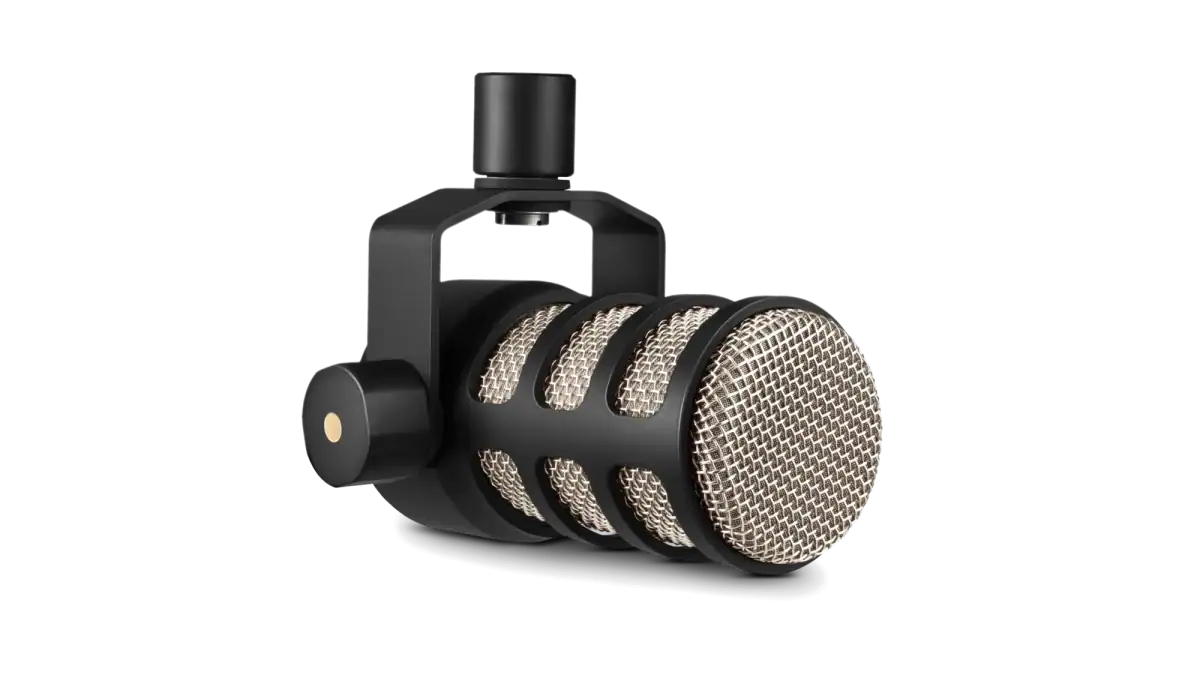
Rode PodMic Review: Is It the Best Budget Podcast Mic?
Our Rode PodMic review covers its sound, build, what you need to run it, PodMic vs PodMic USB, and whether it's the right mic for streaming and podcasts.
Image: RODE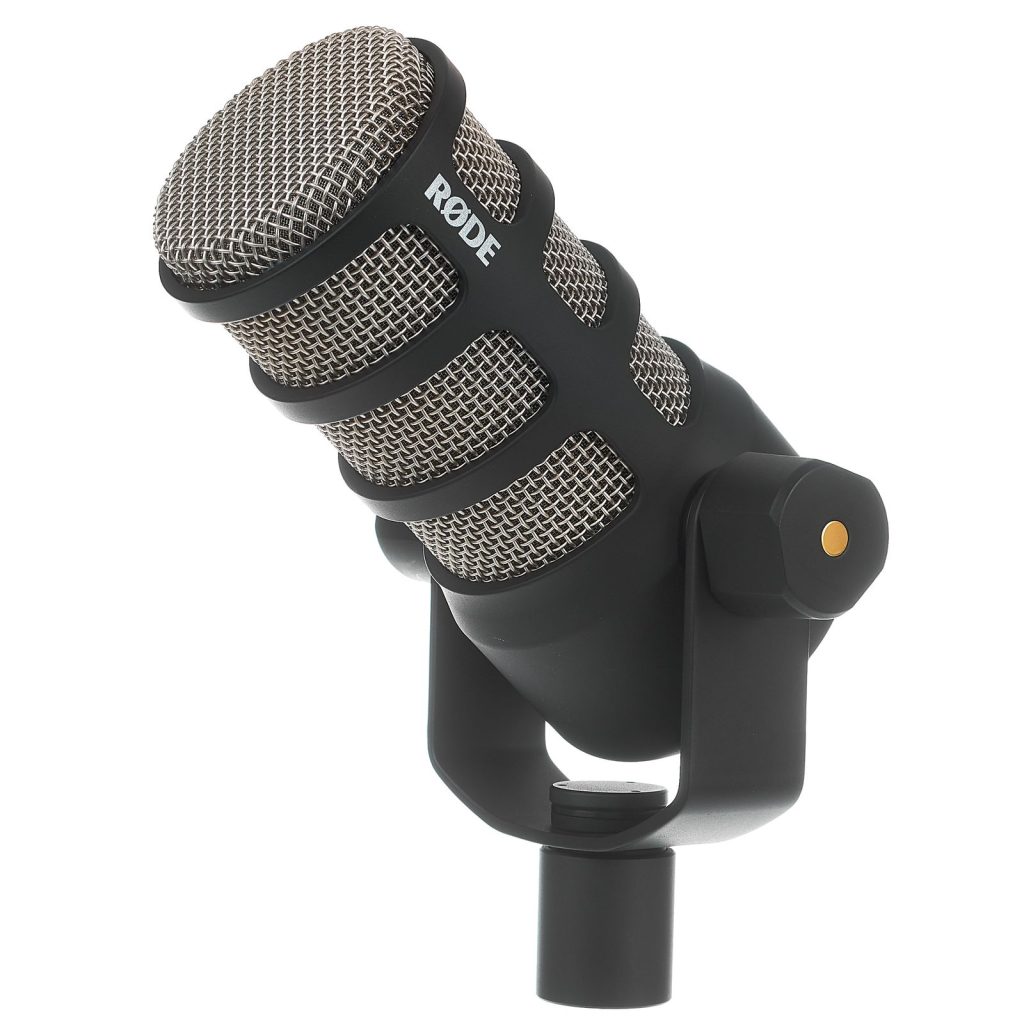
Our Rode PodMic review in short: this is a tough, all-metal dynamic microphone that makes your voice sound rich and radio-ready for a very fair price. It rejects background noise far better than most USB condenser mics, which makes it ideal for streamers with loud keyboards. The catch is that it's an XLR mic, so you'll need an audio interface or mixer to use it.
Below we explain what the PodMic is, how it sounds, what you need to run it, and whether the newer PodMic USB is a better buy.
Rode PodMic at a glance
| Type | Dynamic broadcast microphone |
| Pickup pattern | Cardioid |
| Frequency range | 20Hz – 20kHz |
| Connection | XLR |
| Output impedance | 320Ω |
| Sensitivity | -57dB re 1V/Pa (1.6mV @ 94dB SPL) |
| Phantom power | Not required |
| Weight | 937g |
| Built in | Pop filter, shock mounting and swing mount |
| Price | $99 (official Rode price) |
What is the Rode PodMic?
The PodMic is Rode's affordable broadcast microphone, designed for podcasting, streaming, voiceover and gaming commentary. It launched in 2019 as a partner for Rode's RØDECaster Pro podcast studio, but it works with any audio interface or mixer that has an XLR input.
It's a dynamic microphone, which is the type you see in radio studios. Dynamic mics are less sensitive than condenser mics like the Blue Yeti X, so they focus on the voice right in front of them and ignore much more of the room around you.
Design and build quality
Pick up the PodMic and the first thing you notice is the weight. At 937g it's a solid, all-metal microphone that feels like it could survive being dropped off the desk, and it looks the part on camera with its classic broadcast styling.
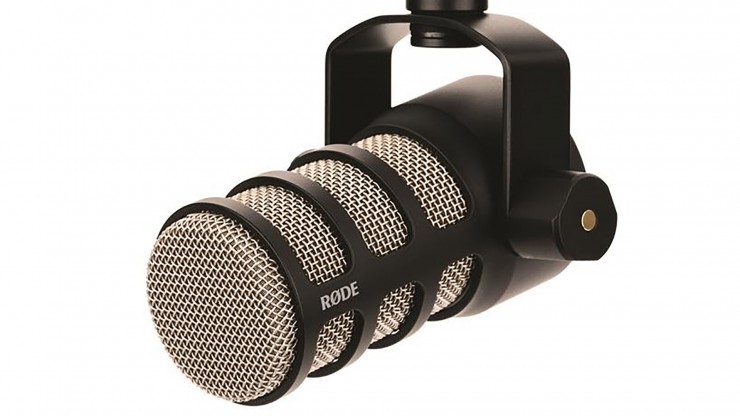
It has an internal pop filter to soften hard "p" and "b" sounds, internal shock mounting to cut down on knocks and vibrations, and an integrated swing mount that screws straight onto a boom arm or mic stand. Because it's heavy, pair it with a sturdy boom arm rather than a cheap, lightweight one.
How does the Rode PodMic sound?
The PodMic has a warm, full-bodied sound that flatters most voices. It has that close, intimate "radio" quality, with plenty of low-end warmth and clear mids, so speech sounds rich rather than thin.
The tight cardioid pattern is its real strength for gamers. It picks up what's directly in front of it and rejects a lot of what's off to the side, so keyboard clatter, PC fans and room echo are much less noticeable than on a condenser mic. Get close, around a few centimetres from your mouth, for the best results.
What do you need to use the Rode PodMic?
This is the most important thing to know before buying. The PodMic is XLR only, so it won't plug straight into a PC. You'll need:
- An audio interface or mixer with an XLR input, such as a Focusrite Scarlett, a GoXLR or a RØDECaster.
- An XLR cable.
- Ideally, a boom arm to hold it close to your mouth.
Like most dynamic mics, the PodMic has quite low output, so it needs plenty of clean gain. A good interface handles that easily, but very cheap interfaces can sound noisy when turned right up. It doesn't need phantom power.
Rode PodMic vs PodMic USB
Rode has since released the PodMic USB, which keeps the same robust design and adds a USB-C connection alongside XLR. Over USB it has a built-in preamp, a headphone output for zero-latency monitoring and APHEX voice processing, so you can plug it straight into your PC with no interface.
If you don't own an interface and don't plan to buy one, the PodMic USB is the simpler choice. If you already have an interface or mixer, the original PodMic is the better value.
Who should buy the Rode PodMic?
- Streamers and gamers who want great voice quality and better rejection of keyboard and room noise.
- Podcasters building a multi-mic setup on a budget.
- Anyone upgrading from a USB condenser mic that picks up too much of their room.
Final verdict
The Rode PodMic is one of the best-value broadcast microphones you can buy. It's built like a tank, sounds warm and professional, and handles noisy rooms far better than most USB mics. Just budget for an interface, cable and boom arm, or go for the PodMic USB if you want to keep things simple.
A tough, broadcast-grade dynamic mic that sounds rich for voice, once you've got the right setup.
What we liked
- Rich, broadcast-grade voice sound
- Durable full-metal construction
- Built-in pop filter, shock mount and swing mount
- Tight cardioid pattern reduces room noise
What we didn’t
- Needs extra accessories (an XLR interface) to get started
- Can still pick up background noise
- Pricier than entry-level mics
Rode PodMic FAQ
Does the Rode PodMic need an audio interface?
Yes. The original PodMic is XLR only, so you need an audio interface or mixer with an XLR input. The PodMic USB adds a USB-C connection.
Does the Rode PodMic need phantom power?
No. It's a dynamic microphone, so phantom power isn't required.
Is the Rode PodMic good for streaming?
Yes. Its cardioid dynamic design rejects keyboard and room noise well, making it a great choice for streamers.
How heavy is the Rode PodMic?
It weighs 937g, so it's best paired with a sturdy boom arm.

David Ware is the Founder and Managing Editor of iGame Magazine. Since 2024 he has built igamemag.com into a trusted online destination for gamers and tech enthusiasts, covering the latest gaming news, in-depth game reviews, hardware and tech breakdowns, and practical guides.
How we write: every article is researched from official sources, such as developer posts, store pages and press releases, then fact-checked and edited by David Ware before it's published. We use AI tools to help with research and drafting.
Related on iGame
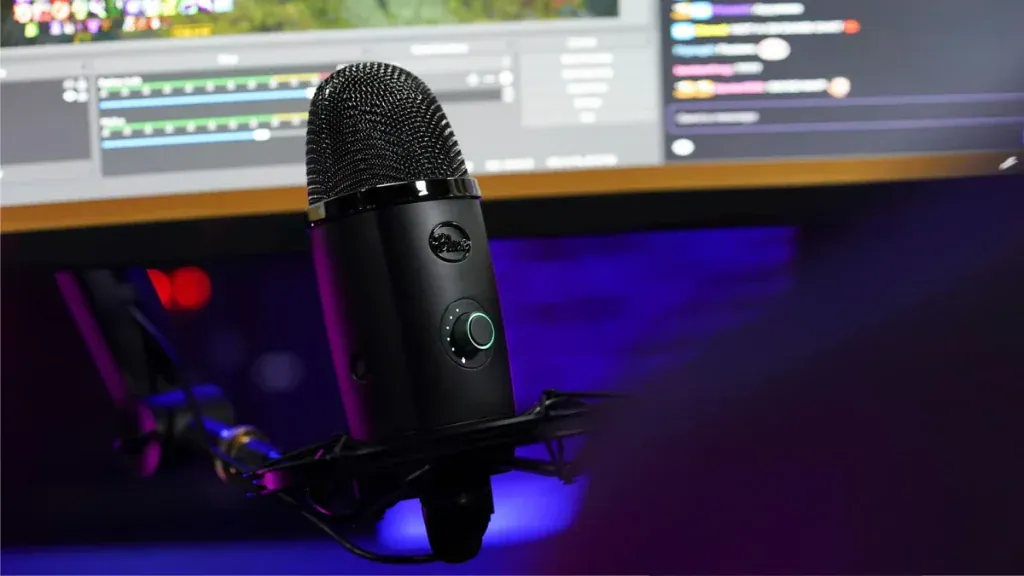 A plug-and-play USB alternativeBlue Yeti X Review: Is It Still Worth Buying in 2026?Apr 9, 2024
  Pair it with a great wireless headsetSteelSeries Arctis 9 Review: Still Worth Buying in 2026?Apr 23, 2024
  A fast esports keyboardRazer Huntsman Tournament Edition Review: Still a Top Esports Keyboard?Apr 11, 2024
  More Tech ReviewsAcer Predator Atlas 8 Review Roundup: Seriously Fast, but Watch the Screen, Controls and Sleep ModeNov 2, 2026
  More Tech ReviewsLogitech G Yeti 2 Review Roundup: Critics Love the Smart Mic, but Don’t Expect XLROct 27, 2026
  More Tech ReviewsSurface Laptop Ultra Review Roundup: Beautiful and Powerful, but Not Built for GamersOct 20, 2026