
How to Fix Black Screen Issue in The First Descendant
Fix the black screen issue in The First Descendant with our detailed guide. Learn how to resolve and prevent the black screen error quickly
Image: NexonThe First Descendant is an online looter-shooter, but some players have encountered a frustrating black screen error. Here's how to fix the black screen issue in The First Descendant and get back to playing.
The First Descendant Black Screen Fix
Check System Requirements
Ensure your PC meets the system requirements for The First Descendant. An incompatible system can cause black screen problems.
Close Background Programs
Hit Ctrl+Shift+Esc to open Task Manager. Close any background programs that are not needed. This frees up resources for the game.
Verify Game Files on Steam
Follow these steps to verify game files:
- Right-click on The First Descendant in your Steam library.
- Select “Properties.”
- Select “Local Files” from the menu.
- Click on “Verify integrity of game files.”
Disable Third-Party Overlay Apps
Disable third-party overlay apps like Discord and GeForce Experience. These overlays can cause conflicts and black screen issues.
The First Descendant Black Screen Bug Solution
Update Graphics Drivers
Ensure your graphics drivers are up to date. Outdated drivers can cause black screen errors in The First Descendant.
Adjust Game Settings
Lowering the game settings can sometimes resolve the black screen problem in The First Descendant. Try reducing resolution, texture quality, and other settings.
Reinstall the Game
If other fixes fail, try reinstalling The First Descendant. This can resolve any corrupted files causing the black screen glitch in The First Descendant.
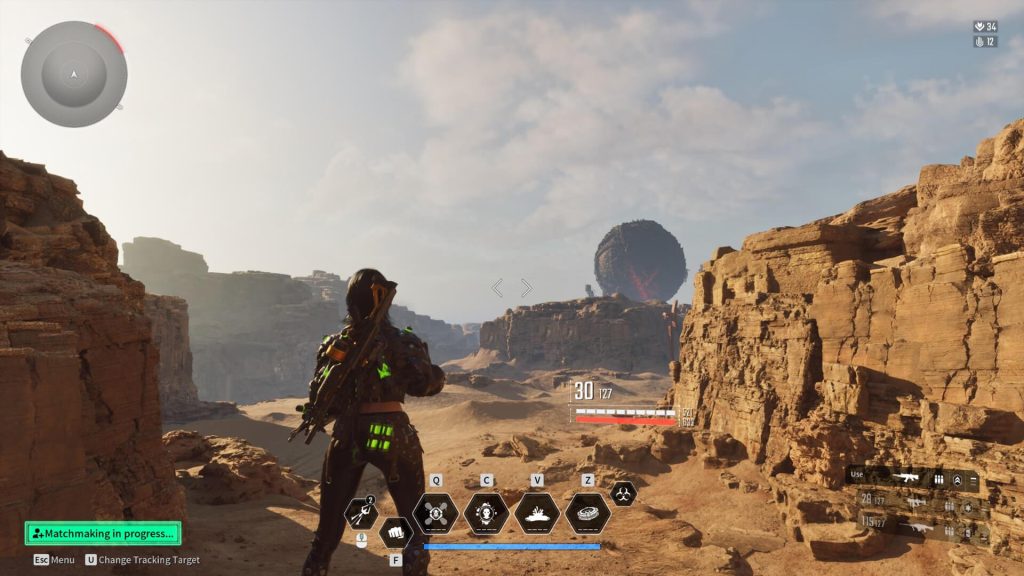
How to Resolve Black Screen Issue in The First Descendant
Contact Support
If none of the above fixes work, use the official support channels to contact the developer. They may have a specific solution for the black screen error in The First Descendant.
Monitor Official Channels
Keep an eye on official forums and social media for updates on the black screen bug solution in The First Descendant. Developers often release patches to fix such issues.
By following these steps, you should be able to resolve the black screen issue in The First Descendant and enjoy the game without interruptions.
Conclusion
The First Descendant black screen issue can be frustrating, but with these troubleshooting steps, you can fix the black screen error and get back to gaming. If problems persist, contact the developer for further assistance.
David Ware is the Founder and Managing Editor of iGame Magazine. Since 2024 he has built igamemag.com into a trusted online destination for gamers and tech enthusiasts, covering the latest gaming news, in-depth game reviews, hardware and tech breakdowns, and practical guides.
How we write: every article is researched from official sources, such as developer posts, store pages and press releases, then fact-checked and edited by David Ware before it's published. We use AI tools to help with research and drafting.
Related on iGame
 More GuidesWARDOGS Guide for Beginners: How the Cash, Control Zone and Roles Actually WorkOct 23, 2026
  More GuidesRust Livestock Update: How to Farm Cows and Sheep, Sell at the Stables and Use Milk and WoolOct 21, 2026
  More GuidesSteam Next Fest October 2026: 8 Survival and FPS Demos Worth Playing Before It EndsOct 21, 2026
  More GuidesBattlefield 6 x Dead Space Event Guide: Dates, Marker Incursion and Every RewardOct 20, 2026
  More GuidesIs Resonance: A Plague Tale Legacy on Game Pass? Price, Editions and PlatformsOct 19, 2026
  More GuidesResonance: A Plague Tale Legacy PC Requirements, Steam Deck and Performance FixesOct 19, 2026