

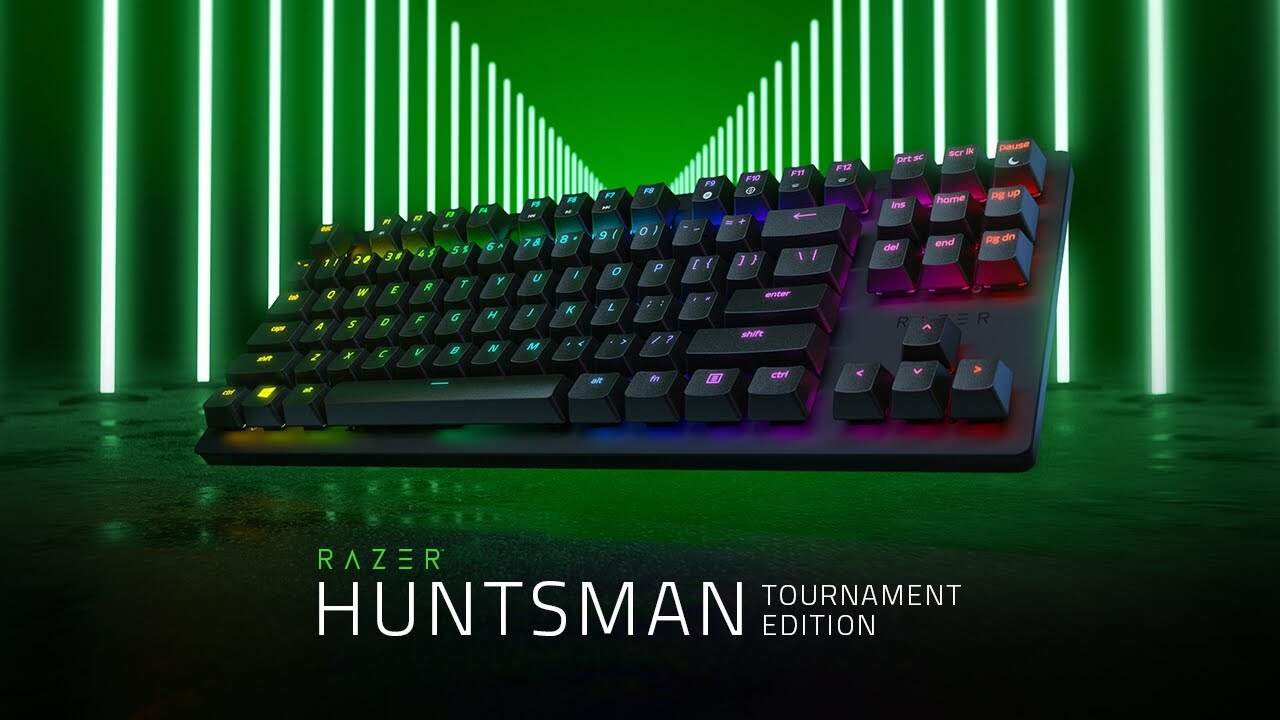
Razer Huntsman Tournament Edition Review: Still a Top Esports Keyboard?
Our Razer Huntsman Tournament Edition review covers its linear optical switches, PBT keycaps, onboard profiles, and whether it's still worth buying in 2026.
Image: RazerOur Razer Huntsman Tournament Edition review in short: this is a compact, no-nonsense esports keyboard built around Razer's lightning-fast linear optical switches. It's light, quick and tough, with doubleshot PBT keycaps and a detachable USB-C cable, and it's often available well below its original price. Casual players may find the light switches too touchy, but competitive gamers will love it.
Below we cover what the Huntsman TE is, how it feels to play on, its key features and whether it's still worth buying in 2026.
Razer Huntsman Tournament Edition at a glance
| Layout | Tenkeyless (TKL) |
| Switches | Razer Linear Optical (red) |
| Actuation | 1.0mm, around 40g force |
| Keycaps | Razer doubleshot PBT |
| Cable | Detachable USB-C |
| Lighting | Razer Chroma RGB, per key |
| Onboard memory | Hybrid onboard storage, up to 5 profiles |
| Programmable | Every key, via Razer Synapse |
| Launched | September 2019 at $129.99 |
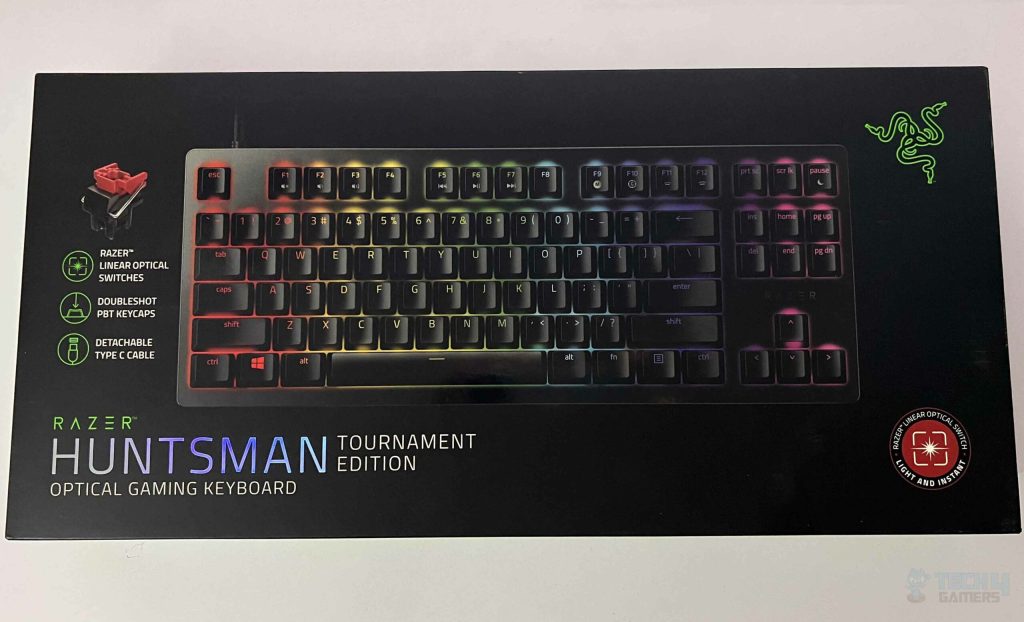
What is the Razer Huntsman Tournament Edition?
The Huntsman Tournament Edition is Razer's tenkeyless esports keyboard. It drops the number pad to save desk space, giving you more room to swing your mouse, and it's light and compact enough to take to LAN events and tournaments.
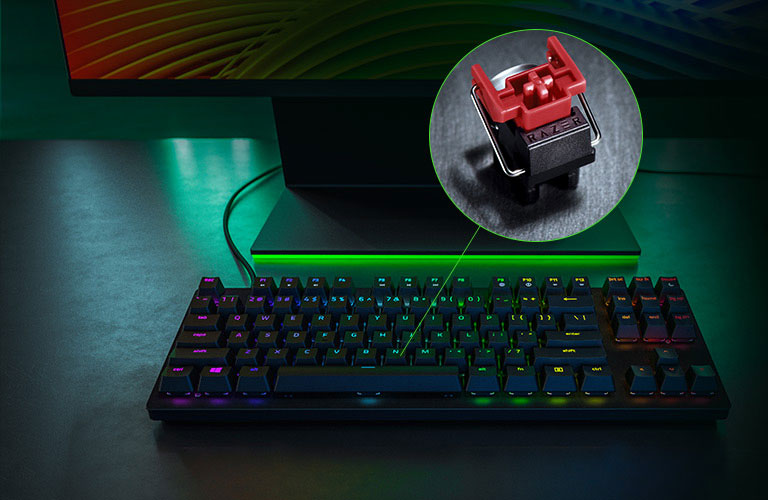
Its headline feature is Razer's linear optical switch. Instead of a metal contact, each keypress is registered when the switch breaks a beam of light. That makes actuation extremely fast and consistent, and with no physical contacts to wear out, the switches are built to last.
Design and build quality
The Huntsman TE has an understated, matte black design with a sturdy top plate and Razer Chroma RGB under every key. There's no wrist rest and no dedicated media keys, which keeps it compact and clean, though you can still control media through function shortcuts.
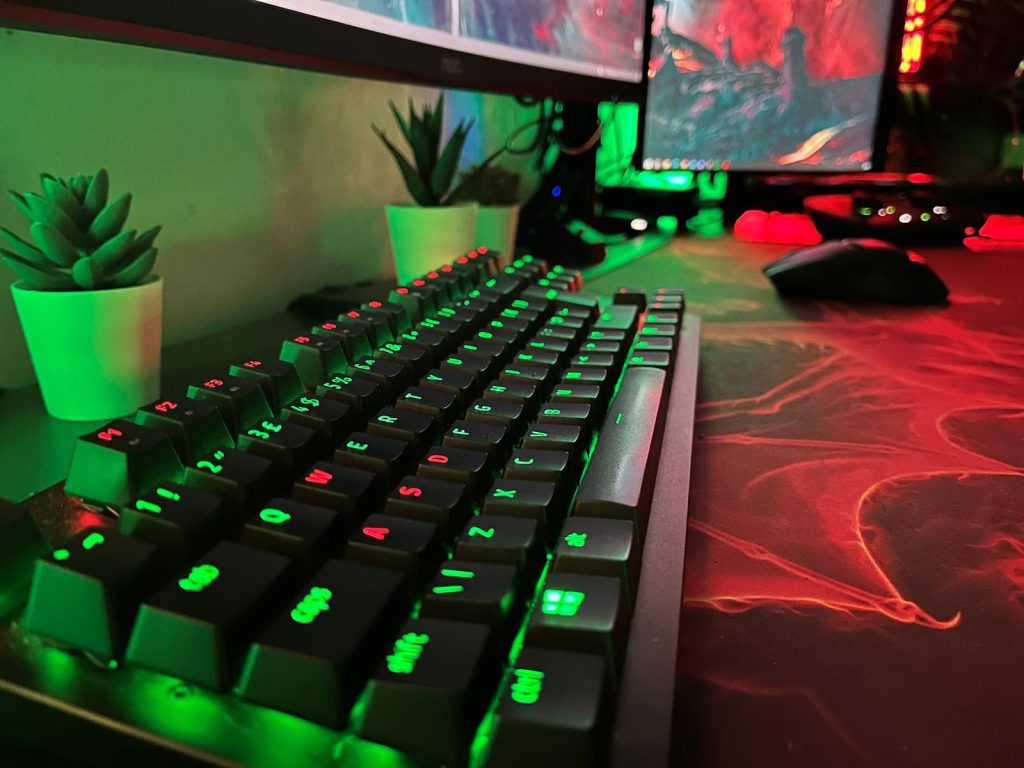
The keycaps are doubleshot PBT, which is a real upgrade over the ABS keycaps on many gaming keyboards. PBT is harder and more textured, so the keycaps won't turn shiny or greasy after months of use, and the doubleshot legends won't wear off. The cable is detachable USB-C, which makes it easy to pack in a bag and replace if it ever gets damaged.
How does the Huntsman TE feel to play on?
Fast. The linear optical switches actuate at just 1.0mm with a light touch, so keypresses register almost as soon as you start pressing. In shooters like Counter-Strike 2 and Valorant, that makes counter-strafing and quick movement feel instant, and the smooth, linear travel means there's no bump or click to push through.
That light, short actuation is a double-edged sword. If you rest your fingers heavily on the keys or you're used to tactile switches, you may hit keys by accident at first. Most players adjust within a few days, but it's worth knowing if you also do a lot of typing.
Software, macros and onboard memory
Every key can be remapped and assigned macros in Razer Synapse, and you can set up per-key RGB effects with Razer Chroma. The keyboard's hybrid onboard storage saves up to five profiles, so your bindings and lighting travel with the keyboard to another PC, even if Synapse isn't installed there. That's ideal for tournaments and LANs.
Is the Razer Huntsman TE still worth buying in 2026?
Yes, especially on sale. It launched at $129.99 but has regularly been discounted far below that, which makes it a superb-value esports keyboard. Its switches and PBT keycaps still hold up well against newer boards.
The main thing it lacks compared with the latest keyboards is adjustable actuation. Razer's newer Huntsman V3 Pro TKL uses analog optical switches that let you set exactly how far each key travels before it registers, plus a rapid trigger mode. If you want those features and don't mind paying more, look there. If you just want a fast, reliable tenkeyless keyboard for a good price, the Huntsman TE is still an easy recommendation.
Who should buy the Huntsman Tournament Edition?
- Competitive players in shooters and MOBAs who want the fastest possible keypresses.
- Low-sens players who need the desk space a tenkeyless layout frees up.
- LAN and tournament goers who want a compact board with onboard profiles and a detachable cable.
If you type a lot, prefer a tactile bump, or want a wrist rest and media keys, a full-size or tactile keyboard will suit you better.
Final verdict
The Razer Huntsman Tournament Edition is a fast, durable and compact esports keyboard that still holds its own years after launch. The linear optical switches are superbly quick, the PBT keycaps are a big quality upgrade, and the detachable USB-C cable and onboard profiles make it ideal for travelling. It's overkill for casual players, but for competitive gamers it's a top pick, especially at a discount.
A no-compromise esports keyboard with lightning-fast optical switches, but overkill for casual players.
What we liked
- Linear optical switches with near-instant actuation
- Durable doubleshot PBT keycaps
- Compact tenkeyless layout frees up mouse space
- Onboard memory and a detachable USB-C cable
What we didn’t
- Overkill for casual gamers
- Light linear switches can cause mistyped keys at first
- Minimalist design won't suit everyone
Razer Huntsman Tournament Edition FAQ
What switches does the Razer Huntsman TE use?
Razer Linear Optical switches, which actuate at 1.0mm with a light, smooth keypress.
Does the Huntsman Tournament Edition have a detachable cable?
Yes. It uses a detachable USB-C cable.
Can you program keys on the Huntsman TE?
Yes. Every key can be remapped and given macros in Razer Synapse, and up to five profiles can be saved to the keyboard's onboard memory.
Does the Huntsman TE have a number pad?
No. It's a tenkeyless keyboard, so it has no number pad, which frees up space for your mouse.

David Ware is the Founder and Managing Editor of iGame Magazine. Since 2024 he has built igamemag.com into a trusted online destination for gamers and tech enthusiasts, covering the latest gaming news, in-depth game reviews, hardware and tech breakdowns, and practical guides.
How we write: every article is researched from official sources, such as developer posts, store pages and press releases, then fact-checked and edited by David Ware before it's published. We use AI tools to help with research and drafting.
Related on iGame
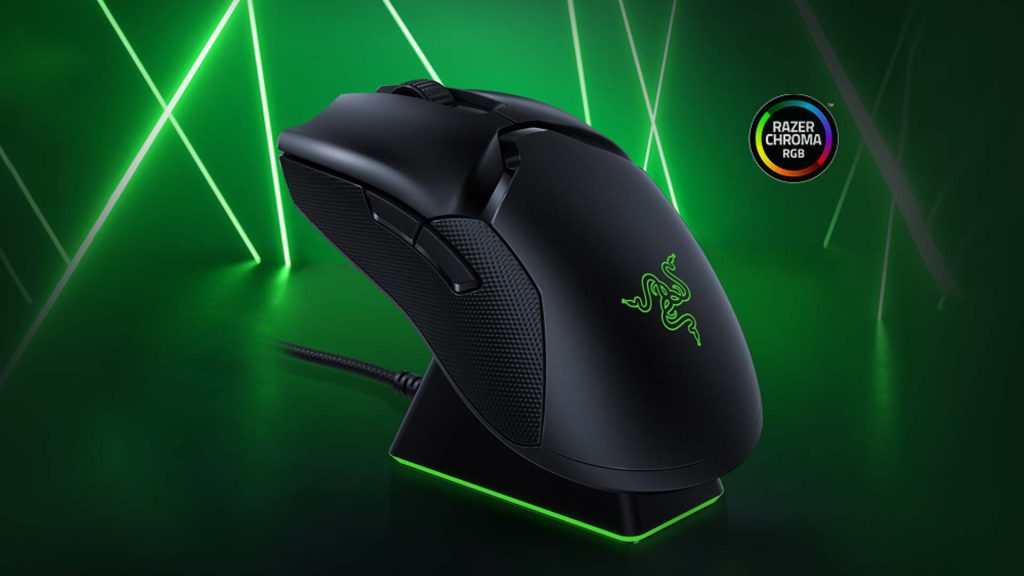 The matching Razer wireless mouseRazer Viper Ultimate Review: Is This Wireless Mouse Still Worth It?Apr 13, 2024
 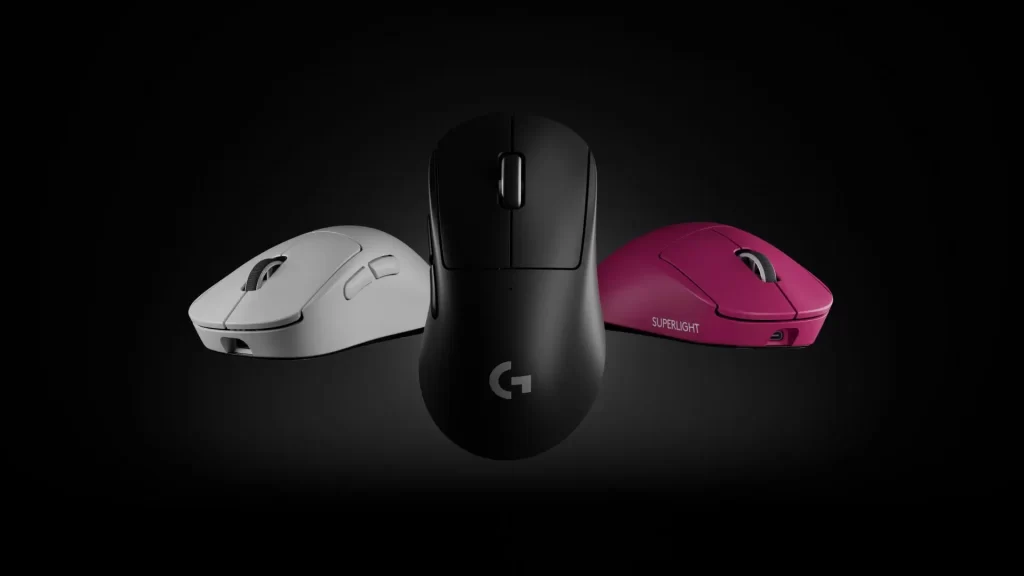 A premium esports mouseLogitech G Pro X Superlight 2 Dex Review: Specs, Shape and VerdictSep 19, 2024
 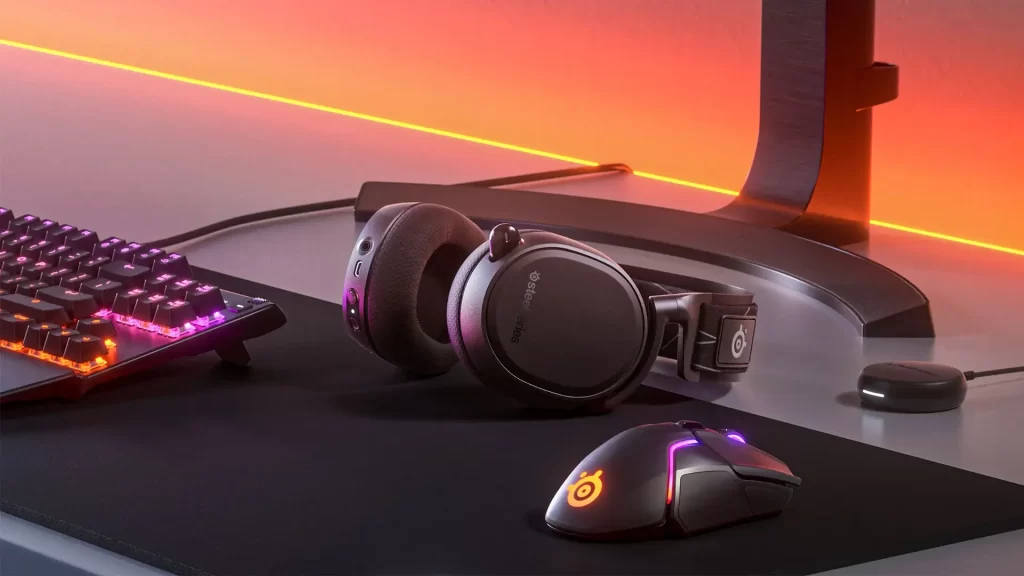 Our top-rated wireless headsetSteelSeries Arctis 9 Review: Still Worth Buying in 2026?Apr 23, 2024
  More Tech ReviewsLogitech G Yeti 2 Review Roundup: Critics Love the Smart Mic, but Don’t Expect XLROct 27, 2026
 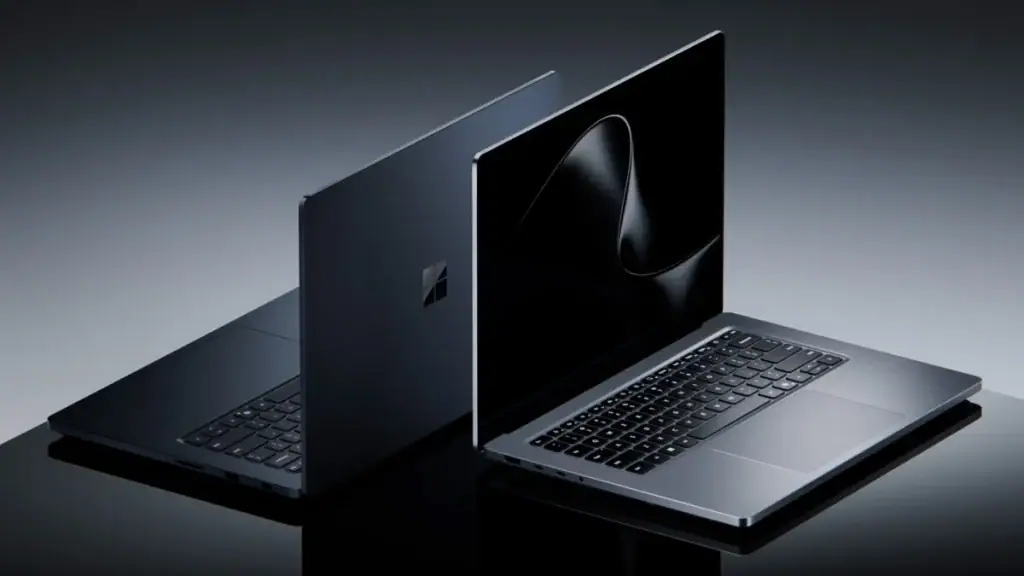 More Tech ReviewsSurface Laptop Ultra Review Roundup: Beautiful and Powerful, but Not Built for GamersOct 20, 2026
  More Tech ReviewsMSI Claw 8 EX AI+ Review Roundup: Is the Fastest Handheld Worth $1,799?Oct 9, 2026