

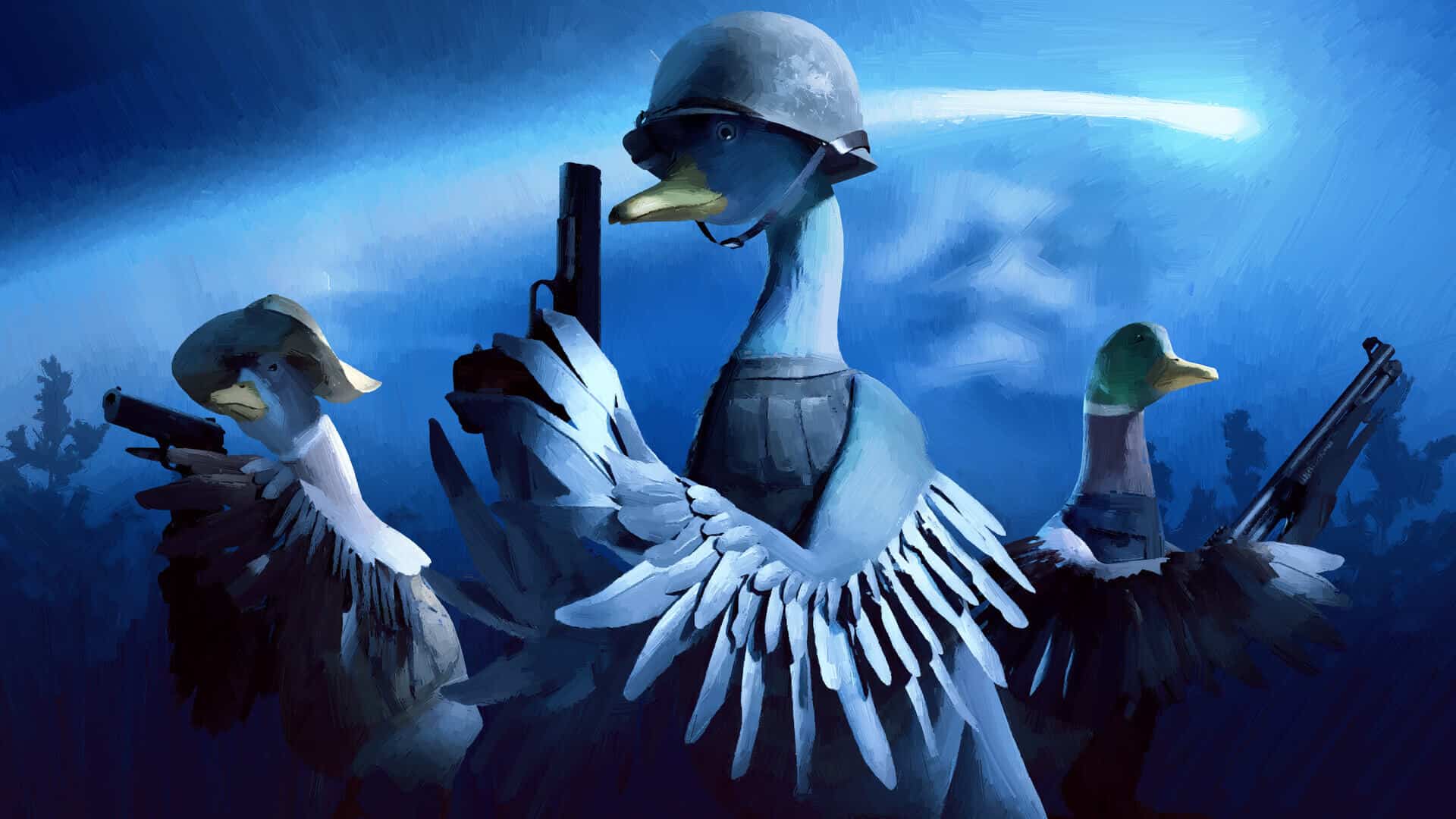
How to Emote in Duckside
Learn how to emote in Duckside with this easy guide! Hold down the N key, select your emote, and enhance your gameplay experience.
Duckside is a popular game where players can enjoy crafting, surviving, and interacting with others. Learning how to emote in Duckside is essential for full enjoyment of the game. This guide will show you how to emote and highlight the fun aspects of using emotes in the game.
How to Emote in Duckside
Step-by-Step Guide
How to emote in Duckside is straightforward. Follow these simple steps:
- Load into a Duckside server.
- Gain control of your duck.
- Hold down the N key. This is the default keybind for emoting.
- Cycle through the emotes using your mouse.
- Hover over the desired emote until it turns white.
- Release the N key to perform the emote.
Emote Wheel
In Duckside, the emote wheel allows you to choose from a variety of animations. This makes the game more enjoyable and adds a fun element to interactions.
Emote Animations
There are several emote animations to choose from. Whether you want to express joy, frustration, or just have fun, there's an emote for every situation.

Additional Tips
Using Emotes Effectively
- Interact with other players: Use emotes to communicate and interact with other players.
- Express emotions: Show how you feel in different situations using the appropriate emote.
- Have fun: Emotes add a layer of fun and humor to your gameplay.
Healing in Duckside
While how to emote in Duckside is fun, don't forget to learn how to heal your duck. Injuries can occur, and knowing how to heal is crucial for survival.
Conclusion
Knowing how to emote in Duckside enhances your gameplay experience. Follow the steps provided to easily use emotes and make your interactions more enjoyable. Emoting is just one of the many features that make Duckside a fun and engaging game.

David Ware is the Founder and Managing Editor of iGame Magazine. Since 2024 he has built igamemag.com into a trusted online destination for gamers and tech enthusiasts, covering the latest gaming news, in-depth game reviews, hardware and tech breakdowns, and practical guides.
How we write: every article is researched from official sources, such as developer posts, store pages and press releases, then fact-checked and edited by David Ware before it's published. We use AI tools to help with research and drafting.
Related on iGame
 More GuidesGray Zone Warfare Twitch Drops: Every Rogue Ops Reward, Stage Dates and How to Claim ThemOct 28, 2026
  More GuidesAbiotic Factor Mods Are Here: How to Install Them, Join Modded Servers and Make Your OwnOct 27, 2026
  More GuidesThe Best Survival Games of 2026 So Far, Ranked by Players and CriticsOct 27, 2026
  More GuidesThe Best Games of 2026 So Far, Ranked by CriticsOct 26, 2026
  More GuidesXbox Game Pass: Final Fantasy VII Remake, Mouthwashing and Every Game Coming and Leaving This WeekOct 26, 2026
  More GuidesHalloween Events 2026 in Survival and Shooter Games: Every Date, Free Item and RewardOct 25, 2026